1440p versus 4K for Your Next Gaming PC Build
Choosing 1440p versus 4K affects frame rates, GPU choice and image detail. Compare both resolutions to specify a gaming PC with confidence long-term.
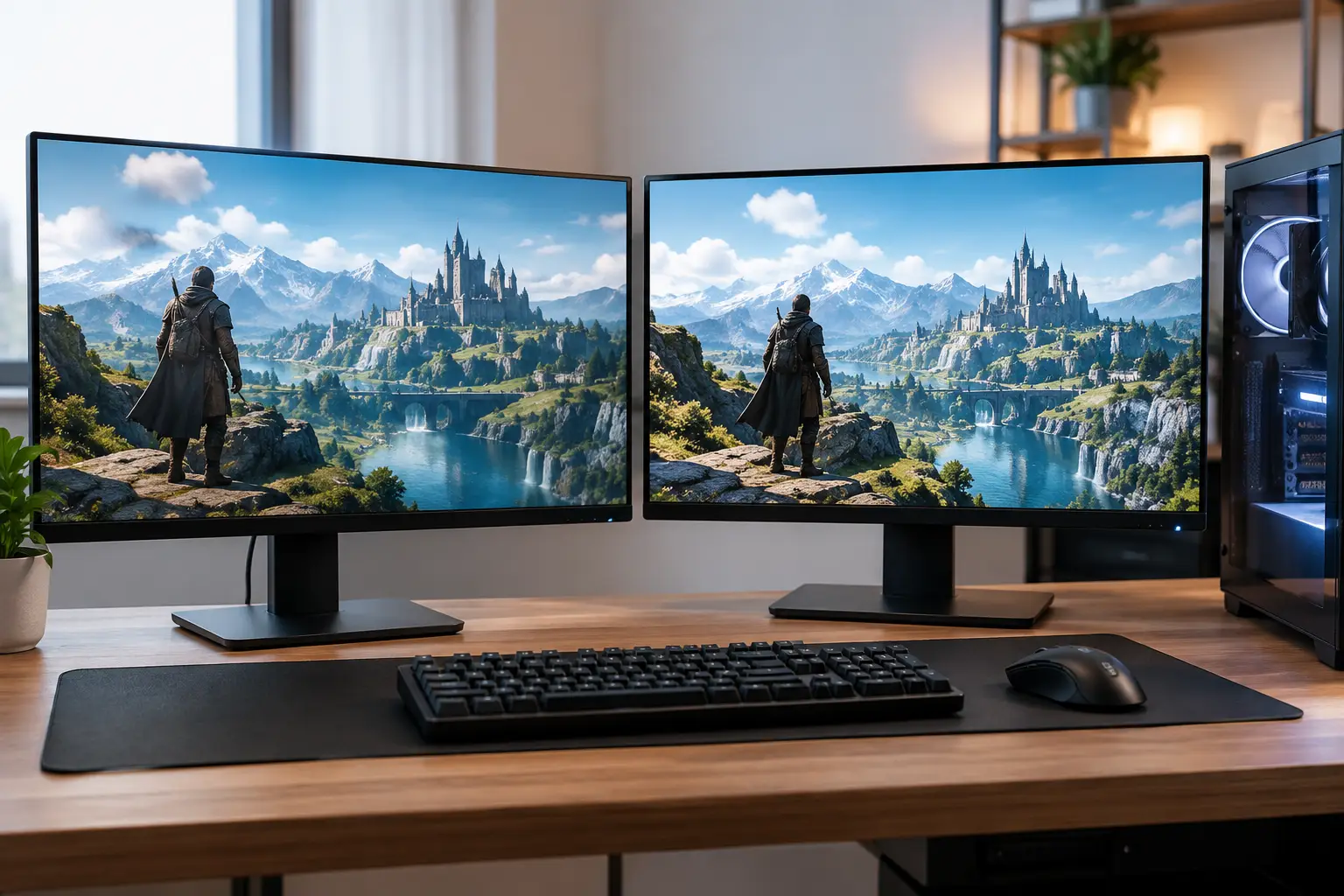
The choice between 1440p versus 4K is not simply about buying the sharpest monitor. It defines the graphics card your PC needs, the frame rates you can realistically expect, and how long the system will feel capable in demanding new games. A well-matched gaming PC and display will usually deliver a better experience than an expensive 4K panel paired with hardware that cannot drive it properly.
For many players, 1440p is the performance sweet spot. For others, particularly those prioritising single-player visuals, creative work or a large desktop display, 4K is worth the additional investment. The right answer depends on the games you play, the screen size you want and whether smooth high-refresh gameplay matters more than maximum pixel detail.
1440p versus 4K: the practical difference
A 1440p display has a resolution of 2,560 x 1,440 pixels. It is often called QHD or 1440p. A 4K display has 3,840 x 2,160 pixels, also known as UHD. That may appear to be a modest numerical increase, but 4K renders more than twice as many pixels as 1440p: roughly 8.3 million compared with 3.7 million.
That extra pixel count can make fine detail noticeably clearer. Text is cleaner, distant scenery holds more definition and high-quality textures look more convincing, especially on a 27-inch or larger screen. It also asks substantially more of the GPU. Every frame must be rendered at that higher pixel count, which is why a system that runs a game at 140 frames per second at 1440p may not reach 70 frames per second at native 4K with the same settings.
Resolution alone does not determine image quality. Panel type, refresh rate, response time, HDR performance, contrast and colour coverage all shape what you see. A premium 1440p OLED monitor, for example, may offer a more striking gaming image than an entry-level 4K LCD. It is worth assessing the complete display rather than treating the resolution figure as the only measure of quality.
Why 1440p remains the gaming sweet spot
1440p gives a significant visual step up from 1080p without imposing the same GPU demand as 4K. At 27 inches, it delivers a crisp image at a sensible viewing distance while leaving enough graphics performance for higher settings and higher refresh rates.
This makes it especially well suited to competitive and fast-moving games. Shooters, racing games, battle royales and action titles benefit from 144Hz, 165Hz, 240Hz or higher refresh rates. The higher the frame rate, the more immediate controls feel and the clearer motion can appear. Reaching those refresh rates is far more achievable at 1440p, even in graphically intensive modern releases.
A 1440p build can also be more balanced financially. Instead of allocating most of the budget to an ultra-high-end graphics card purely to sustain 4K, you can specify strong components across the system: a capable CPU, generous memory, fast storage and effective cooling. That balanced approach supports excellent everyday performance as well as gaming.
There is also a useful longevity advantage. As future games become more demanding, a powerful 1440p system generally has more room to maintain smooth frame rates by adjusting settings modestly. Upscaling technologies can extend that headroom further, but starting from a less demanding native resolution gives you more flexibility.
Where 4K makes its case
4K is compelling when visual detail is the priority. Story-led games, open-world titles, simulations and cinematic experiences can look exceptional at 4K, particularly on a 32-inch monitor or a larger display viewed from a desk or living-room setup. Fine environmental detail, foliage, distant objects and interface text can all look sharper.
For creators and professionals, 4K can provide practical workspace as well as visual refinement. There is more room for video timelines, reference material, editing panels and multiple documents. Photographers and video editors may value the ability to review high-resolution work more closely, although colour accuracy and calibration remain just as important as resolution.
The trade-off is clear: native 4K gaming needs serious graphics performance. For demanding games with ray tracing enabled, the GPU has to work particularly hard. A premium graphics card is often the sensible starting point for a 4K-focused system, especially if you want high settings and frame rates above 60fps in the latest titles.
Upscaling can make 4K much more attainable. Technologies such as DLSS, FSR and XeSS render the game internally at a lower resolution before intelligently scaling the image to the display. In many games, quality modes can offer a convincing 4K presentation with a substantial performance gain. Frame generation can raise the displayed frame rate further where supported, though competitive players should still pay attention to responsiveness rather than looking only at the headline fps figure.
Match resolution to refresh rate, not marketing claims
A 4K 60Hz monitor and a 1440p 180Hz monitor are built for different priorities. Neither is automatically better. If you mostly play slower-paced games and want an immaculate desktop image, 4K at 60Hz or 120Hz may be ideal. If you play ranked multiplayer titles, 1440p at 165Hz or above is frequently the more satisfying choice.
Consider the performance you want in the games you actually play. Check benchmark results for comparable hardware at your intended settings, then allow headroom for more demanding releases. A target of 100 to 144fps at 1440p makes excellent use of a high-refresh monitor. At 4K, a stable 60 to 100fps can still look superb in single-player games, while 120Hz or 144Hz 4K gaming generally calls for a top-tier GPU and a substantial budget.
Do not overlook display connectivity. Higher-resolution, high-refresh monitors may require DisplayPort or HDMI standards that support the desired bandwidth. The graphics card and monitor must both provide the correct connection, and the supplied cable should be rated accordingly. This is a small specification detail that can prevent a premium display from running at its intended refresh rate.
Screen size changes the decision
Pixel density matters as much as resolution. At 27 inches, 1440p is sharp enough for most gaming desks and offers a sensible balance of clarity and speed. At 32 inches, 4K becomes more attractive because the additional pixels help maintain a finer image across the larger panel.
A 24-inch 4K screen can look extraordinarily crisp, but it may not be the best value for a gaming setup. The visual gain can be harder to appreciate at normal viewing distances, while interface elements may need scaling. Conversely, a large 32-inch 1440p monitor can appear less refined when sitting close to it. Think about the available desk space, your usual viewing distance and whether the monitor will be used for work as well as play.
Ultrawide displays sit outside a simple 1440p versus 4K comparison. A 3,440 x 1,440 ultrawide monitor has more pixels than standard 1440p but significantly fewer than 4K. It can offer an immersive field of view while remaining easier to drive than a 4K panel. It is a worthwhile alternative for simulation, racing and strategy players, provided the games you play support the format well.
Choosing the right GPU for your target resolution
The graphics card should be chosen around your display ambition, not merely the highest model that fits the budget. A mid-to-upper-tier GPU can be an excellent 1440p choice, particularly for high-refresh gaming with carefully selected settings. A 4K-first build benefits from moving further up the GPU range, with enough video memory and raw rendering power to handle detailed assets, ray tracing and upcoming games.
CPU choice still matters, especially when pursuing very high frame rates at 1440p. At lower resolutions, the processor can become the limiting factor sooner because the GPU completes frames more quickly. For 4K gaming, the GPU is usually the primary constraint, but a modern, well-matched processor remains essential for consistent frame times and demanding background tasks.
Memory, cooling and power delivery deserve the same care. A premium graphics card should be supported by an appropriate power supply, a case with effective airflow and a CPU platform that will not restrict it. This is where a tailored system specification is valuable: every component should serve the intended gaming experience rather than inflate a specification sheet.
Which resolution should you choose?
Choose 1440p if you want a strong blend of image quality, value and high-refresh performance. It is the natural fit for players who enjoy competitive games, want consistently high frame rates or would rather invest across the entire PC than concentrate the budget on a 4K-capable GPU.
Choose 4K if visual fidelity, desktop clarity and large-screen gaming are your main priorities, and you are prepared to specify the graphics hardware accordingly. It is particularly rewarding for immersive single-player games, content creation and premium 32-inch displays.
For a first premium gaming PC, 1440p is often the more forgiving and versatile route. For a no-compromise visual build, 4K can be exceptional when the monitor and graphics card are selected as a pair. At CraftCore, that is the value of an expertly handcrafted, fully tested system tailored to the way you actually play and work.
Before finalising a build, pick the monitor experience you want to live with every day, then build the PC around it. The most satisfying upgrade is not the one with the biggest number on the box - it is the one that keeps every game feeling exactly as responsive, detailed and dependable as you expected.