AMD Versus Intel Processors: Which Fits You?
Compare AMD versus Intel processors for gaming, creative work and everyday performance. See which CPU suits your budget, graphics card and upgrade plans.
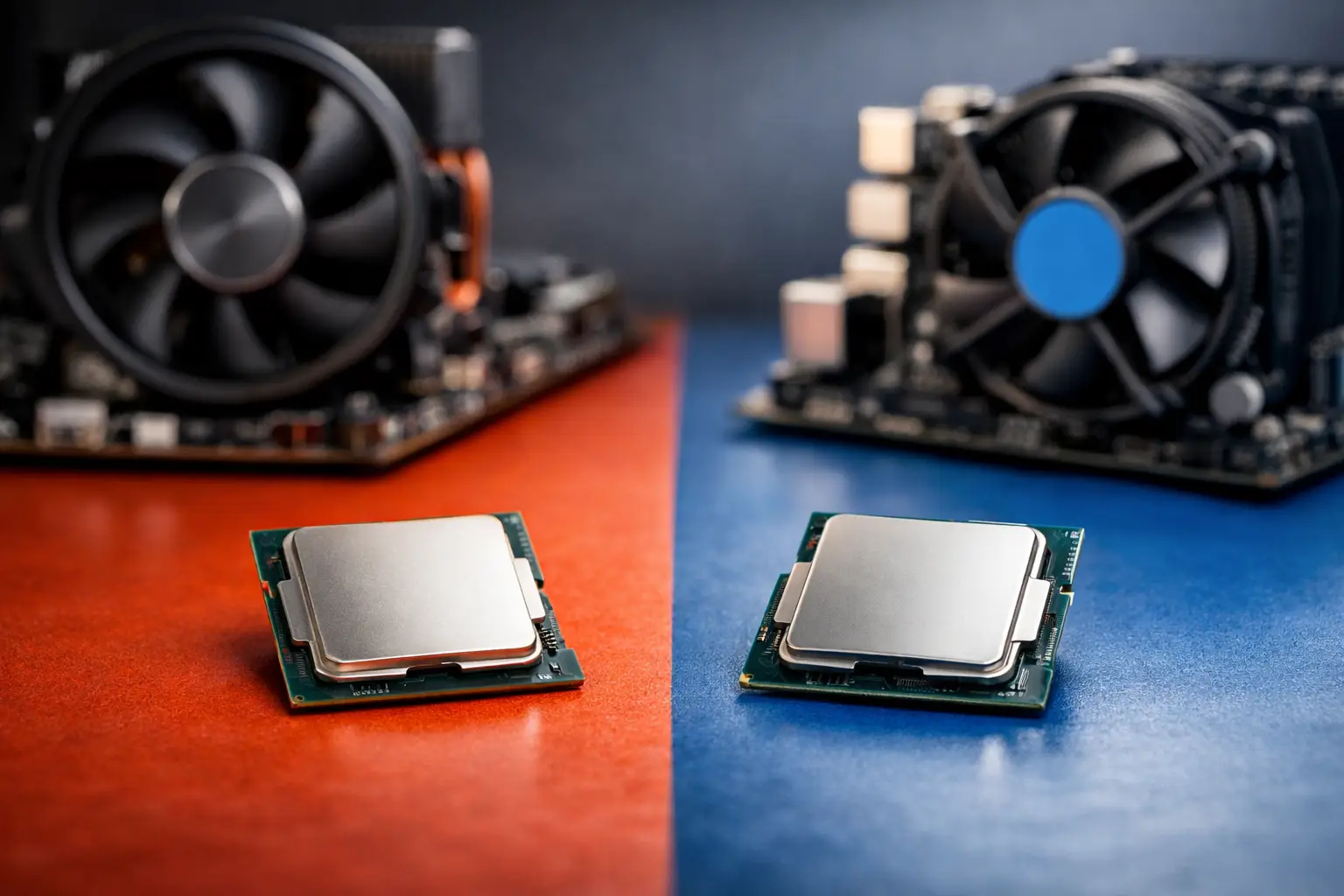
A premium gaming PC can look perfectly specified on paper yet still feel unbalanced if the processor is wrong for the job. AMD versus Intel processors is not a contest with one permanent winner. The right choice depends on the games you play, the graphics card you pair it with, the software you use and how long you expect the platform to serve you.
For most gaming builds, the processor should support the graphics card rather than dominate the budget. For creators and demanding desktop users, sustained multi-core performance, media tools and memory capacity may matter more than chasing the highest frame-rate figure. A considered specification starts with your actual workload.
AMD versus Intel processors for gaming
At 1080p with a powerful graphics card, the CPU has a greater influence on frame rates and, crucially, on 1% lows. These lows are a useful measure of consistency: a system that avoids sharp dips often feels smoother than one with a higher peak average. At 1440p and 4K, the graphics card usually becomes the main performance limit, so the gap between capable modern processors can narrow considerably.
AMD’s gaming-focused X3D processors have earned their reputation through large 3D V-Cache. Many games respond extremely well to that extra cache, particularly simulation, strategy, competitive and open-world titles that make frequent demands on the CPU. An X3D chip can be an excellent fit for a high-end gaming-first build, especially when paired with a fast graphics card and a high-refresh monitor.
That does not mean every gamer needs one. A mainstream AMD Ryzen processor or a well-chosen Intel Core processor can deliver excellent real-world gaming performance when the budget is better spent on the GPU. In a balanced mid-range system, moving up a graphics card tier often produces a more visible improvement than moving from a strong mid-range CPU to a premium gaming model.
Intel remains a compelling option for gaming, particularly where strong all-round performance, high clock speeds and competitive motherboard pricing align. The best result varies by game engine, resolution, graphics setting and background applications. Anyone claiming that one brand is always faster is simplifying a much more useful buying decision.
Match the CPU to the graphics card
A processor should be chosen alongside the GPU, not separately. Pairing a flagship graphics card with an entry-level CPU can restrict frame rates in CPU-heavy games. Equally, combining a top-tier processor with a modest GPU may leave gaming performance limited by the graphics card at the resolutions most people play.
For a 1440p gaming PC, a capable mid-range or upper-mid-range processor is often the sensible starting point. For 4K, prioritising the graphics card is usually even more important. For competitive 1080p play at very high refresh rates, or for demanding simulation titles, investing further in the CPU becomes easier to justify.
Where Intel or AMD makes more sense for work
Gaming is only one part of a desktop’s workload. Streaming, editing video, compiling code, rendering 3D scenes and running several professional applications at once can change the ideal choice.
AMD processors are often attractive for multi-threaded work thanks to strong core counts and efficient performance. A Ryzen system can be particularly well suited to rendering, encoding and productivity workloads that scale effectively across many cores. The result is a machine that can game exceptionally well while retaining serious capability for creative work.
Intel processors can be equally valuable for mixed-use systems. Certain creative applications benefit from Intel’s media engine and Quick Sync support, which can assist with video decoding and encoding in compatible software. Intel’s hybrid processor designs, combining performance and efficiency cores on many models, can also handle foreground work and background tasks effectively. However, results depend on the specific application, version and settings, so benchmark results for your own software matter more than a broad brand claim.
If your PC earns its place through Adobe applications, video production or live streaming, it is worth assessing the complete workflow. Consider the graphics card’s hardware encoder, available memory, fast storage and software support alongside the CPU. A workstation is a system, not a single component.
Platform costs, cooling and upgrades
The processor price is only part of the cost. Motherboard choice, DDR4 or DDR5 memory support, cooling requirements and future upgrade options can materially alter the value of a build.
AMD’s AM5 platform uses DDR5 memory and has offered a clear route for future compatible processor upgrades across its supported lifecycle. That can be reassuring for buyers who plan to refresh their CPU in a few years without replacing every major component. Compatibility still needs checking for the exact motherboard and BIOS version, but platform longevity is a genuine consideration.
Intel platforms can offer very competitive performance and broad motherboard choice, but socket transitions may mean a future processor generation requires a new board. This is not automatically a reason to avoid Intel. If you intend to keep the same configuration for several years, the performance and price available today may matter far more than a possible later upgrade.
Cooling also deserves attention. Higher-power processors can deliver formidable results, but they may need a quality air cooler or liquid cooler to sustain those results quietly. A properly matched cooler helps control temperatures, fan noise and clock behaviour under long gaming or rendering sessions. Selecting an oversized processor only to constrain it with inadequate cooling is false economy.
Memory configuration matters as well. Modern gaming and productivity systems benefit from sufficient RAM capacity and a matched kit configured correctly for the selected platform. For many gaming builds, 32GB is a comfortable target. Creators working with high-resolution footage, large projects or virtual machines may need 64GB or more. Processor choice should leave room in the budget for this supporting hardware.
Integrated graphics and everyday resilience
Even in a PC built around a dedicated graphics card, integrated graphics can be useful. They can help with initial setup, diagnosing a graphics card issue or keeping a system usable while a GPU is being upgraded. Intel commonly includes integrated graphics on many desktop processors, although some models omit them. AMD’s desktop range includes processors with integrated Radeon graphics as well as CPU-only models, so the specification needs checking carefully.
For a compact general-purpose desktop without a discrete GPU, an AMD processor with capable integrated Radeon graphics can offer notably stronger light gaming potential than basic integrated solutions. For a dedicated gaming PC, though, this should be a secondary consideration rather than the deciding factor.
Avoid the common buying shortcuts
Core count alone does not tell the whole story. A processor with more cores can be better in rendering yet offer little gaming advantage over a lower-core alternative with stronger per-core performance and cache. Clock speed is equally incomplete: processors from different architectures cannot be judged fairly by GHz alone.
Nor should a single benchmark chart decide a build. Look for tests using a comparable graphics card, resolution and game settings. Check whether the review measures average frame rates, 1% lows, power draw and application performance. Then relate the result to the monitor and software you actually use.
It is also worth resisting the urge to buy purely for a future use case that may never arrive. A balanced system with the right GPU, reliable power supply, effective cooling and quality storage will provide a better ownership experience than a lopsided specification built around one headline component.
Which processor should you choose?
Choose an AMD gaming-focused processor when your priority is extracting maximum frame-rate consistency from a powerful graphics card, particularly in cache-sensitive games. Choose AMD more broadly when you value efficient multi-core capability and a platform that may offer a straightforward future CPU upgrade.
Choose Intel when its price and motherboard combination creates the stronger overall specification, when your chosen creative software benefits from its media features, or when the selected processor delivers the performance profile your workload needs. Both brands can anchor an exceptional gaming or high-performance desktop.
The best route is to begin with your display resolution, target games or applications and total budget, then allocate the components around them. A carefully tailored, expertly handcrafted and fully tested PC should feel purposeful from the first boot, not merely impressive on a specification sheet.