Bespoke PCs Built for How You Actually Use Them
Bespoke PCs pair carefully selected components with expert assembly and testing, giving gamers and creators performance built around their needs with care.
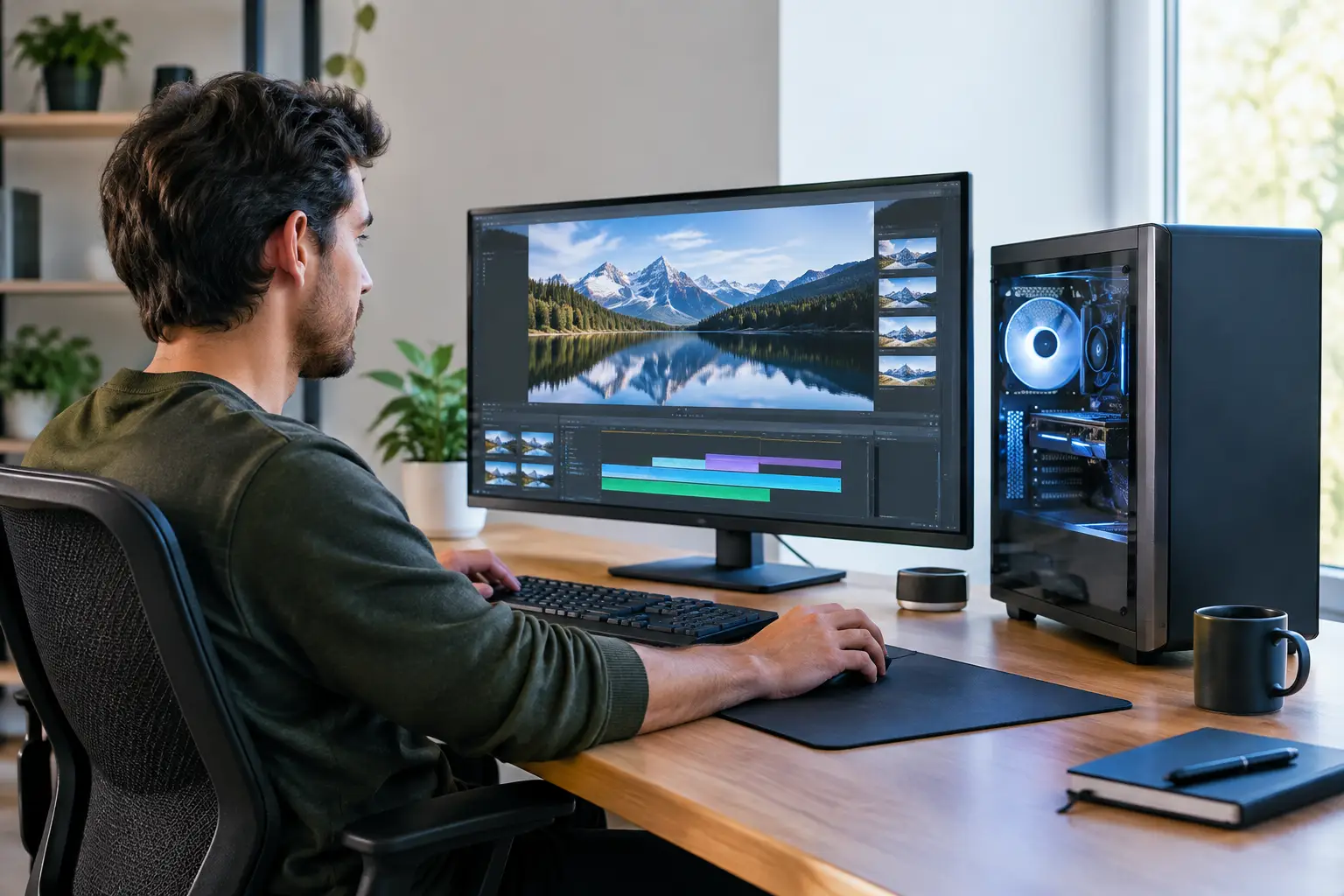
A graphics card can look exceptional on a specification sheet and still be the wrong choice for the games you play, the monitor you own or the budget you have set aside. That is why bespoke PCs are about more than selecting the most expensive components. They are carefully planned systems, built around the way you actually work, play and want your desk to look.
For a competitive gamer, that might mean prioritising high frame rates at 1440p. For a creator, it could mean faster rendering, more memory and reliable storage. For someone replacing an ageing family desktop, it may simply mean a responsive, quiet machine with room to grow. A considered custom build makes those decisions deliberate rather than accidental.
What Makes a PC Truly Bespoke?
A bespoke PC begins with a purpose. Instead of working backwards from a fixed specification, the build is configured around your intended use, display, preferred games, software, visual style and realistic budget. Every part has a role, from the processor and graphics card to the cooling, power supply and case.
This does not mean every component must be top-tier. In fact, a good configuration often avoids spending heavily in the wrong place. A player using a 1080p monitor may get greater value from a balanced processor and graphics card pairing than from a flagship GPU that cannot show its full potential on their current display. Equally, someone editing large video files may benefit more from additional RAM and fast high-capacity storage than from extra RGB lighting.
The aim is balance. A powerful graphics card needs a processor that can keep pace, while a high-performance processor needs suitable cooling and a quality motherboard. Storage should support how you use the system, and the power supply should provide dependable headroom rather than merely meeting the minimum requirement. Bespoke PCs turn these individual decisions into one coherent machine.
Start With the Workload, Not the Parts List
The most useful question is not, “Which component is best?” It is, “What must this PC do well?” That answer gives the specification direction.
For gaming, resolution and refresh rate matter as much as the games themselves. Esports titles can favour high refresh rates and strong CPU performance, while cinematic single-player games often place more demand on the graphics card. Ray tracing, mods and future releases can also change what makes sense. A system for 4K gaming will have different priorities from one intended for fast 1080p competitive play.
Creative and professional workloads have their own requirements. Photo editing, video production, 3D modelling, music work and software development can each put pressure on different resources. More processor cores may shorten render times, while substantial RAM can make large projects less restrictive. Fast NVMe storage improves loading and file handling, but long-term archiving may call for larger secondary drives as well.
General high-performance use sits between these needs. If you regularly run multiple displays, browser tabs, spreadsheets, virtual meetings and demanding applications at once, a well-specified processor, ample memory and quick storage can make the whole experience feel more immediate. The right system is not necessarily the most extreme one. It is the one that removes the bottlenecks you notice every day.
The Component Choices That Matter Most
A custom configuration gives you control, but it also introduces trade-offs. Knowing where those trade-offs sit helps you invest with confidence.
Graphics card and processor balance
The graphics card has the greatest influence on gaming performance in most modern titles, particularly at higher resolutions. However, it should not consume the entire budget. An underpowered processor can limit frame rates in CPU-heavy games, while insufficient memory or slow storage can make an otherwise premium system feel less polished in use.
There is no universal ratio between CPU and GPU. It depends on your resolution, target frame rate and software. A balanced build for a 165Hz 1440p display will not look the same as a workstation designed for rendering and occasional gaming. The important point is that the platform supports the performance level you are paying for.
Memory and storage
Memory capacity affects multitasking and demanding applications, while memory speed can matter in certain games and workloads. More is not always better if it exceeds your real needs, but too little can quickly become frustrating when applications, background tasks and large files compete for space.
Storage deserves equal attention. A fast primary SSD keeps the operating system, frequently played games and active projects responsive. Additional storage provides breathing room for larger libraries and media files. It is often sensible to choose a motherboard with room for future drives rather than trying to predict every storage need on day one.
Cooling, power and the case
These components are sometimes treated as secondary because they do not headline benchmark charts. They are central to a dependable build. Effective cooling helps components sustain performance and keeps fan noise under control. A quality power supply supports stable operation and leaves suitable capacity for the configured hardware.
The case affects airflow, cable management, expansion options and appearance. A compact case can create a clean setup, but it may place limits on cooler size, graphics card clearance and future upgrades. A larger chassis offers more room and airflow, though it takes up more desk or floor space. Neither is automatically better. It depends on what you value.
Why Expert Assembly and Testing Change the Experience
Choosing compatible parts is only part of building a PC. Assembly quality affects the finished system's reliability, airflow and serviceability. Clean cable routing is not simply cosmetic. It can help maintain clear airflow paths and make future upgrades or maintenance easier.
A professionally assembled system should also be fully tested before it reaches you. That process checks that the build starts correctly, components are recognised, cooling behaves as expected and the system remains stable under load. It reduces the risk of receiving a collection of expensive parts that needs troubleshooting before you can enjoy it.
For less experienced buyers, this provides reassurance without taking away choice. For enthusiasts, it saves time while retaining control over the components and visual direction. At CraftCore, each system is expertly handcrafted and fully tested so the finished PC feels like a considered purchase rather than a box of compromises.
Plan for Tomorrow Without Overbuying Today
Upgrade potential is valuable, but it should be approached sensibly. Paying a little more for a capable motherboard, quality power supply and well-ventilated case can create useful flexibility for later. These are foundations that are more inconvenient to replace than storage or memory.
That said, it rarely makes sense to overspend purely for a hypothetical future upgrade. Hardware standards change, and money held back for a later improvement may be better spent when your needs genuinely change. Focus first on a system that performs well for the next few years, then choose sensible expansion where it offers clear value.
A bespoke build can also reflect your preferred aesthetic. Subtle lighting, a clean blacked-out design, white components, tempered glass and carefully chosen fans all shape the final result. Visual choices should not undermine cooling or budget priorities, but a PC you enjoy looking at is still part of a build tailored to you.
A Better Way to Choose Your Next System
Before configuring a system, decide what you play or create, what monitor you use, how long you expect to keep the PC and where your budget matters most. Be clear about the features you will actually use and the upgrades you may realistically make. These details make expert advice more useful and the final specification more accurate.
The best bespoke PC is not defined by one headline component. It is the machine that feels fast in the moments that matter, suits your setup and has been built with enough care that you can focus on using it from the first power-on.