Best Creator PC Processors for Demanding Work
Choose the best creator PC processors for video editing, 3D rendering and design, with practical advice on cores, cooling, memory and platform choice.
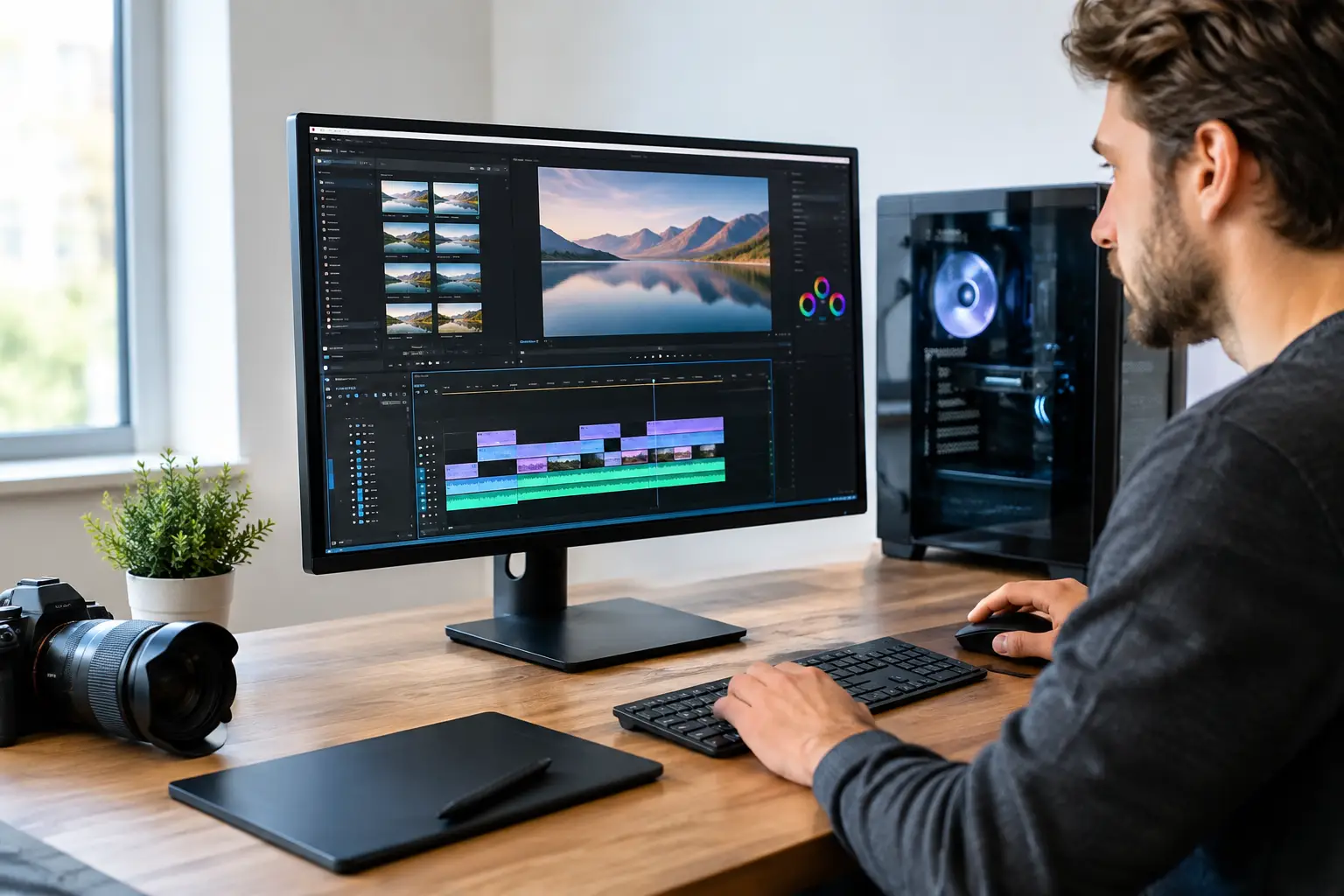
A creator PC can feel exceptionally quick in one application and frustratingly slow in another. That is why the best creator PC processors are not simply the chips with the highest advertised clock speed or core count. The right choice depends on whether your time is spent editing 4K footage, rendering 3D scenes, producing music, compiling code, designing in CAD, or moving between several demanding jobs at once.
For a tailored workstation, the processor should be chosen as part of the whole system. Memory capacity, graphics performance, storage speed, cooling and the motherboard platform all affect how well your software performs in real work.
What makes a processor right for creative work?
Creator applications place different demands on a CPU. Video editing benefits from fast individual cores for responsive timelines, alongside enough total cores for exports and background processing. 3D rendering, simulation and code compilation can scale strongly across many cores. Photography and graphic design often feel fastest on CPUs with excellent single-core performance, particularly when paired with ample RAM and quick NVMe storage.
The practical question is not, "Which processor is fastest?" It is, "Which processor removes the biggest delay in my workflow?" A motion designer who waits on CPU renders has different priorities from a streamer who edits short-form video and plays competitive games in the evening.
Clock speed still matters, but it is only one part of the picture. Modern processor architecture, cache, memory support, power limits and software optimisation all influence results. A premium processor also needs suitable cooling. If it cannot sustain its intended performance under an extended render, the specification on paper will not translate into dependable output.
Best creator PC processors by workload
AMD Ryzen 9 9950X for balanced high-end creation
The AMD Ryzen 9 9950X is an excellent choice for creators who need serious multi-threaded performance without moving to a specialist workstation platform. Its 16 cores provide strong performance in CPU rendering, encoding, compiling and heavily layered production projects, while its responsive single-core performance keeps everyday editing, design and general desktop work feeling quick.
It is particularly well suited to a premium all-round system: one PC for 4K editing, Adobe Creative Cloud workloads, Blender projects, streaming and high-refresh-rate gaming. For many creators, that balance makes more sense than paying for a workstation processor whose extra cores may sit unused for much of the week.
A system based on this processor should be paired with quality cooling, ideally a capable 360 mm liquid cooler or a top-tier air cooler in a well-ventilated case. 64 GB of DDR5 memory is a sensible starting point for serious video and 3D work, with 96 GB or 128 GB worth considering for larger projects.
AMD Ryzen 9 9900X for efficient, capable builds
The Ryzen 9 9900X is a strong option when you want high-end creative performance but have a more controlled budget for the full build. With 12 cores, it has the processing headroom for regular editing, rendering and multitasking, while leaving more of the budget available for a faster graphics card, extra memory or larger high-speed storage.
That trade-off can be intelligent. In GPU-accelerated software, a better graphics card may improve playback, effects processing and GPU rendering more than stepping up from a 12-core to a 16-core CPU. This is especially relevant for creators working in DaVinci Resolve, Blender GPU rendering, Adobe Premiere Pro or AI-assisted creative tools.
Choose this class of processor when your work is demanding but not dominated by all-day CPU rendering. It also makes an excellent foundation for a creator-gaming PC that needs to remain responsive under varied workloads.
Intel Core Ultra 9 285K for fast interactive workflows
Intel's Core Ultra 9 285K deserves close consideration for creators whose software responds well to its architecture and media capabilities. It offers strong performance for responsive editing, image work, design applications and mixed desktop workloads, with a platform designed around modern connectivity and DDR5 memory.
The right Intel build can be particularly compelling for video creators, but it is worth checking the exact applications and codecs you use rather than buying on brand preference alone. Export performance can vary by software version, project format, GPU acceleration settings and whether hardware encoding is available.
As with any flagship desktop CPU, cooling and motherboard selection matter. A capable Z-series motherboard, fast memory and a correctly configured cooler help the processor maintain consistent performance during long production sessions. A premium build should be assembled with airflow and noise in mind, particularly if recording audio in the same room.
Intel Core Ultra 7 265K for creators with a balanced budget
The Core Ultra 7 265K offers an appealing middle ground for editing, design and streaming systems. It suits creators who value quick daily performance, strong productivity capability and a budget that still accommodates a substantial graphics card and 64 GB of memory.
For a YouTuber, photographer or designer producing regular client work, this level of processor is often more than sufficient. Spending carefully on storage can make the system feel better day to day: a dedicated fast drive for active project files and cache is valuable when working with high-bitrate footage or large asset libraries.
AMD Ryzen Threadripper for specialist production
Threadripper is for workflows where time spent rendering or computing directly affects income, deadlines or studio throughput. These workstation processors offer far more cores, substantial memory capacity and greater PCIe expansion than mainstream desktop platforms. They are built for demanding CPU rendering, advanced simulation, engineering workflows, virtual machines and professional production environments with multiple high-bandwidth devices.
The trade-off is clear: the platform costs more. The processor, motherboard, memory and cooling requirements can substantially increase the total build price. It is not the sensible choice for most solo creators, especially where GPU rendering is the main workload. But for a professional who regularly runs long multi-core jobs, the time saved can justify the investment.
Match the CPU to the rest of the build
A processor cannot carry an under-specified creative PC. Memory is often the first component creators underestimate. While 32 GB can cover lighter editing and design work, 64 GB is a more comfortable baseline for demanding video projects, 3D scenes and extensive multitasking. Large After Effects compositions, high-resolution RAW files and complex CAD assemblies may benefit from 96 GB or 128 GB.
Your graphics card matters just as much for many modern applications. GPU acceleration can transform preview performance, colour grading, visual effects and 3D rendering. If you use Blender, Unreal Engine, DaVinci Resolve or AI image and video tools, avoid putting nearly all of the budget into the CPU at the expense of the GPU.
Storage should be planned around your workflow, not simply total capacity. A fast NVMe SSD for Windows and applications, another for current projects and cache, and larger storage for completed work create a more organised and responsive setup. Creators handling irreplaceable work should also have a proper backup plan separate from the PC.
How to choose without overspending
Start with the application that earns you money or takes the most time. Check whether it benefits more from processor cores, clock speed, GPU acceleration or memory. Then choose the platform that supports the upgrade path and connectivity you genuinely need.
A 16-core mainstream processor is often the sweet spot for an ambitious creator who also games. A 12-core processor can be the better-value decision where the graphics card does more of the heavy lifting. A workstation platform becomes worthwhile when multi-core processing is central to your work rather than an occasional export at the end of the day.
At CraftCore, a creator-focused PC can be configured around the tools you actually use, then expertly handcrafted and fully tested as a complete system. That matters because reliable performance is not only about selecting premium components. It is about ensuring they work together under load.
Choose the processor that gives your most demanding project room to breathe, then invest in the memory, cooling and graphics performance that let it deliver consistently when the deadline is close.