Best Gaming PC for 1440p Gaming in 2026
Find the best gaming PC for 1440p gaming with the right GPU, CPU, memory and cooling for high settings, dependable frame rates and future upgrades too.
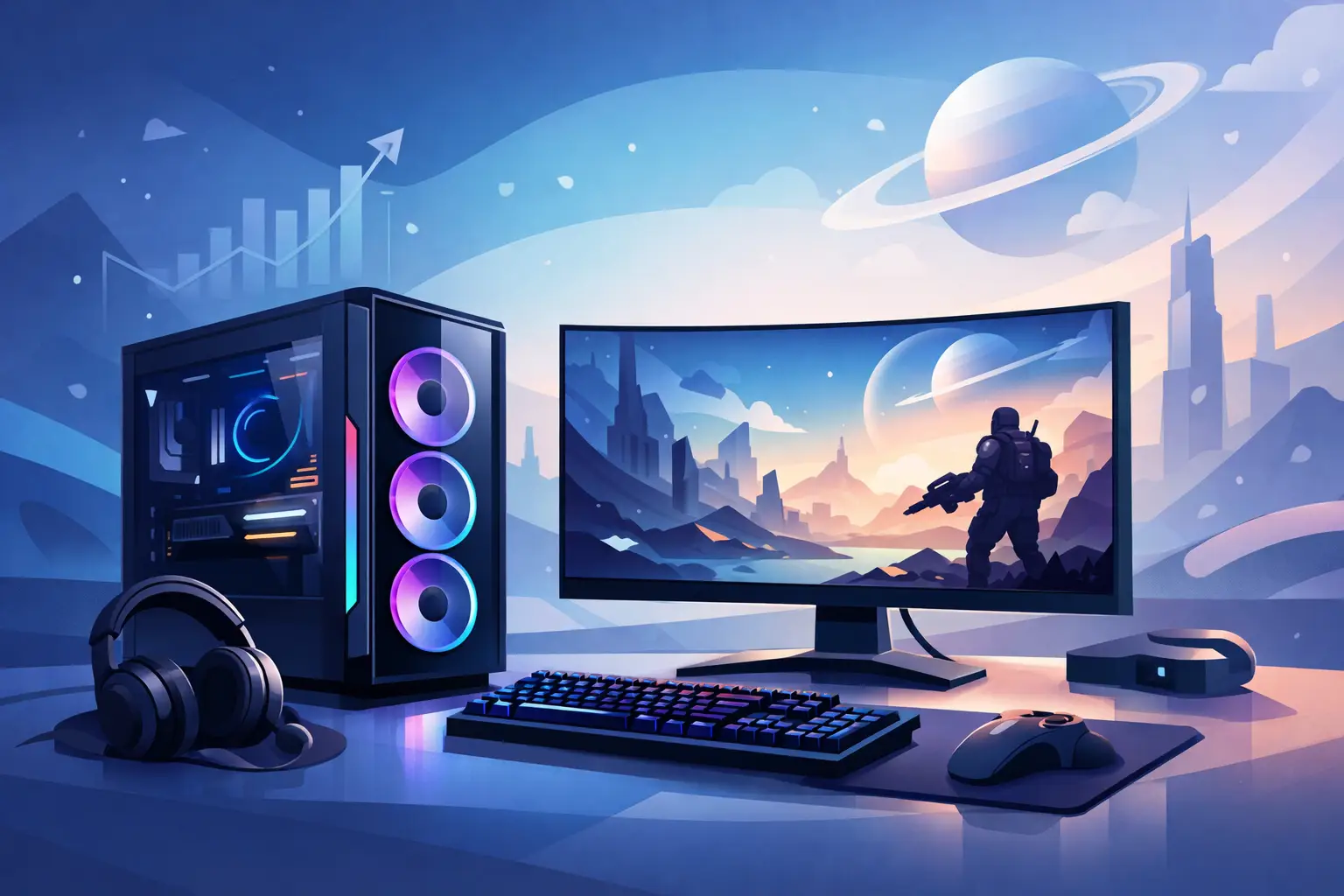
A 1440p monitor is where a gaming PC has to earn its place. At 2560 x 1440, games look noticeably sharper than 1080p, but the graphics card still has enough work to do that a poorly balanced specification will show its limits quickly. The best gaming PC for 1440p gaming is not simply the one with the most expensive component list. It is a carefully matched system with the graphics performance, cooling, memory and power headroom to deliver the settings and frame rates you actually want.
For most players, 1440p is the sweet spot between visual quality and performance. It suits fast 165Hz and 240Hz monitors, makes single-player worlds look more detailed, and gives a well-built PC room to remain capable for years. The right specification depends on whether your priority is competitive gaming, cinematic ray-traced titles, content creation, or a mix of all three.
What Makes the Best Gaming PC for 1440p Gaming?
The graphics card is the defining choice. At 1440p, the GPU usually determines whether you can hold high settings at a high refresh rate, particularly in demanding modern releases. The processor remains important, but spending heavily on a flagship CPU while compromising on the graphics card is rarely the best route for this resolution.
A strong 1440p system should also be built around 32GB of DDR5 memory, a fast 1TB NVMe SSD as a practical minimum, and a quality power supply with sensible capacity for the selected components. These parts do not attract the same attention as a GPU, but they affect everyday responsiveness, reliability and the ability to upgrade later.
Cooling and case airflow matter just as much in a premium build. High-performance components can only sustain their best clock speeds when temperatures are managed correctly. An expertly handcrafted and fully tested PC should be configured so that performance is not dependent on running fans at distracting levels or allowing components to run unnecessarily hot.
Start With the GPU, Not the Marketing Label
A system described as a "1440p gaming PC" can cover a very wide range of real-world performance. Look beyond the label and consider the games you play, the refresh rate of your monitor, and whether ray tracing is part of your ideal experience.
For high-settings gaming at 60fps to 100fps in most current titles, a graphics card in the class of an NVIDIA GeForce RTX 5070 or AMD Radeon RX 9070 is a sensible starting point. These GPUs offer the level of performance many players expect from a premium 1440p machine, with modern upscaling technologies available when a game is especially demanding.
If you own a 165Hz or 240Hz display and want to make meaningful use of it in newer AAA games, step up to a faster card such as the RTX 5070 Ti, RTX 5080 or a comparably capable Radeon model. The extra GPU headroom is valuable for higher texture settings, intensive effects and more consistent frame times. It also provides a better margin as game requirements increase.
Ray tracing changes the calculation. NVIDIA cards are often the stronger choice for players who prioritise heavily ray-traced games and want access to DLSS features, including frame generation where supported. AMD can offer compelling conventional rendering performance and generous video memory at particular price points. Neither route is automatically right for every buyer. The best choice comes down to the games in your library and the visual features you intend to use.
Video memory is worth planning for
At this performance level, avoid treating VRAM as an afterthought. Some recent games use substantial video memory at 1440p with high-resolution textures, ray tracing or extensive mods enabled. A card with 16GB of VRAM gives greater breathing room for demanding games and longer-term ownership, although a well-priced 12GB option can still be an excellent choice when the rest of the specification is right.
Do not judge a GPU on VRAM capacity alone. Architecture, memory bandwidth, upscaling quality, ray-tracing performance and overall game benchmarks all matter. Capacity is a useful safeguard, not a replacement for genuine graphics performance.
Choose a CPU That Supports Your Monitor
At 1440p, a capable modern six-core processor is enough for many gaming builds, especially where the graphics card is the limiting factor. A current Ryzen 5 or Intel Core i5-class CPU can deliver excellent results when matched with a mid-to-upper-range GPU and a 144Hz or 165Hz display.
For high-refresh competitive play, simulation titles, strategy games or a top-tier graphics card, a faster processor becomes more worthwhile. AMD Ryzen X3D processors are particularly strong gaming choices thanks to their additional cache, which can improve performance in CPU-sensitive games and help frame times remain consistent. A Ryzen 7 7800X3D or newer equivalent is a premium option for buyers who want exceptional gaming focus without paying for workstation-class cores they may never use.
Intel processors remain a valid choice, particularly for mixed workloads that include editing, rendering or productivity applications. What matters is that the CPU, motherboard and cooling solution are selected as a complete platform rather than as isolated headline parts.
There is little value in pairing an entry-level CPU with a high-end graphics card, but there is also no need to overspend on a flagship processor for a GPU that cannot benefit from it. A tailored build should keep the budget directed towards the components that will make the greatest difference to your experience.
The Supporting Parts That Keep a PC Feeling Premium
A gaming PC can post impressive benchmark numbers and still become frustrating to live with if its supporting components are underspecified. For 1440p gaming, 32GB of DDR5 RAM is the sensible standard. It gives modern games, launchers, background applications and voice chat enough space to run comfortably, while also supporting light creative work and multitasking.
Storage deserves the same practical approach. A 1TB NVMe SSD fills quickly once several large games are installed, so 2TB is often the better choice for a long-term premium system. A fast PCIe 4.0 drive offers excellent load times without paying a disproportionate premium for benchmark figures that may not translate into a noticeable gaming difference.
The power supply should be from a reputable range, appropriately rated and selected with upgrade capacity in mind. A quality 750W unit is suitable for many 1440p builds, while 850W may be preferable for higher-tier GPUs or a system intended for future upgrades. Modern graphics cards can have significant transient power demands, so this is not the place to cut corners.
A well-ventilated case, correctly positioned fans and a suitable air cooler or liquid cooler complete the picture. Liquid cooling is not mandatory for every build. A high-quality tower air cooler can be quiet, dependable and more than capable for many CPUs. The better option is the one that suits the processor, case layout, acoustic expectations and visual design you want.
Three Sensible 1440p Build Directions
The best specification becomes clearer when you define the type of player you are.
The high-settings all-rounder
This is the most balanced route for most buyers: a Radeon RX 9070 or GeForce RTX 5070-class GPU, a current Ryzen 5 or Core i5-class processor, 32GB DDR5 memory and a 1TB or 2TB NVMe SSD. It is designed for excellent 1440p performance in a broad mix of games without putting too much of the budget into parts that offer limited practical return.
The high-refresh competitive build
For esports titles such as Counter-Strike 2, Valorant, Fortnite or Call of Duty, prioritise a fast CPU alongside a capable GPU. Frame-rate averages matter, but consistent frame times matter more when you are playing on a 240Hz monitor. A Ryzen X3D processor can make sense here, particularly if you also play CPU-heavy titles between competitive sessions.
The cinematic, ray-traced build
If your favourite games are graphically demanding single-player releases, reserve more budget for the GPU. An RTX 5070 Ti or RTX 5080-class card, paired with a strong Ryzen 7 or Core i7-class CPU, offers better scope for high settings, ray tracing and upscaling at 1440p. This is also the right direction for players who want the system to stay comfortable as future games become more demanding.
Avoid False Savings on a 1440p PC
The most common mistake is buying to a specification sheet rather than to a real use case. A system may advertise a high-end processor but include only 16GB of memory, limited storage, a basic power supply or a graphics card that is not suited to your target settings. Those compromises often become apparent after the purchase, when upgrades are more inconvenient and expensive.
Another mistake is assuming every game should run at native 1440p with every setting at maximum. Modern upscaling is a useful tool, not a failure of the hardware. Quality modes can preserve a sharp image while increasing performance substantially, and selective setting changes such as lowering shadow quality can often produce better frame rates with little visible loss during play.
A carefully configured PC Builder order gives you the chance to put money where it matters: graphics performance for your monitor, a processor that matches your games, reliable cooling, and components chosen to work together. If you prefer a proven configuration, a professionally assembled pre-built system offers the same reassurance when it has been fully tested before dispatch.
The right 1440p gaming PC should make your monitor feel like an upgrade every time you sit down to play. Choose the components around the games and frame rates you value, then give the system enough quality beneath the surface to remain enjoyable long after the first boot.