Best High End Gaming Desktop Computer Guide
Find the best high end gaming desktop computer for your games, work and budget, with expert advice on components, cooling, upgrades and build quality.
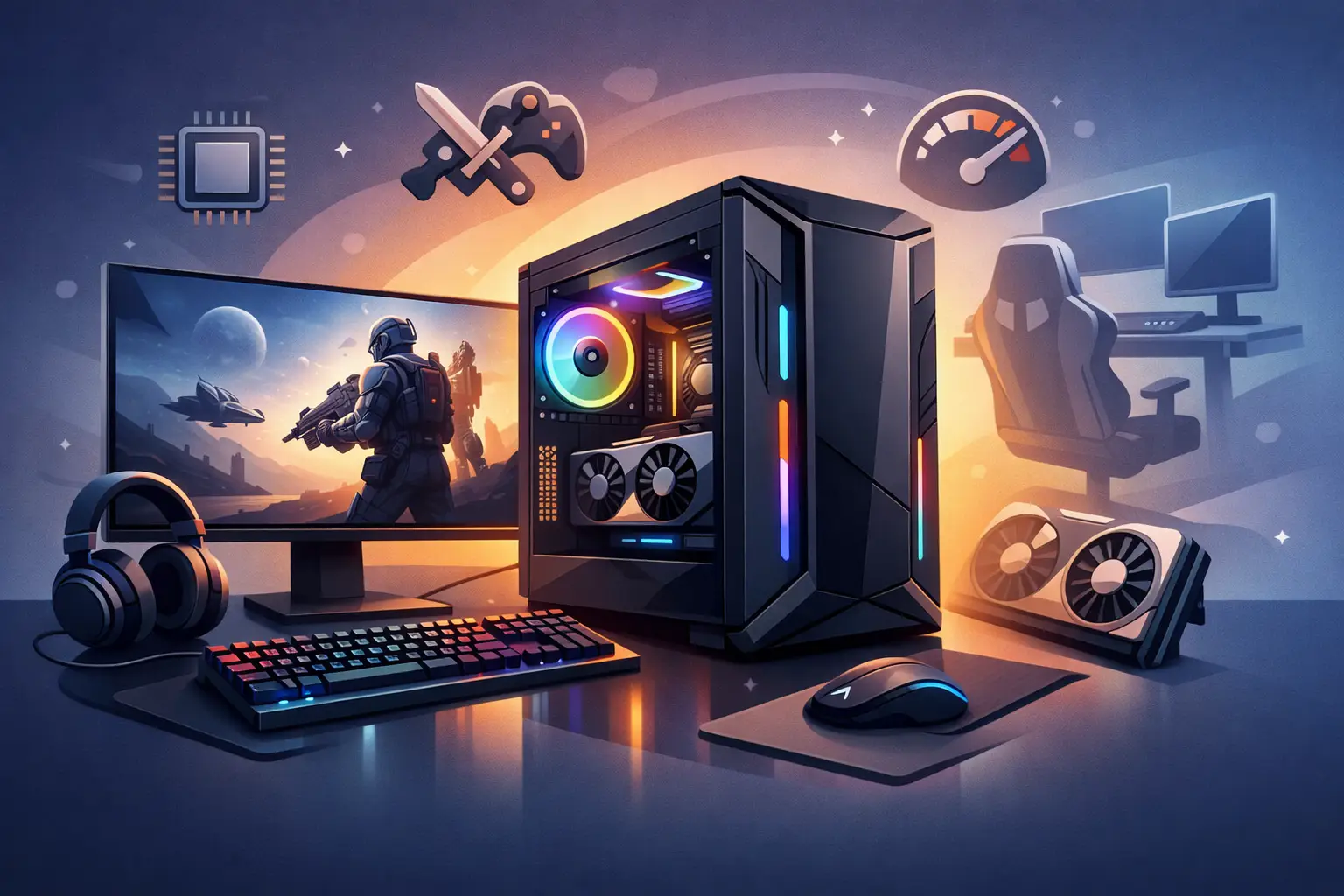
A premium PC should not leave you lowering settings the moment a demanding new release arrives. The best high end gaming desktop computer is not simply the one with the most expensive graphics card. It is a carefully balanced system built for the games you play, the display you own and the work you may ask it to handle between sessions.
For some buyers, that means exceptional 4K performance with ray tracing enabled. For others, it means competitive frame rates at 1440p, fast storage for a growing game library, or the processing headroom to edit video and stream without compromise. The right specification depends on those priorities, but build quality, cooling and component compatibility should never be afterthoughts.
What makes the best high end gaming desktop computer?
A high-end gaming PC is defined by sustained performance rather than a headline specification alone. It should deliver excellent frame rates in demanding titles, remain stable under long periods of load and give you practical options to upgrade over time. That takes more than fitting powerful parts into a case.
The processor and graphics card need to suit one another. The motherboard must offer the right connectivity and expansion, while the power supply must provide dependable power with sufficient capacity for both current hardware and sensible future upgrades. Fast memory and storage help the whole system feel responsive, but neither should take budget away from the components that have the greatest effect on your actual gaming experience.
Cooling is equally central. Modern premium components can generate considerable heat during a long gaming session or a rendering workload. A well-planned air or liquid cooling arrangement helps maintain consistent clock speeds while keeping fan noise under control. It also protects the long-term reliability of the components inside.
Finally, a high-end desktop should be built cleanly and tested thoroughly. Correct cable routing improves airflow and makes future maintenance easier. BIOS settings, memory profiles, operating system installation and stability testing all matter. These are the details that turn a collection of parts into a dependable computer.
Start with your screen, not the specification sheet
Your monitor has a major influence on where your budget should go. At 1080p, even a powerful system can be more limited by the processor in competitive games where extremely high refresh rates matter. At 1440p, the load shifts further towards the graphics card, making it a popular balance of image quality and performance. At 4K, graphics performance becomes the defining factor in most modern games.
Refresh rate matters too. A 240Hz or 360Hz display is built for a different experience from a 144Hz 4K panel. If your aim is fast-paced esports gaming, prioritise strong processor performance, low latency and a graphics card capable of sustaining very high frame rates. If you prefer cinematic single-player games, a higher-resolution display, generous graphics memory and advanced lighting features may deserve more of the budget.
There is little value in paying for performance your monitor cannot show. Equally, buying a premium display without specifying a PC capable of driving it can create an unbalanced setup. Choosing the two together is one of the clearest ways to get better value from a high-end build.
Choose the components that affect your experience
The graphics card remains the most important component for most gaming systems. It determines how comfortably you can run higher resolutions, detailed textures, ray-traced effects and demanding visual settings. More graphics memory can also be valuable for 4K gaming, heavily modded titles and creative applications, although the card's overall performance still matters more than memory capacity in isolation.
The processor deserves equal consideration if you play strategy games, simulations, competitive shooters or games with complex worlds and large numbers of on-screen elements. It is also particularly relevant for streaming, code compilation, video editing and other productivity workloads. A premium processor with strong single-core performance and enough cores for background tasks gives a gaming desktop greater versatility.
Memory should be sufficient for the games and software you use now, with room for multitasking. For many premium gaming systems, 32GB is a sensible starting point. Higher capacities can be worthwhile for content creation, virtual machines, large project files or heavily modded games. Memory speed and stable configuration matter, which is why it should be selected as part of the complete platform rather than as an isolated upgrade.
Storage changes the day-to-day feel of the PC. A fast NVMe SSD offers quick boot times, responsive applications and reduced loading times in supported games. Large modern game installations mean capacity matters as much as speed. A practical premium build often combines a fast primary drive with enough secondary SSD space to avoid constantly uninstalling games.
When comparing configurations, focus on these connected decisions:
- a graphics card appropriate for your resolution and refresh rate;
- a processor that supports your game types and wider workloads;
- cooling designed for sustained performance, not just short benchmark runs;
- a quality power supply with suitable capacity and modern connections; and
- a case that provides strong airflow, practical access and the look you want on your desk.
Cooling, power and the parts you do not see
It is easy to concentrate on the processor and graphics card, yet supporting components often separate a good PC from an excellent one. A premium power supply from a dependable platform provides stable power delivery and helps accommodate future hardware changes. It should not be treated as a place to cut corners in a high-value system.
The case is also more than a visual choice. It determines radiator support, fan placement, graphics card clearance, cable management space and dust control. A compact case can look excellent, but it may require more deliberate component selection and may run warmer or louder than a larger airflow-focused design. There is no single best option: the right enclosure depends on whether your priority is a minimal footprint, a quiet workspace, a showcase aesthetic or maximum cooling capacity.
Liquid cooling can be an effective choice for powerful processors and visually striking builds, while a high-quality air cooler can offer excellent thermal performance with fewer moving parts. Neither is automatically superior. The key is selecting a solution that suits the heat output of the hardware, the case layout and your preference for acoustics and appearance.
Avoid spending on the wrong kind of premium
High-end does not mean choosing the highest-priced option in every category. It means putting the budget where it has a meaningful effect. An oversized processor paired with a modest graphics card may not suit a 4K gaming-first system. Conversely, a top-tier graphics card with inadequate cooling, limited storage or a weak power supply is not a well-rounded investment.
Be cautious with specifications used purely as marketing shorthand. Huge storage figures can conceal slower drive choices. A large number of fans does not guarantee good airflow. RGB lighting can create an impressive visual design, but it does not replace a sound cooling plan. Compare the complete configuration, including the specific component models where available, rather than relying on a short list of headline parts.
Upgrade potential is worth considering, but it should be realistic. A motherboard with extra slots and connections is useful only if you expect to use them. A more capable power supply can be sensible where a future graphics upgrade is likely. However, it is rarely wise to compromise current performance substantially for a hypothetical upgrade several years away.
Custom-built or ready-built?
A ready-built premium desktop is a strong choice when you want a proven configuration and a straightforward route to purchase. It removes uncertainty around compatibility and can be ideal if you know the performance level you need but do not want to select every component yourself.
A custom system is better suited to buyers with specific requirements. You may need a particular case colour, quieter cooling, more storage for creative work, a high-refresh competitive setup or a configuration designed around a monitor you already own. It also gives you greater control over where the budget goes.
Whichever route you choose, specialist assembly and testing provide valuable reassurance. A system should be checked for stability, thermal performance and correct operation before it reaches your desk. At CraftCore, every PC is expertly handcrafted and fully tested, with configurations tailored to the performance, visual design and budget that matter to the individual buyer.
Build for the games you will play next
The strongest premium gaming desktop is one that feels considered from the first boot, not one that simply wins a specification comparison. Set your target resolution and refresh rate, be honest about the games and applications you use, then balance performance hardware with cooling, power and storage that can support it properly.
A thoughtfully specified, fully tested system will give you more confidence than an expensive but mismatched parts list. Choose the machine that fits your setup and your ambitions, then leave room to enjoy the games rather than second-guess the hardware.