How to Choose the Best PC for Gaming and Work
Find the best pc for gaming and work with clear advice on CPUs, graphics cards, memory, storage and cooling for a tailored desktop that lasts for years.
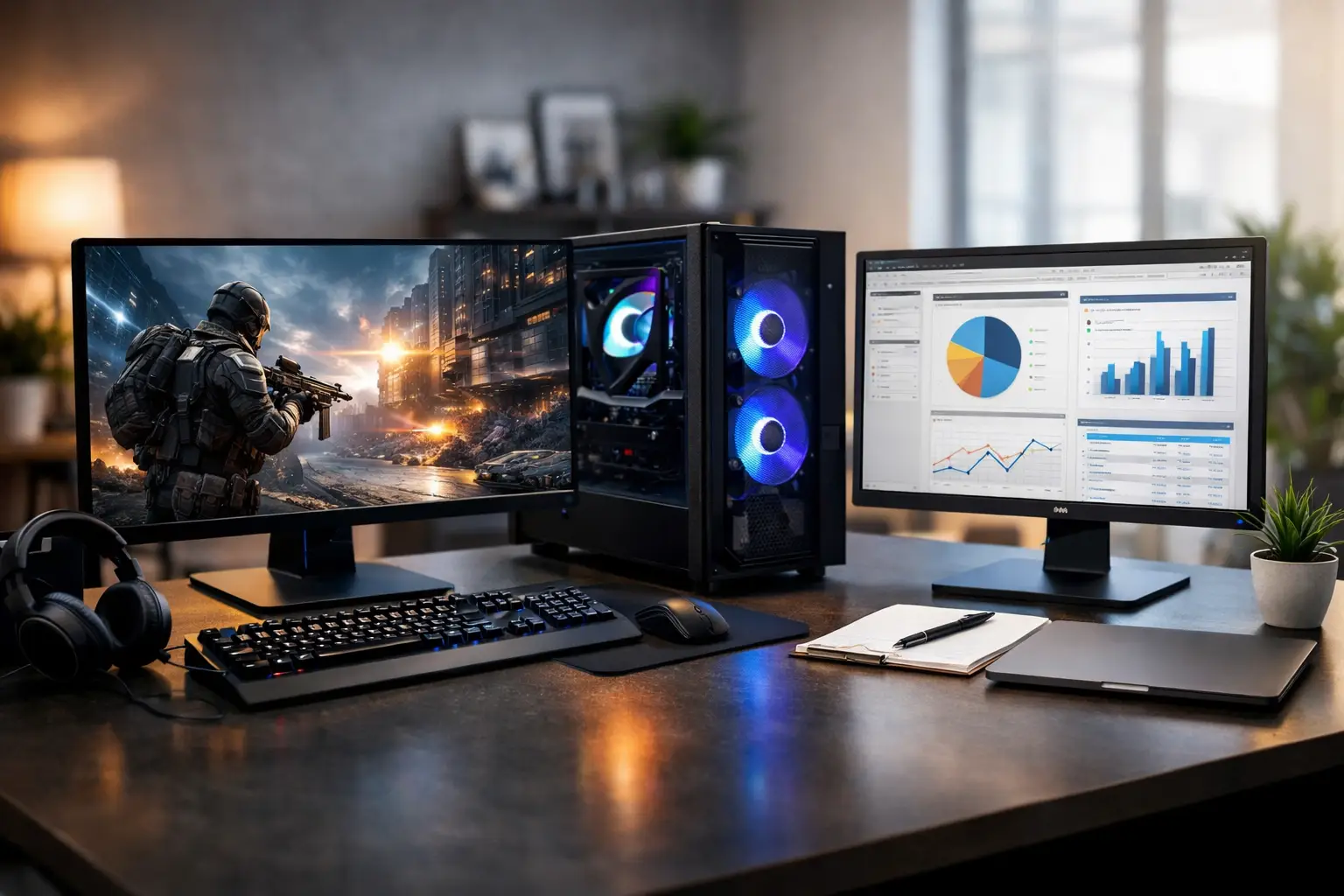
A PC that runs a competitive game at high frame rates but stalls during a video export is not truly versatile. Neither is a workstation that handles large spreadsheets effortlessly but makes modern games feel compromised. The best PC for gaming and work is built around the tasks that take up most of your time, with enough headroom to stay capable as games, projects and software demands increase.
That balance is different for every buyer. A developer who plays esports titles needs a different specification from a designer working in Adobe applications, or a creator editing 4K footage after work. Choosing parts by badge, RGB lighting or one headline specification alone often leads to an unbalanced system. The goal is a premium desktop where the processor, graphics card, memory, storage, cooling and power supply all support one another.
Start With Your Real Gaming and Workload Split
Before selecting components, be honest about where the PC will earn its place on your desk. If gaming is the priority and work consists mainly of web applications, documents, meetings and light multitasking, the graphics card should receive the larger share of the budget. If your work includes 3D rendering, code compilation, video editing, CAD or data-heavy tasks, processor performance, memory capacity and fast storage deserve more attention.
Resolution matters too. A system intended for 1080p competitive gaming does not need the same graphics performance as one driving a high-refresh 1440p ultrawide or a 4K display. Buying more GPU power than your monitor can use may not be the best allocation of budget, particularly when additional memory or storage would make work noticeably smoother.
It also helps to identify applications that rely heavily on the graphics card. GPU-accelerated editing, 3D design, AI-assisted creative tools and rendering can justify stepping up the graphics card even when gaming is not the sole focus. Conversely, office work, browsing and standard business software gain more from a responsive processor, sufficient RAM and a quality SSD than from an extreme gaming GPU.
Choosing the Best PC for Gaming and Work
A well-balanced PC starts with the processor. For mixed use, look beyond basic core counts. Modern games benefit from strong single-core performance, while editing, rendering, multitasking and professional applications can use additional cores and threads. A current mid-to-high-tier processor is often the sensible centre point for a dual-purpose build.
The right choice depends on the work itself. For gaming, office productivity and everyday creative work, a capable mainstream processor provides excellent results. For regular video production, demanding software development, virtual machines or CPU rendering, moving to a higher-core model can save meaningful time each week. There is little value in paying for an enthusiast-level processor if the graphics card, monitor and daily workload will not make use of it.
Put the Graphics Card Where It Has the Most Impact
For most gaming-led builds, the graphics card has the greatest influence on visual settings, resolution and frame rate. It is also likely to be the component you notice most when launching a new title. Choose it for the games you actually play and the display you own or plan to buy.
A balanced 1440p gaming and work PC will usually benefit from a strong mid-to-high-range GPU with adequate video memory. This gives room for detailed textures, ray tracing where desired and modern creative applications. At 4K, graphics demands rise sharply, so a more powerful card is normally the better investment. For 1080p esports, spending less on the GPU may free budget for a higher refresh-rate monitor, a better processor or larger storage.
Do not overlook video memory. It can affect how comfortably a system handles demanding games, high-resolution textures, large creative projects and GPU-based workflows. More is not automatically better, but too little can shorten the useful life of an otherwise capable build.
Memory Is a Productivity Component, Not an Afterthought
For a gaming and work desktop, 32GB of RAM is an excellent starting point. It provides comfortable space for current games, multiple browser tabs, communication tools, background applications and creative work without making the system feel constrained. It is particularly worthwhile for users who switch between projects, keep reference material open or run several applications at once.
Sixteen gigabytes can still suit a tighter budget and straightforward workloads, but it leaves less breathing room. For video editing, 3D work, large datasets, virtual machines or professional multitasking, 64GB may be a more appropriate choice. Memory capacity should reflect your work patterns rather than a specification race. Fast, compatible memory in a stable configuration is more valuable than chasing small benchmark gains.
Use Fast Storage Without Sacrificing Capacity
A fast NVMe SSD makes a PC feel immediate. Windows loads quickly, applications open promptly, project files transfer faster and many games benefit from reduced loading times. A 1TB SSD is a practical minimum for many mixed-use systems, but modern game libraries and media files can consume that capacity sooner than expected.
For a long-term build, a 2TB primary SSD is often a more comfortable fit. Creators may also benefit from a second drive for active projects, raw footage or asset libraries. Separating operating system files and current work from long-term storage can make organisation easier and helps avoid constantly clearing space before a large install or export.
Traditional hard drives still have a place for economical archives, but they should not be the main drive in a premium desktop. Keep the operating system, frequently used software and active games on SSD storage where responsiveness matters.
Cooling, Power and Case Design Protect the Investment
High-performance components need an environment that lets them operate consistently. Cooling is not just about lower temperatures on a specification sheet. Effective airflow and a correctly chosen CPU cooler help sustain performance during long gaming sessions, extended exports and demanding workloads. They can also reduce noise, which matters when the same PC is used for meetings, recording or focused work.
Case choice affects cooling, cable management, component clearance and the final look of the system. A premium case with sensible airflow is generally a better decision than a closed design chosen only for appearance. A carefully planned build can still deliver the clean, personalised aesthetic many buyers want, whether that means understated black, bright white, coordinated RGB lighting or a more individual colour theme.
The power supply is equally important. It should be high quality, appropriately rated and selected with the graphics card and processor in mind. Cheap power supplies are a false economy in a system built around premium hardware. A suitable unit supports stable operation today and allows reasonable room for future upgrades.
Plan for Upgrades, But Build for Today
Upgrade potential is useful, but it should not become an excuse to under-specify a new PC. Buying an entry-level graphics card with the intention of replacing it immediately is rarely satisfying. Instead, choose the strongest sensible configuration for your current games and work, then leave practical room for expansion through spare storage capacity, suitable power headroom and a platform that supports your needs.
Memory and storage are commonly the easiest upgrades. Graphics card upgrades are possible too, but should be considered alongside power supply capacity, case dimensions and cooling. A specialist-built system removes much of that compatibility uncertainty, especially for buyers who know what they need the PC to do but do not want to assemble and test every component themselves.
At CraftCore, a tailored configuration gives you the freedom to prioritise the components that genuinely affect your experience, while every system is expertly handcrafted and fully tested before it reaches your desk.
Avoid the Common Compromises
The most expensive component is not always the right one. A top-tier graphics card paired with limited RAM, a small SSD and a basic power supply creates a build that looks impressive on paper but feels poorly considered in daily use. Equally, overspending on processor cores can reduce gaming performance if it forces a weaker graphics card at the same budget.
Be cautious with pre-configured specifications that do not clearly identify the power supply, cooling solution, motherboard or memory configuration. These parts influence reliability, noise, upgrade options and long-term confidence. Component quality matters alongside component names.
The same applies to peripherals. A capable PC deserves a monitor that can show its performance, plus a keyboard, mouse and headset suited to how you play and work. A high-refresh display can transform competitive gaming, while accurate colour and appropriate resolution may matter more for design and editing.
The right system is the one that feels fast in your working day and exciting when you launch a game. Build around that reality, choose quality where it protects performance and reliability, and leave enough capacity for the projects and playtime still ahead.