Can Gaming PCs Run Quietly? What It Takes
Can gaming PCs run quietly without sacrificing performance? Yes - with balanced cooling, careful component choices and an expertly assembled build in use.
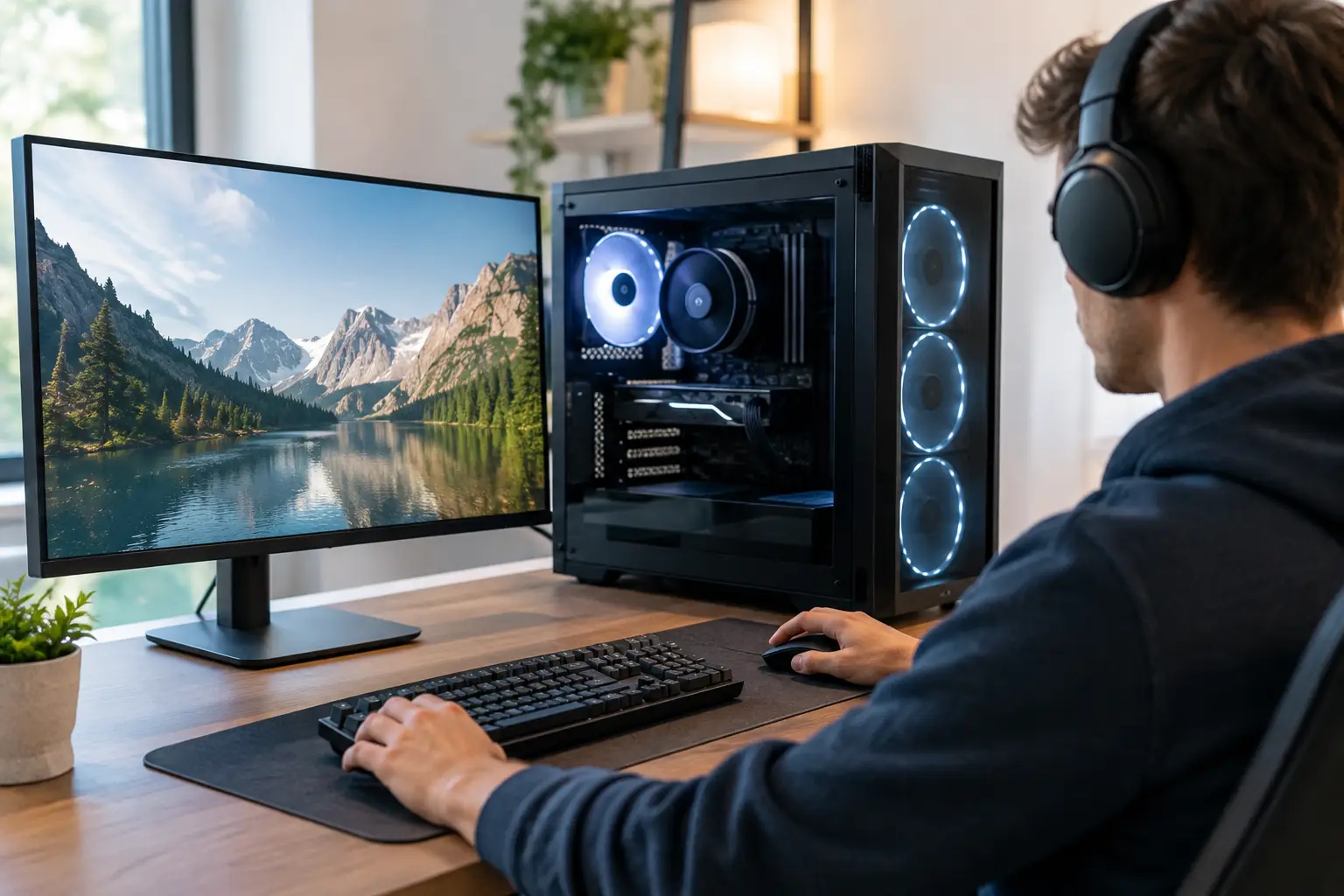
A powerful gaming PC does not need to sound like it is preparing for take-off every time a match loads. Can gaming PCs run quietly while still delivering high frame rates and reliable performance? Absolutely - but quiet operation has to be considered across the whole system, not added as an afterthought.
The goal is not silence at any cost. A high-performance PC produces heat, particularly under sustained gaming, rendering or productivity workloads. The aim is controlled, low-pitch airflow that keeps components within safe temperatures without fans constantly racing to maximum speed. With the right specification and careful assembly, a premium gaming PC can remain unobtrusive for everyday use and impressively restrained under load.
What Makes a Gaming PC Noisy?
Most PC noise comes from moving parts. Case fans, CPU cooler fans, graphics card fans and power supply fans all contribute, while mechanical hard drives can add clicking or spinning noise. In a poorly balanced build, these components react to rising temperatures independently, creating sudden changes in fan speed that are often more distracting than a steady background hum.
Graphics cards are usually the main source of noise during gaming. Modern GPUs can draw substantial power, and their cooling systems must move heat away quickly during demanding titles. A compact case, restricted airflow or an aggressive default fan curve can make even a quality graphics card seem louder than it should.
Heat is the underlying issue. When warm air cannot leave the case efficiently, every cooler has to work harder. This is why a quiet system is not simply a matter of buying the quietest fan available. It is a matter of giving each component enough clean airflow, choosing cooling that suits the hardware, and tuning the system as a complete build.
Can Gaming PCs Run Quietly With High-End Parts?
Yes, although the answer depends on the performance level you expect and the type of games or applications you run. A system designed for competitive esports at 1080p has different cooling demands from a high-end 4K gaming and content creation PC. Both can be quiet, but the more power a system uses, the more carefully its heat output needs to be managed.
A well-specified high-performance PC will often be quieter than a cheaper system using less powerful parts. Premium components tend to include larger heatsinks, more efficient fans and better control over fan behaviour. A graphics card with a substantial cooler may keep its fans at lower speeds than a smaller model using the same GPU. Likewise, a quality CPU air cooler or correctly configured liquid cooler can manage sustained workloads without excessive noise.
There is a practical limit. During a long gaming session in a warm room, a powerful PC will be audible. What matters is the character of that sound. A well-built system should produce a smooth, predictable airflow sound rather than high-pitched fan noise, rattling panels or sudden bursts of speed.
The Components That Matter Most
The Case and Airflow Layout
A case is more than a visual choice. Its panel design, fan positions and internal space determine how efficiently cool air reaches the CPU and graphics card. A front panel with generous ventilation, sensible cable routing and room for full-size fans gives a system a strong foundation for quieter operation.
More fans do not automatically mean more noise. Several larger fans running slowly can move the same amount of air as fewer smaller fans running at high speed, often with a lower and less intrusive sound. The key is a balanced intake and exhaust layout that avoids trapping heat around the GPU.
CPU Cooling
For many gaming PCs, a premium tower air cooler offers excellent thermal performance with minimal maintenance and low noise. Its large heatsink allows the fan to run slowly for much of the time. All-in-one liquid cooling can also be an effective choice, especially for higher-wattage processors or builds where appearance is a priority, but it introduces pump noise alongside radiator fans.
Neither option is automatically quieter in every build. The best choice depends on the processor, case compatibility, intended workload and the fan curve used. Careful configuration matters more than choosing cooling based on appearance alone.
Graphics Card Design
GPU cooling design has a major effect on gaming noise. Look beyond the chip name and consider the cooler fitted to the specific card. Larger heatsinks, multiple well-designed fans and a semi-passive mode, where fans stop during light desktop use, can make a substantial difference.
Frame-rate settings matter here too. If a game is allowed to run at hundreds of frames per second when your display cannot show them, the graphics card may use more power than necessary. Capping frame rates, enabling sensible synchronisation settings or choosing a balanced graphics preset can reduce GPU temperatures and fan noise with little meaningful loss in the experience.
Power Supply and Storage
A quality power supply is easy to overlook, yet it can affect both noise and long-term dependability. Efficient units generate less waste heat, and many use semi-passive fan modes at low to moderate loads. Selecting sufficient capacity also prevents the unit from operating constantly near its limit.
For storage, solid-state drives are naturally quieter than mechanical hard drives because they contain no spinning platters. For most gaming and professional desktop builds, an NVMe SSD provides fast loading times as well as silent operation. Large hard drives still have a place for bulk storage, but they should be chosen with the small amount of additional noise in mind.
Fan Curves Make the Difference
Even excellent hardware can sound poor with untuned fan settings. A fan curve controls how quickly each fan responds as temperatures rise. Factory settings are designed to protect components in a wide range of conditions, so they can sometimes be more aggressive than necessary for a properly configured system.
A considered fan curve keeps fans slow at idle and during lighter workloads, then increases speed gradually as temperatures climb. This avoids the irritating pattern where fans surge briefly whenever a browser opens, a game launcher updates or a CPU temperature spikes for a moment.
The right settings should always prioritise safe temperatures. Quiet tuning is not about forcing fans to remain slow regardless of heat. It is about using measured temperature targets and smooth response points so the PC remains cool without overreacting. Fully testing a configured system under realistic load is particularly valuable, as it confirms that noise levels and thermals are appropriate together.
Small Build Details Have a Big Effect
Noise can also come from vibration rather than airflow. Loose screws, poorly fitted panels, cables touching fan blades and unsecured drives can create rattles that no amount of software tuning will solve. Rubber fan mounts, secure cable management and correctly seated components help a system feel as refined as it looks.
Dust management is equally important. A build that begins quietly can become louder as dust restricts filters, heatsinks and radiator fins. Cleaning accessible filters regularly, keeping the PC away from thick carpet where possible and leaving space around its intake and exhaust vents all support consistent cooling. A system pushed into a cramped desk compartment will inevitably run warmer and louder than one with room to breathe.
Room temperature also changes the result. During a hot UK summer spell, fan speeds will rise because the PC has less cool air available. This is normal, and a well-designed system should adapt safely. It is another reason to judge quiet performance over typical use rather than expecting identical noise levels in every room and season.
Choosing the Right Balance for Your Build
The quietest sensible specification is tailored to how you actually use your PC. A customer who plays story-led games at 1440p may benefit more from an efficient, well-cooled graphics card and restrained fan tuning than from chasing the highest possible power limit. A competitive player using a high-refresh-rate display may reasonably prioritise performance, while still choosing a case and cooling arrangement that controls noise effectively.
Visual preferences matter too. Glass panels, RGB lighting and compact cases can all work in a quiet build, but each creates different constraints. Small-form-factor systems, for example, can be exceptionally capable, yet their limited internal volume often demands more precise component selection and thermal planning.
This is where an expertly handcrafted, fully tested PC has real value. Rather than treating the case, cooler, graphics card and power supply as separate purchases, the system can be configured around your preferred balance of performance, appearance, upgrade potential and acoustic comfort.
A quiet gaming PC is built through good decisions made before the power button is pressed. Choose efficient components, give them enough airflow, use sensible fan control and allow the system space to breathe. The result is a more comfortable desk setup that lets the game, the work or the conversation take centre stage.