Choosing Computer Monitors for Gaming PCs
Choose computer monitors that match your gaming PC, from refresh rate and resolution to panel type, connectivity and desk-ready sizing for sharper play.
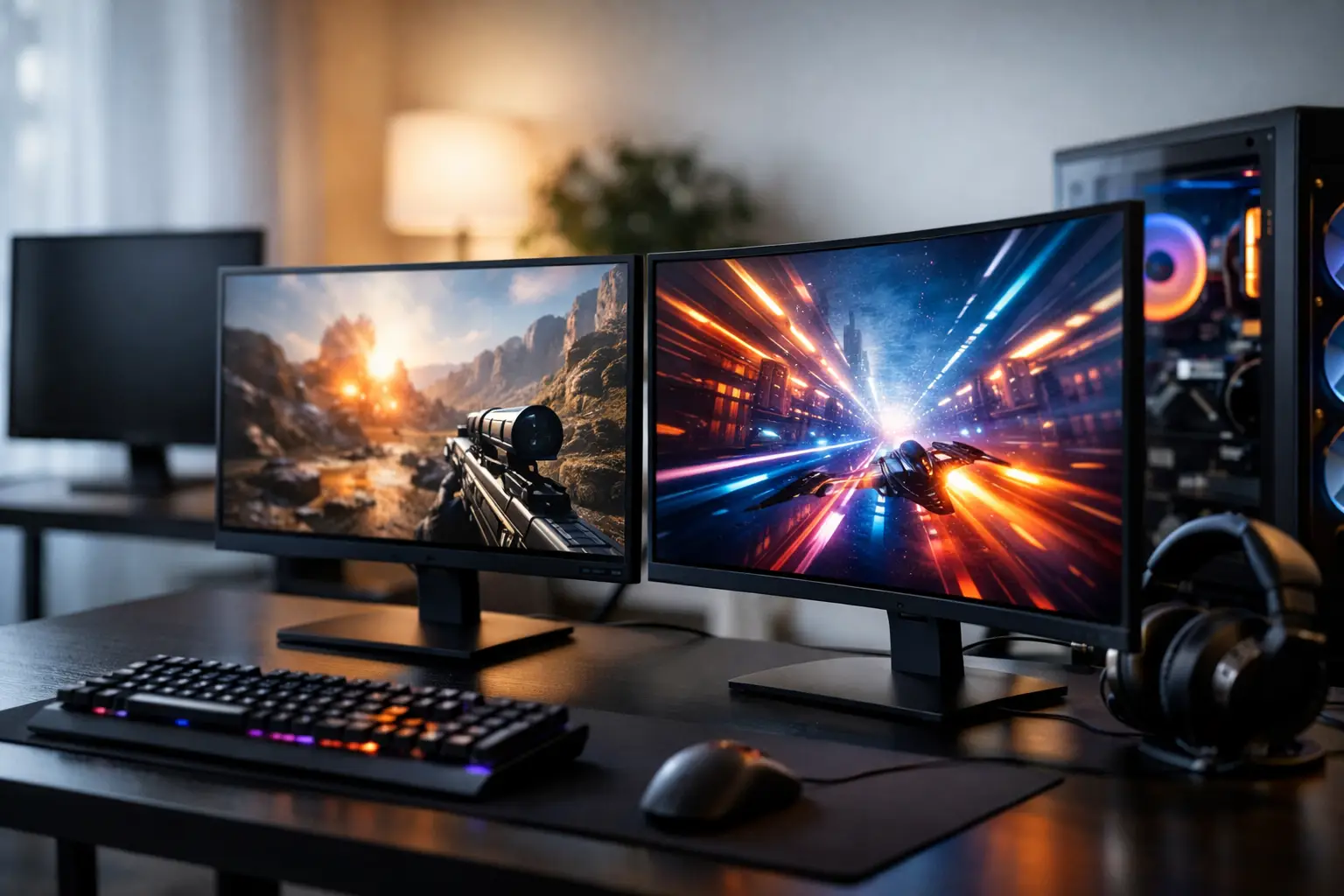
A powerful graphics card can only show what the display in front of it is capable of producing. Pairing a high-spec gaming PC with the wrong screen can mean paying for frames you never see, detail you cannot properly appreciate, or colour that does not suit your work. The best computer monitors are not simply the most expensive models - they are the ones that make sense for your games, hardware, desk space and everyday use.
For a custom PC buyer, the monitor deserves the same considered approach as the processor or graphics card. Resolution, refresh rate, panel technology and connectivity all affect the experience. Getting the balance right produces a setup that feels responsive, clear and properly matched from the first boot.
Start with your graphics card and the games you play
Monitor choice should begin with the performance your system can realistically deliver. A competitive esports player may benefit most from high frame rates and a fast refresh rate. A single-player gamer who values cinematic worlds may prefer higher resolution, stronger contrast and a larger panel. Neither approach is universally better.
For fast titles such as Counter-Strike 2, Valorant, Fortnite and Call of Duty, a 1080p or 1440p monitor at 144Hz, 165Hz or above is often a sensible target. These displays make motion appear smoother and reduce the delay between an input and the image changing on screen. To make the most of one, however, the PC needs to sustain suitably high frame rates at your chosen settings.
For story-led games, racing titles, strategy games and open-world releases, 1440p has become an excellent middle ground. It is visibly sharper than Full HD without demanding the graphics power of 4K in every game. A well-specified gaming PC can pair very effectively with a 27-inch 1440p display at 144Hz or 165Hz, offering both detail and speed.
4K monitors deliver exceptional image clarity, particularly on 27-inch and 32-inch screens. They are also a strong option for creators working with high-resolution footage, design applications or detailed photographs. The trade-off is clear: 4K places a heavier load on the graphics card. Modern upscaling technologies and careful settings choices help, but buyers should ensure the PC specification is built with their preferred games and performance expectations in mind.
Resolution and screen size should work together
A monitor is not judged by resolution alone. Pixel density changes with screen size, viewing distance and how close you sit to the panel.
A 24-inch Full HD screen remains practical for competitive gaming, especially where desk depth is limited. At this size, the image is sufficiently crisp for most players and the entire display stays within easy view. Moving Full HD to 27 inches can be worthwhile on a budget, but text and fine edges may look less refined when viewed closely.
For many gaming desks, 27 inches at 1440p is the most balanced configuration. It provides a noticeable step up in workspace and detail while retaining a comfortable field of view. It is large enough to enjoy games properly without requiring the deep desk space of a larger display.
A 32-inch 4K monitor suits buyers who want a more immersive image, use their PC for work as well as gaming, or sit slightly further back. Ultrawide models can be equally compelling for simulation, racing and productivity, with the extra horizontal room useful for timelines, multiple windows and expansive game views. Check the physical width before ordering: an ultrawide can transform a setup, but it needs a desk that can accommodate it comfortably.
Refresh rate, response time and adaptive sync
Refresh rate is measured in hertz and describes how many times the screen can update each second. A 60Hz display refreshes 60 times per second; a 144Hz model refreshes 144 times. The improvement from 60Hz to 144Hz is immediately noticeable in supported games, from smoother camera movement to a more connected feel when aiming.
Higher is not automatically essential. A 240Hz or 360Hz monitor is best suited to players who prioritise competitive performance and own a system capable of pushing very high frame rates. For many premium gaming builds, 144Hz or 165Hz remains the point where image quality, price and real-world benefit meet well.
Response time is related but distinct. It refers to how quickly pixels can change state. Slow transitions can create smearing or ghosting behind moving objects, particularly in dark scenes. Manufacturer figures can be useful as a starting point, but they are not always measured in identical conditions. Independent testing is valuable when choosing between similar models, especially for fast-paced play.
Adaptive sync is another feature worth seeking out. It allows the monitor to adjust its refresh behaviour to match the graphics card's output, reducing tearing and stutter when frame rates fluctuate. Compatibility may be described through AMD FreeSync, NVIDIA G-SYNC Compatible certification or similar wording. The key is to confirm the display supports the technology relevant to your graphics card and the connection you plan to use.
Choose a panel for the experience you value
Panel technology affects colour, contrast, viewing angles and motion handling. There is no single perfect option, because each type involves a compromise.
IPS panels are popular for their accurate colour reproduction and wide viewing angles. They are a strong all-round choice for gamers who also edit photos, create content, stream or use their PC for work. Modern fast IPS monitors can provide excellent motion performance, though their black levels are usually not as deep as those of VA or OLED displays.
VA panels typically offer stronger contrast, which can make dark scenes look more convincing. They are well suited to atmospheric games and media viewing. Some VA models can show more dark-level smearing during rapid motion, so the quality of the specific implementation matters.
OLED monitors offer exceptional contrast, vivid colour and extremely rapid pixel response. They can make games look striking, especially in darker scenes, but they command a premium price. Buyers who leave static desktop elements on screen for long periods should also understand the panel-care measures supplied by the manufacturer. OLED is a superb fit for many gaming-focused setups, but not automatically the most practical choice for every all-day office workload.
Do not overlook connections and practical setup details
Before selecting a display, check which outputs your graphics card provides. DisplayPort is commonly the preferred connection for high-refresh PC gaming, while HDMI is also widely used and can support demanding specifications depending on the version of both the monitor and graphics card. Using an older cable or the wrong port can limit available refresh rates or resolution.
USB-C can be useful for a laptop, handheld or modern workstation connection, but it should not be assumed to deliver every gaming feature at full specification. Review the monitor's exact capabilities rather than relying on the connector shape alone.
Ergonomics are equally important. Height adjustment, tilt and swivel make it easier to position the display correctly, while VESA mounting support gives greater flexibility with monitor arms. The top of the screen should generally sit around or slightly below eye level, with enough viewing distance to avoid feeling crowded by the image. A quality panel positioned badly will still become tiring over a long session.
Consider whether you need built-in speakers, a headphone output, USB ports or a KVM switch for using one keyboard and mouse across multiple devices. These features are not essential to image quality, but they can make a mixed gaming and work setup cleaner and easier to live with.
Build a balanced display setup
The most satisfying computer monitors complement the system rather than competing with it for budget. It makes little sense to configure a graphics card for 4K high-refresh gaming then settle for a basic 60Hz Full HD display. Equally, buying an expensive 4K 240Hz monitor for a PC intended mainly for lighter games and general use may leave too much of its potential unused.
At CraftCore, a tailored PC build can be specified around the display experience you want, whether that means reliable high-frame-rate esports performance, detailed 1440p gaming or a 4K workstation and gaming combination. This approach helps ensure the graphics card, processor, memory and monitor are working towards the same result.
Choose the screen you will enjoy using every day, not the one with the longest specification sheet. A properly matched monitor turns the performance inside your PC into the clarity, speed and confidence you actually see at your desk.