Creator Workstation Build Example for UK Creators
See a creator workstation build example designed for editing, 3D work and streaming, with clear component choices, budget trade-offs and upgrade advice.
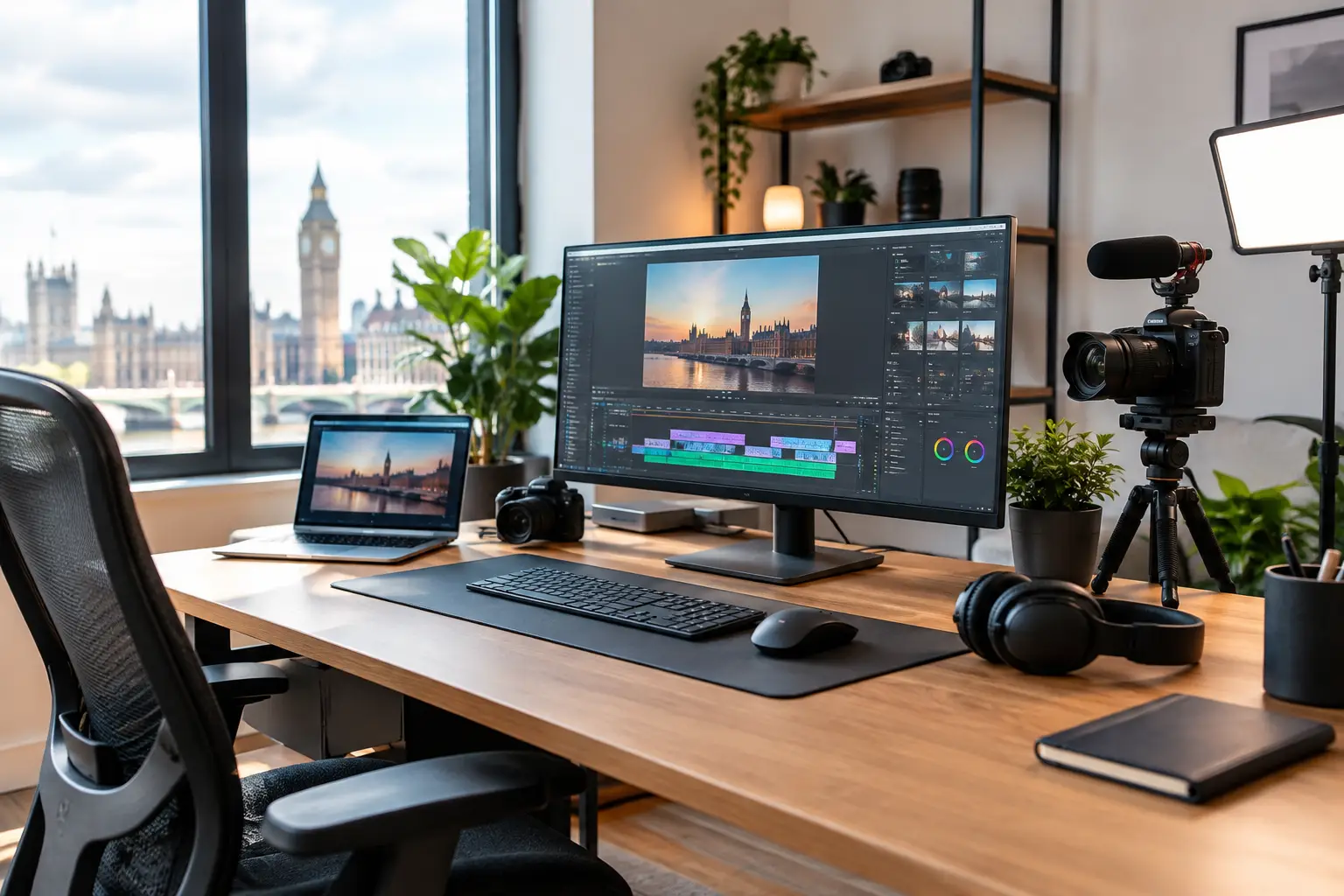
A creator workstation build example should begin with the project files, not the graphics card. A gaming PC can be specified around frame rates at a chosen resolution. A creator system has to stay responsive while handling camera footage, layered timelines, large asset libraries, renders and the applications running alongside them.
For many creators, the right machine is not the one with the most expensive component in every slot. It is the one that removes the current bottleneck without wasting budget on performance that the workflow will never use. That means balancing processor cores, graphics acceleration, memory capacity and storage properly, then building the system cleanly enough to support sensible upgrades later.
A creator workstation build example with purpose
Consider a freelance video editor who also produces motion graphics, edits product photography and occasionally streams. They work primarily in 4K, use Adobe Premiere Pro and After Effects, and want a system that can also handle Blender scenes without becoming difficult to use for everyday work.
A well-balanced specification might use a modern high-performance 12- to 16-core processor, an NVIDIA GeForce RTX graphics card with 16GB of VRAM, 64GB of DDR5 memory, a 2TB PCIe NVMe SSD for active work and a second 2TB SSD for projects and cache files. A quality 850W power supply, capable air cooler or 360mm liquid cooler, and an airflow-focused case complete the build.
This is a serious workstation, but it is not an exercise in selecting the most costly part at every stage. Each choice addresses a real part of the workflow. The processor handles encoding, simulation, exports and tasks that scale across multiple cores. The graphics card speeds up GPU-accelerated effects, colour workflows, 3D viewport work and GPU rendering. Memory gives large projects breathing room, while fast dedicated storage keeps media, cache and operating system activity from fighting over one drive.
The exact processor platform depends on the applications you use. Some creative tools benefit heavily from fast individual cores, while others reward a higher core count during rendering and export. A creator working mostly in Photoshop, Lightroom and short-form editing may see better value from a fast mid-to-high-range processor than from a workstation-class CPU. A professional producing complex 3D scenes, long renders or intensive code compilations may benefit from stepping up in cores.
Start with your heaviest recurring task
The useful question is not, “What is the best creator PC?” It is, “What takes too long every working day?” If 4K previews stutter, graphics acceleration and storage throughput may be the priority. If After Effects compositions exhaust available memory, more RAM will improve the experience more than a marginally faster CPU. If render queues dominate your week, additional CPU cores or a stronger GPU can earn their place.
Video editors should also consider the codecs they work with. H.264 and H.265 footage can be demanding to decode, particularly with high-bitrate 4K or 10-bit files. Hardware media engines on current processors and graphics cards can make editing noticeably smoother, but proxy workflows still have value for challenging source material. Buying more hardware does not remove every workflow limitation.
For 3D artists, VRAM deserves careful attention. A graphics card with strong raw performance but limited video memory can restrict the size and complexity of scenes that can be rendered on the GPU. For a creator using Blender, Unreal Engine or GPU-accelerated rendering applications, choosing a card with more VRAM can be the better long-term decision, even when another option offers a slightly higher gaming frame rate.
Processor, graphics card and memory priorities
A workstation processor should be selected for sustained work, not only benchmark headlines. Modern Ryzen and Intel Core processors both offer excellent options for creative workloads. Cooling, motherboard features and price can all influence the best choice. For example, a processor that performs very well at the top end may need more cooling capacity and a more substantial motherboard, increasing the true platform cost.
For many mixed creative workflows, an RTX graphics card is a practical choice because broad application support matters. CUDA acceleration and NVENC encoding are widely used across editing, streaming and 3D software. This does not mean an AMD Radeon card cannot be an excellent option, especially where its price, display outputs or raw raster performance suit the work. Check the acceleration features your specific software supports before deciding.
Memory capacity is often underestimated. Thirty-two gigabytes is a capable starting point for photography, design, streaming and lighter 4K editing. Sixty-four gigabytes is the more comfortable recommendation for serious 4K work, After Effects, larger Photoshop files and multitasking. One hundred and twenty-eight gigabytes becomes worthwhile for demanding 3D production, high-resolution compositing or professional projects where memory use regularly exceeds 64GB.
Do not simply fill every memory slot with the cheapest modules available. A matched kit selected for motherboard compatibility gives the best route to stable performance. It also helps to leave a realistic upgrade path where possible, particularly if 64GB is enough today but 128GB may be needed after the next camera or software upgrade.
Storage is part of performance
A single large SSD works, but it is rarely ideal for a creator workstation. Separating the operating system and applications from active projects makes day-to-day work easier to manage. A second fast drive dedicated to footage, project files, scratch disks and caches can also prevent heavy file activity from slowing the entire system.
A practical layout uses a 1TB or 2TB NVMe SSD for Windows and core applications, another 2TB NVMe SSD for current jobs, and larger SSD or hard-drive storage for completed projects. Hard drives remain useful for economical archives, but they are not a substitute for a backup plan. Keep important work in more than one location, including an external drive or secure cloud storage where appropriate.
Capacity needs are personal. A wedding videographer keeping multiple 4K projects live will need far more space than a designer mainly working with vector files. Budget for the media you create now, then allow room for the next year rather than treating storage as an afterthought.
Cooling, power and case choices matter
Creative work can load a CPU or GPU for hours, not just a few minutes. This is where premium cooling and a well-designed case become functional choices, not cosmetic upgrades. A larger tower cooler or quality liquid cooler can sustain performance while controlling noise. Good intake and exhaust airflow helps every component operate within a comfortable temperature range.
Power supply capacity should include headroom for peak loads and future upgrades. For the example system, an 850W high-quality unit is usually a sensible point, although requirements vary with the processor and graphics card chosen. Look beyond wattage alone. Build quality, efficiency, warranty and the correct modern GPU power connections all matter.
A case should fit the chosen cooler and graphics card, provide sensible cable routing and offer dust filtration that is easy to maintain. Glass panels and RGB lighting are entirely valid if the system will be part of a studio or streaming setup, but airflow and access for cleaning should come first.
Where to spend more, and where to hold back
If budget is tight, protect the parts that affect your daily output: the processor, graphics card, memory and active storage. A premium motherboard with every possible expansion feature is not always necessary. Neither is elaborate lighting, unless the appearance of the system is part of your on-camera brand.
Avoid cutting costs on the power supply, cooler or case airflow. Those choices can affect reliability, noise and sustained performance for years. It is also worth considering whether one stronger component is better than two compromises. A 16GB graphics card paired with 64GB of memory may serve a 3D creator better than a faster 12GB card paired with 32GB.
A configured system also removes compatibility guesswork. At CraftCore, a workstation can be tailored around the software you use, the storage you require and the visual finish you want, then expertly handcrafted and fully tested before it reaches your desk.
The best creator workstation is the one that makes your work feel less interrupted. Specify for the projects that pay the bills, leave room for the work you plan to take on next, and choose dependable components that can sustain the pace.