DDR4 versus DDR5 Gaming - Which RAM Fits?
DDR4 versus DDR5 gaming explained: compare real frame-rate gains, cost, latency and upgrade paths to choose the right memory for your custom PC build.
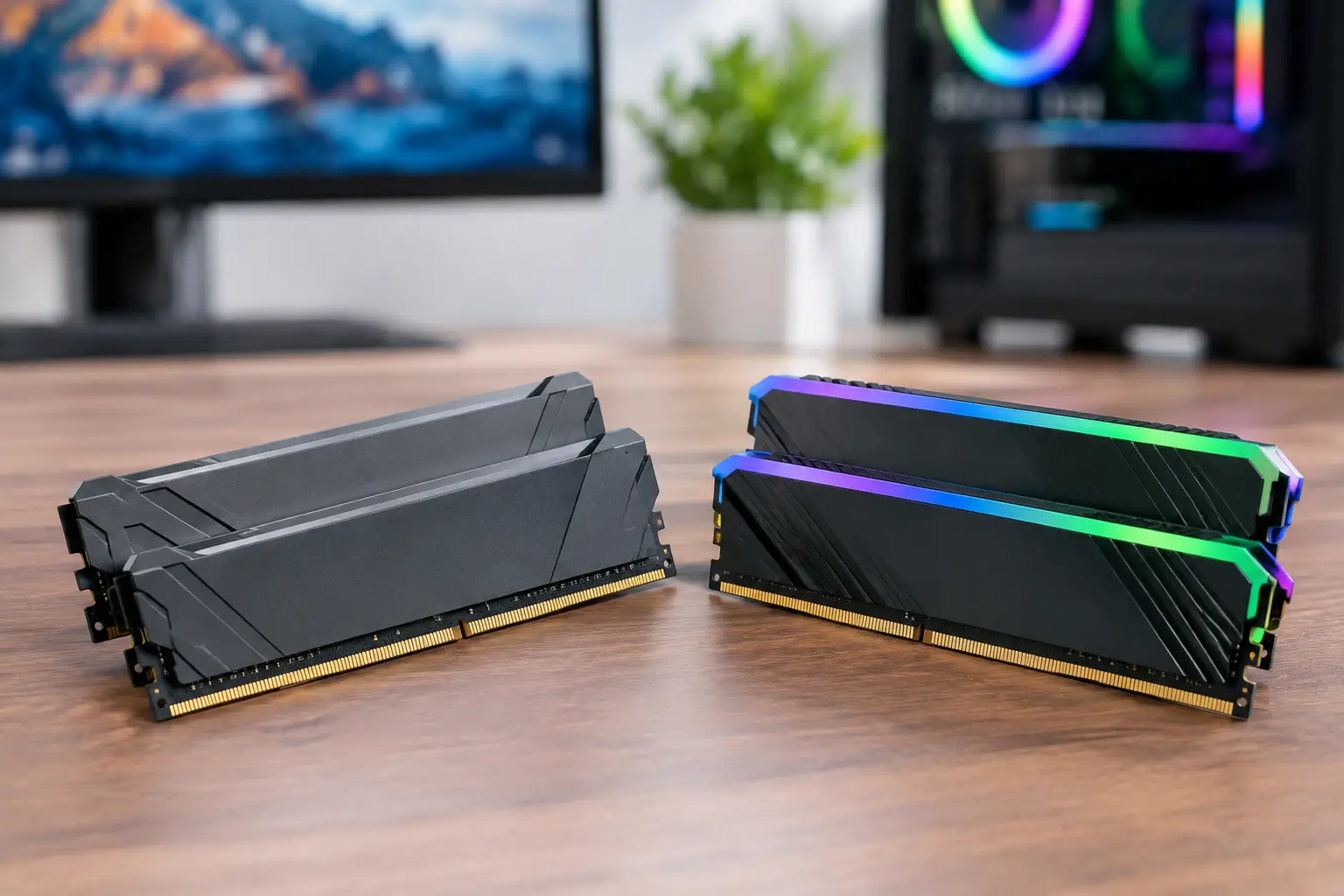
A memory upgrade can look compelling on a specification sheet, but DDR4 versus DDR5 gaming is not a simple case of newer always meaning faster. RAM affects how smoothly a game runs, how well a PC handles background tasks and how much platform flexibility you have later. The right choice depends on the processor, motherboard, graphics card, target resolution and budget for the complete system.
For many gaming PCs, especially those built around a strong graphics card, DDR4 remains capable and good value. DDR5 is the better foundation for a new premium build, particularly where high-refresh-rate competitive play, CPU-heavy games, streaming or creative workloads are part of the brief. The key is matching the memory to the system rather than spending heavily on a headline speed that will not deliver a meaningful benefit.
DDR4 versus DDR5 Gaming Performance
DDR5 delivers substantially more bandwidth than DDR4. In practical terms, it can move more data between memory and processor at once. That matters most when the CPU is working hard: simulation games, large open worlds, strategy titles, esports games targeting very high frame rates and situations where several applications are open alongside the game.
However, average frame-rate gains are not universal. At 1440p and 4K, the graphics card usually carries most of the load. If a game is GPU-limited, moving from well-configured DDR4 to DDR5 may produce a modest change, while investing the same budget in a faster GPU can have a much larger effect. At 1080p with a powerful graphics card, where the processor has more opportunity to become the limit, DDR5 is more likely to show its advantage.
The benefit is often clearer in frame consistency than in a single benchmark number. Better memory bandwidth can help improve 1% lows in games that place heavy demands on the processor. Those lower-frame moments are what can make a game feel less fluid during busy scenes, even when the average FPS appears healthy.
Latency is more than one number
DDR4 is often praised for lower latency figures, while DDR5 can appear slower because its timings are written as larger numbers. That comparison is incomplete. Memory speed and latency work together, and a higher data rate changes the calculation. A quality DDR5 kit with sensible timings can offer excellent real-world performance despite a larger CAS latency number.
For a gaming build, it is wiser to choose a proven, balanced kit than chase extreme MHz ratings. Very high-speed memory can be expensive and may require more tuning for a small return. Stability is the priority: a gaming PC should perform reliably through long sessions, not just complete a synthetic benchmark.
Platform Compatibility Decides the Upgrade
DDR4 and DDR5 are physically and electrically different. They use different slots, so they cannot be fitted interchangeably. A DDR4 motherboard requires DDR4 memory; a DDR5 motherboard requires DDR5 memory. Memory is therefore a platform decision, not a drop-in upgrade between generations.
Some Intel processor generations support either DDR4 or DDR5, depending on the motherboard selected. This can make DDR4 a sensible choice for a cost-conscious Intel build, particularly if you already own a reliable kit. It does not mean the same board can accept both types.
AMD’s current AM5 desktop platform uses DDR5 exclusively. Anyone choosing AM5 for its modern CPU options and expected upgrade path should budget for DDR5 from the outset. That initial cost is offset by a platform designed around newer memory technology, rather than one approaching the end of its upgrade cycle.
This distinction matters when comparing whole PC prices. A lower DDR4 memory price can be attractive, but motherboard availability, processor choice and future upgrade plans must be considered together. The best value is the configuration that meets your needs without creating an unnecessary platform change a year or two later.
How Much RAM Does a Gaming PC Need?
Capacity usually matters more than chasing the last few percentage points of memory speed. For a modern gaming PC, 16GB remains workable for lighter gaming and tightly managed background tasks. It can be enough for popular competitive titles, but it leaves less room for modern releases, web browsers, voice chat, game launchers and recording software.
32GB is the stronger recommendation for most new gaming systems. It gives current games comfortable headroom and suits players who stream, capture gameplay, use mods or keep several applications open. It also makes sense for a PC that will handle photo editing, video work, coding or demanding professional software alongside gaming.
64GB is useful for specialised workloads rather than typical gameplay. Large video projects, intensive 3D scenes, virtual machines and professional content creation can justify it. More memory does not automatically improve game performance if the system is never close to using the 32GB already installed.
Dual-channel memory is equally important. Two matched modules allow the processor to access more bandwidth than one module alone. For example, a 2 x 16GB kit is generally the better choice than a single 32GB stick in a gaming system. Matched kits are tested to work together at their rated profile, reducing compatibility uncertainty.
Sensible DDR4 and DDR5 Choices
For DDR4, 3200MT/s or 3600MT/s kits with balanced timings remain dependable choices for gaming systems. They offer strong performance without inflating the budget. Faster DDR4 can be worthwhile in selected builds, but its return tends to diminish quickly.
For DDR5, the ideal specification depends on the processor and motherboard. Mid-to-high-speed kits are often the sensible performance point, rather than the most extreme option available. A well-matched DDR5 kit can provide excellent gaming results while preserving budget for the graphics card, cooling and storage - components that may influence the overall experience more directly.
Memory profiles also need attention. Intel platforms commonly use XMP profiles, while many AMD kits use EXPO profiles. These profiles allow compatible memory to run at its intended rated speed rather than a lower default setting. They are straightforward to enable in the BIOS on a supported system, but compatibility should always be checked as part of the complete build.
Avoid mixing separate RAM kits, even where the label and speed look identical. Manufacturers validate modules as a kit, and mixing can introduce instability or prevent the advertised memory profile from running correctly. This is particularly relevant with DDR5 at higher speeds.
When DDR4 Still Makes Sense
DDR4 remains a sensible option when upgrading an existing compatible PC. If a system already has a capable processor and motherboard, increasing from 16GB to 32GB of quality DDR4 can be a cost-effective way to extend its useful life. Replacing the entire platform merely to move to DDR5 is rarely the first upgrade to make for gaming.
It can also suit a carefully priced new build where the budget is focused on the graphics card. A balanced DDR4 system with an appropriately powerful GPU will often outperform a DDR5 system where memory costs have forced a compromise on the graphics card. The aim is a well-proportioned machine, not a build that wins on one component alone.
When DDR5 Is Worth Paying For
DDR5 is the natural choice for a premium new system intended to remain competitive for several years. It is particularly well suited to current AMD platforms, high-performance Intel configurations and buyers who want the strongest basis for future processor upgrades.
It is also worth prioritising for CPU-led use cases. Competitive players targeting very high refresh rates, strategy and simulation fans, streamers, creators and power users are more likely to benefit from the extra bandwidth and modern platform support. In these builds, DDR5 complements the rest of the specification rather than becoming an isolated marketing feature.
A carefully selected configuration should account for memory capacity, speed, motherboard support and the processor’s memory controller. At CraftCore, that is the value of an expertly handcrafted and fully tested system: every major component is selected to work as a complete, dependable PC rather than a collection of impressive individual parts.
The practical choice is straightforward. Keep good DDR4 when it supports a capable existing platform, or use it in a budget-led build where the graphics card deserves priority. Choose DDR5 for a new premium platform, more demanding multitasking and longer-term upgrade potential. Start with the games you play, the display you own and the work you expect your PC to do after the match ends - then build around the memory choice that supports that real use.