Future Gaming Hardware for Your Next PC Build
Future gaming hardware is changing how gaming PCs are specified. See which components, standards and upgrades will matter for your next build with clarity.
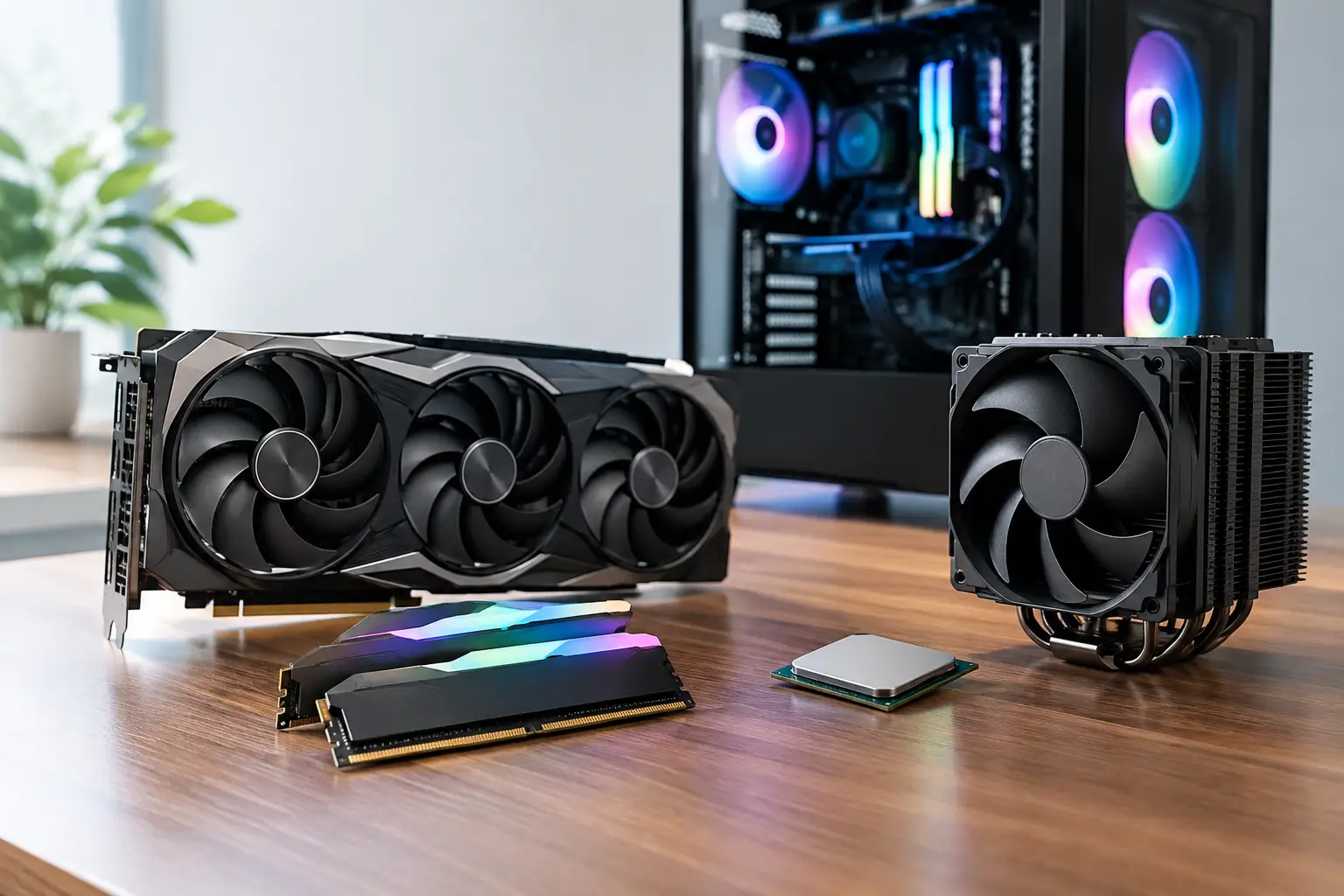
A gaming PC bought in 2026 should not only perform well on the day it arrives. It should give you room to enjoy the next generation of games without replacing the entire system. That is the real value of future gaming hardware: not chasing every new release, but choosing a balanced platform that remains capable, compatible and enjoyable for years.
For most players, the best route is not the most expensive specification on paper. It is a carefully considered build with the right graphics card, processor, memory, storage and power capacity for the monitor you use and the games you actually play. Future-ready thinking is about avoiding bottlenecks and leaving sensible upgrade options open.
What future gaming hardware really means
There is no single component that makes a PC future-proof. Hardware standards change, game engines become more demanding and performance expectations rise with higher-resolution displays. A sensible build instead gives priority to parts that are difficult or expensive to replace later, while keeping straightforward upgrades such as storage and memory accessible.
The platform matters as much as headline frame rates. A quality motherboard with current connectivity, a suitably rated power supply and a well-ventilated case can support future improvements far better than a system built tightly around its original specification. These are less glamorous choices, but they have a direct effect on reliability, expansion and the long-term value of a desktop PC.
It also depends on your target. A competitive player on a 1080p high-refresh monitor has different requirements from someone playing cinematic single-player titles at 1440p or 4K. Creators, streamers and professionals using demanding applications may also benefit from additional processor cores, more memory and faster storage. The right system is always tailored to the workload.
Graphics performance is changing, not disappearing
The graphics card remains the most influential component in a gaming PC, particularly at 1440p and 4K. However, raw rendering power is no longer the full story. Modern games increasingly use ray tracing, upscaling and frame-generation technologies to improve visual quality and perceived performance.
These features can make higher settings practical on a wider range of hardware, but they should be treated as useful tools rather than a substitute for a capable GPU. A card with enough video memory and strong native performance will generally offer more consistent results as games grow in detail. Texture quality, complex lighting and large open worlds can all place pressure on available VRAM.
When choosing a GPU, consider the resolution you intend to use for the next few years. Buying for 1080p while planning an imminent move to a 4K monitor can create an avoidable compromise. Equally, overspending on a flagship graphics card for esports titles at 1080p may provide little practical benefit. Matching the card to the display is one of the clearest ways to build efficiently.
Do not overlook the monitor
Display technology is part of the gaming hardware decision. Higher refresh rates improve responsiveness, while resolution and panel quality shape image clarity, contrast and colour. OLED displays, for example, can deliver exceptional contrast and motion clarity, though they are a premium purchase and require sensible care for static desktop use.
A powerful PC paired with an older display may not show its full potential. Before committing budget to the top graphics tier, decide whether a monitor upgrade would make a more noticeable difference to your daily experience.
CPUs need headroom, not excess
Processors have a major role in simulation-heavy games, large multiplayer matches, strategy titles and high-refresh-rate gaming. They also matter when gaming is combined with streaming, recording, editing or professional software. Yet the highest-end CPU is not automatically the right answer for every build.
For a system primarily aimed at 1440p or 4K gaming, the graphics card will often set performance limits first. In that situation, it can be wiser to choose a strong gaming processor on a modern platform and put more of the budget into the GPU, display or storage. At 1080p with very high refresh-rate targets, processor performance becomes more significant.
Platform longevity deserves attention here. A motherboard should provide the memory support, M.2 storage slots, USB connectivity and expansion required for your plans. It does not need every feature available, but it should not force a costly rebuild when you want to add another drive or move to faster peripherals.
Memory and storage are becoming baseline expectations
Modern games are less forgiving of limited system memory. While lower capacities can still function in lighter titles, 32GB is increasingly a sensible target for a premium gaming PC, especially if you keep browsers, voice chat, launchers or creative tools open while playing. More memory may be worthwhile for intensive content creation, professional workloads or heavily modded games, but capacity alone does not replace a balanced specification.
Fast NVMe SSD storage also has a clear day-to-day benefit. It shortens boot times, speeds up installs and helps modern games load assets quickly. Larger game libraries mean capacity matters just as much as speed. A build with one suitably sized primary SSD and space for additional drives is often more practical than paying heavily for a small top-tier drive from the outset.
Avoid treating storage as an afterthought. Games now frequently exceed 100GB, and keeping an SSD almost full can make ownership frustrating. A well-planned system leaves room for the games, projects and files you will accumulate after purchase.
Connectivity, power and cooling are long-term decisions
The less visible parts of a PC often determine how confidently it can be upgraded. Current USB standards, reliable wired networking, quality Wi-Fi where needed and sufficient high-speed ports all support a better desk setup. This matters more if you use external storage, VR equipment, capture devices or multiple peripherals.
Power supply capacity should be chosen with care. It needs to support the installed components comfortably, but it should also allow a realistic graphics-card upgrade later. Quality, efficiency and correct cabling are more valuable than simply choosing the largest wattage figure. A dependable unit protects the investment around it.
Cooling is equally practical. Higher-performance components generate more heat, and poor airflow can increase noise or reduce sustained performance. A suitable CPU cooler and thoughtfully arranged case fans help a system remain controlled during long gaming sessions. Premium hardware should feel composed under load, not merely achieve a benchmark result for a few minutes.
Build for upgrades you are likely to make
The most useful upgrade path is the one you will actually use. Storage is commonly added. Memory may be expanded. A graphics card upgrade is possible when the case, power supply and cooling have been selected with that in mind. Frequent processor changes are less certain, since they depend on platform support and the scale of future performance gains.
That is why an expertly handcrafted, fully tested system has value beyond tidy cable management. Compatibility between components, airflow clearance, BIOS configuration and stable operation all need to be right before the PC reaches your desk. A bespoke build should reflect the way you play, work and plan to upgrade, rather than forcing you into a generic specification.
For some buyers, a proven pre-built configuration is the most direct choice. For others, a configurable system makes better sense because it allows budget to move towards the parts that affect their experience most. Neither approach is inherently better. The important part is choosing from a clear performance target rather than from a component list alone.
A practical way to specify your next system
Start with the monitor resolution and refresh rate you want to use, then select a graphics card designed to serve that target well. Choose a processor that will support the games and additional tasks you run, add enough memory for comfortable multitasking, and ensure there is adequate fast storage from day one.
After that, protect the build with a quality power supply, effective cooling and a case that has room for sensible future changes. This ordering prevents a familiar mistake: spending heavily on one visible component while compromising the foundation that supports it.
The next wave of games will ask more from PCs, but a thoughtful system does not need to predict every technical change. Choose premium components with a clear purpose, leave space for the upgrades that matter, and have the completed machine fully tested before it becomes the centre of your setup.