Gaming Desktops Built Around How You Play
Choose gaming desktops with the right performance, cooling, upgrade path and finish for the games you play, built and tested for lasting confidence at home
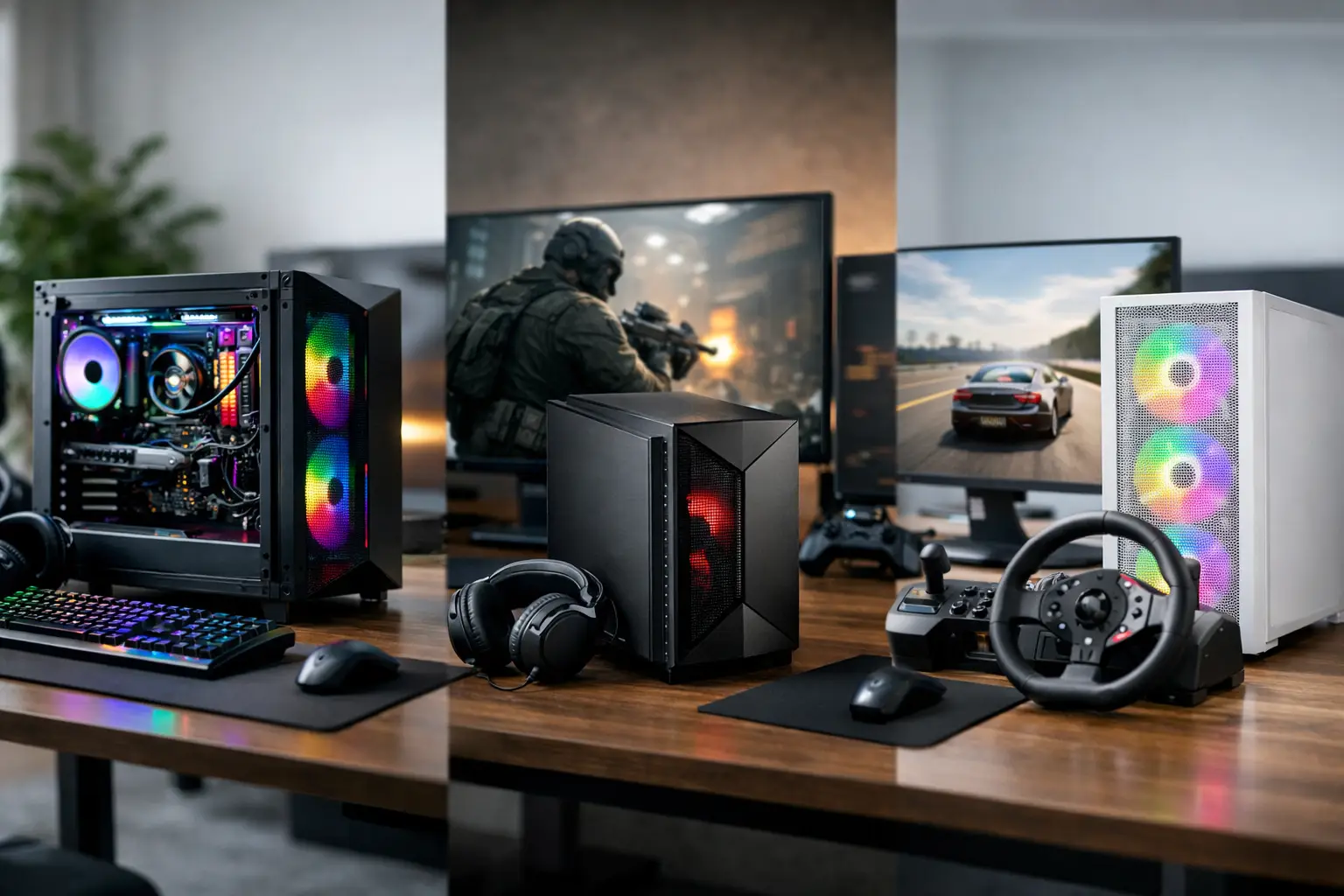
The difference between a good gaming PC and a disappointing one is rarely a single headline component. Gaming desktops need to work as complete systems: the processor, graphics card, memory, cooling, power supply and case must suit the way you actually play. A balanced specification delivers consistent frame rates, controlled temperatures and room to upgrade, rather than spending too much in one area while another holds the system back.
For some players, that means high-refresh competitive gaming at 1080p. For others, it means detailed 1440p worlds, 4K single-player titles, VR, streaming or a machine that moves confidently from gaming to creative work. The right build begins with that real-world target.
Gaming desktops should start with your performance target
Before comparing component names, decide what you want to see on screen. Your monitor has a major influence on the PC specification that makes sense. A powerful graphics card will not show its full value on a basic 60Hz display, while a fast 1440p or 4K monitor asks far more from the system than a standard Full HD panel.
Competitive titles such as Counter-Strike 2, Valorant and Fortnite reward high, stable frame rates. In this case, a capable processor and fast memory matter alongside the graphics card, particularly when aiming for a 144Hz, 165Hz or higher refresh rate. A system built solely around visual settings may not provide the consistency required during demanding moments of play.
Cinematic games, including large open-world and ray-traced releases, place greater emphasis on graphics performance and graphics memory. At 1440p, a strong mid-to-high-tier graphics card is often the sensible centre of the build. At 4K, the graphics card becomes an even larger part of the budget, and features such as upscaling and frame generation can help maintain a responsive experience without sacrificing the detail that makes a premium display worthwhile.
There is no single best specification for every player. A carefully chosen 1440p system can offer better value and a more balanced experience than stretching the budget towards entry-level 4K performance. Equally, someone playing strategy games, simulation titles or heavily modded games may benefit from extra processor capability and memory before investing in the highest graphics setting.
Balance the components that shape everyday play
A gaming PC is only as convincing as its balance. It is tempting to focus on the graphics card because it has the most obvious effect on frame rates, but the surrounding components determine how well that card can perform over time.
Processor and graphics card
The processor handles game logic, background tasks, simulation, streaming and much of the work required to keep demanding games moving smoothly. A high-end graphics card paired with an entry-level processor can lead to reduced frame rates in processor-heavy games, especially at lower resolutions where the graphics card has less work to do.
The aim is not to buy the most expensive processor available. It is to choose one that complements the graphics card, your target resolution and the games you play. For a gaming-focused build, this usually means allocating the largest share of the budget to graphics performance while retaining enough processor headroom for modern titles and everyday multitasking.
Memory and storage
For most new gaming systems, 32GB of memory offers a comfortable starting point. It gives modern games room to run alongside voice chat, browsers, launchers and other background applications. More memory can be worthwhile for creators, complex mod packs, simulation setups and workloads involving large files, but capacity should be matched with the wider purpose of the PC.
Fast solid-state storage transforms the feel of a desktop beyond game loading times. The operating system starts quickly, applications open promptly and large game libraries are easier to manage. A sensible approach is to use a high-speed primary drive for Windows and frequently played games, then add further storage as the library grows. Choosing a motherboard with spare storage options makes that future expansion straightforward.
Power supply and cooling
These are the parts buyers often notice only after a problem occurs. A quality power supply provides stable power, protects valuable components and supports future upgrades. It should have suitable capacity for the selected graphics card and processor, with sensible headroom rather than being specified at the absolute limit.
Cooling affects performance, noise and component longevity. Air cooling can be highly effective when paired with a well-ventilated case, while liquid cooling may suit high-performance processors or a build where visual presentation is a priority. Neither option is automatically superior. The better choice depends on heat output, case airflow, acoustic preference and the overall layout of the system.
Choose a case that supports the build, not just the look
A PC case defines more than the appearance of a desk setup. It influences airflow, component compatibility, cable routing, upgrade space and how easy the system is to maintain. Tempered glass panels, RGB lighting and clean internal layouts can create a striking finish, but they should sit alongside practical decisions such as fan placement and room for a larger graphics card.
Good airflow does not have to mean a loud PC. When fresh air can move cleanly through the case and the cooling has been specified correctly, fans do not need to run at maximum speed under every load. This matters for long gaming sessions, home offices and shared spaces where constant fan noise quickly becomes distracting.
Consider where the desktop will live. A system placed in a confined cabinet or directly against a wall may need more clearance than its dimensions suggest. If it will sit on carpet, raising it away from dust and fibres helps keep intake filters cleaner. Small decisions around placement protect the effort invested in the specification.
Plan for the games you will play next year
A premium gaming desktop should not be treated as a sealed purchase. Parts such as storage, memory and graphics cards can often be upgraded later, provided the original system has been planned with compatible components, sufficient power and suitable physical space.
That does not mean overbuying every component for a hypothetical future. Hardware changes quickly, and unused performance is still unused performance. Instead, choose a reliable platform that meets your needs now without creating obvious limitations. A case with room to work, a dependable power supply, a motherboard with expansion options and sensible cooling give you flexibility when your requirements change.
This approach is particularly useful for buyers moving into PC gaming from a console. You may initially focus on a favourite group of games and a single display, then later add a second monitor, expand storage, try VR or move into streaming. Starting with a considered foundation keeps those choices open.
Pre-built or custom-built: choose the level of control you need
A proven pre-built configuration is a strong option when you want a clear performance tier and a faster route to ordering. It removes much of the research while still providing a system designed around compatible, well-matched parts. This can be the right choice for players who know their budget and gaming target but do not want to compare every technical detail.
A custom build is better suited to buyers with specific priorities. Perhaps you need a particular case colour, quiet cooling, additional storage, a powerful processor for production software or a graphics card selected for a high-resolution monitor. Configuring the system around those needs avoids paying for features that will not be used and prevents compromises in the areas that matter most.
In either case, assembly and testing are not an afterthought. A desktop may contain excellent components, but its value depends on correct installation, cable management, cooling configuration and testing under load. CraftCore builds are expertly handcrafted and fully tested so that each system is tailored to the buyer rather than treated as a generic specification.
Spend where it will improve your experience
A clear budget makes better decisions possible. Prioritise the display experience and games you want to run, then build the PC around that target. Do not sacrifice power supply quality, cooling or storage capacity solely to step up one graphics card tier. Those components shape reliability and day-to-day ownership long after the first benchmark has been forgotten.
It is also worth setting aside budget for the wider setup. A responsive monitor, comfortable headset, dependable keyboard and accurate mouse can have as much impact on enjoyment as a small performance increase inside the desktop. For competitive players in particular, the monitor refresh rate and peripheral feel are part of the performance equation.
The best gaming desktop is not defined by the longest component list. It is the machine that reaches your target smoothly, suits your space and style, and leaves you confident that every part has been selected for a reason.