Gaming Monitors: How to Choose the Right Display
Choose gaming monitors with the resolution, refresh rate and panel quality your PC deserves. A clear guide to matching display performance to play well.
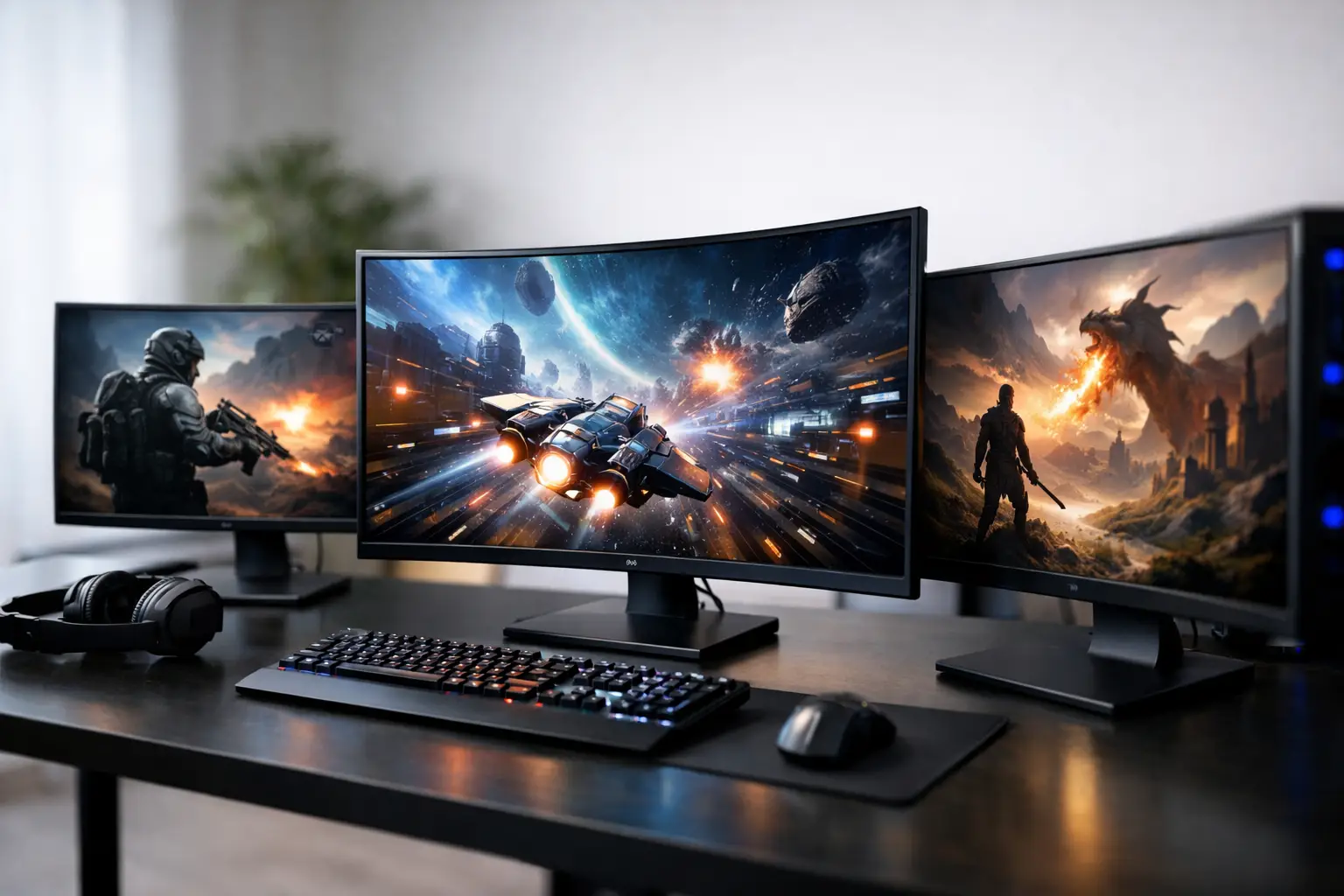
A premium gaming PC can produce hundreds of frames per second, detailed lighting and sharp textures, but the display decides how much of that work you actually see. Gaming monitors are not simply an accessory at the end of a build. They determine motion clarity, responsiveness, image quality and how comfortable your desk setup feels over long sessions.
The right choice starts with the games you play and the hardware inside your system. A competitive shooter player may benefit most from a fast 1080p or 1440p panel with a high refresh rate. For cinematic single-player games, a larger 1440p or 4K display with strong contrast can be the more satisfying investment. There is no single best specification, but there is a monitor that makes sense for your PC and priorities.
Start with your graphics card, not the box
Monitor specifications are often presented as a race for the biggest number: 4K resolution, 360Hz refresh rate or an ultra-wide screen. Those features can be excellent, but they must be matched to the performance your graphics card can deliver in the games you play.
Resolution has the largest effect on GPU workload. Full HD, or 1080p, remains a practical choice for players chasing very high frame rates in esports titles. It is also more affordable and easier to run on entry-level and mid-range graphics cards. At 24 inches, it still looks suitably sharp at a normal desk distance.
1440p is the balanced choice for many gaming systems. It provides a noticeably sharper image than 1080p, particularly on 27-inch displays, while remaining realistic for modern mid-range and high-end GPUs. If you play a mix of competitive and graphically demanding games, 1440p at 144Hz, 165Hz or 180Hz is often the most versatile place to start.
4K offers exceptional desktop clarity and fine detail in games, especially on 27-inch and 32-inch monitors. The trade-off is substantial graphics demand. A powerful GPU can make 4K an outstanding option, but you may need to adjust settings or use modern upscaling technologies in demanding titles to maintain high frame rates. For a system built around visual fidelity, creation work and large-screen gaming, that compromise can be worthwhile.
Refresh rate and response time: what you will feel
Refresh rate, measured in hertz (Hz), describes how many times a monitor can update its image each second. A 60Hz display refreshes 60 times per second, while a 165Hz model refreshes 165 times. Higher refresh rates make camera movement smoother, improve tracking of moving targets and make the desktop feel more immediate.
For most PC gaming, 144Hz and above is a meaningful upgrade from a standard 60Hz screen. The improvement is especially clear in racing games, first-person shooters and fast action titles. Competitive players may prefer 240Hz or higher, but the value depends on whether their PC can consistently produce the required frame rates. Buying a 360Hz monitor for a system that usually runs a game at 120fps will not deliver its full benefit.
Response time is related but not identical. It refers to how quickly pixels can change colour. Slow pixel transitions can create visible ghosting, where a faint trail follows moving objects. Manufacturers often advertise highly optimistic response-time figures, so it is better to treat a claimed 1ms rating as an indication of the product category rather than a guarantee of perfect motion handling.
Look for monitors with well-tuned overdrive settings across their refresh-rate range. An aggressive overdrive mode can reduce smearing but introduce inverse ghosting, which appears as bright halos around motion. A quality panel should offer clean movement without requiring the most extreme setting.
Adaptive sync prevents distracting tearing
When a graphics card and monitor are out of step, the screen can show parts of two frames at once. This is known as screen tearing. Adaptive sync allows the monitor refresh rate to vary with the frame rate from the GPU, helping games look smoother and reducing stutter.
For most buyers, support for AMD FreeSync or NVIDIA G-SYNC Compatible operation is more useful than a premium badge alone. Check that the monitor supports adaptive sync over the connection you intend to use, usually DisplayPort. A properly configured variable refresh rate is particularly valuable in demanding single-player games where frame rates naturally rise and fall.
Panel type changes the character of the image
The panel technology behind the screen affects colour, contrast, viewing angles and motion performance. Each option has strengths, and the right answer depends on what you value most.
IPS panels are widely used in 1440p gaming monitors because they combine accurate, vivid colour with wide viewing angles and increasingly fast pixel response times. They suit players who also edit photos, watch films or want a screen that looks consistent from different positions. Their limitation is contrast: dark scenes can appear slightly grey in a dim room compared with other panel types.
VA panels generally offer deeper contrast and darker blacks, making them appealing for atmospheric games and media. Some models can show more dark-level smearing in fast movement, however, so it is worth prioritising proven motion performance if you play competitive titles.
OLED monitors provide near-instant pixel response, exceptional contrast and rich image depth. They can make both games and films look remarkable, particularly in darker scenes. The considerations are cost, desktop brightness behaviour and the small but real risk of image retention with static elements over prolonged use. Built-in panel care features help, but an OLED is best chosen by buyers who understand those ownership requirements.
TN panels still have a place in the highest-speed competitive displays, although their colours and viewing angles are weaker than IPS alternatives. Unless every millisecond is the priority, a modern fast IPS screen is usually the more rounded choice.
Size, aspect ratio and desk space
Screen size is not a quality measure by itself. It must be considered alongside resolution and viewing distance. A 24-inch 1080p monitor remains a sensible competitive setup because the full screen sits comfortably in your field of view. At 27 inches, 1440p provides a pleasing pixel density and is a strong all-round desktop format.
A 32-inch 4K display gives games more scale without making individual pixels obvious from a typical desk position. It also provides useful workspace for creators and professionals. Before choosing a larger screen, measure your desk depth and consider how far back you can sit. A display that dominates a shallow desk can be tiring rather than immersive.
Ultra-wide monitors offer extra horizontal space, commonly in 21:9 format. They work well for simulation, racing, strategy games and multitasking, and can create a more involving field of view in supported games. Not every title handles ultra-wide resolutions perfectly, though, and they demand more from the graphics card than a standard 16:9 1440p screen. They are a considered choice rather than an automatic upgrade.
Connections and features worth checking
A monitor is only as capable as the cable and port connecting it. DisplayPort is normally the preferred option for high refresh rates and adaptive sync on a gaming PC. HDMI can also be ideal, particularly for consoles or newer graphics cards, but available resolution and refresh combinations vary by HDMI version and monitor implementation.
Check the supplied stand as carefully as the panel specification. Height, tilt, swivel and pivot adjustment make a genuine difference to comfort. If you plan to use a monitor arm, confirm VESA mounting compatibility. USB ports, a KVM switch for sharing keyboard and mouse controls between devices, and sensible cable routing are useful additions, but should not outweigh panel quality and performance.
HDR deserves a measured approach. Basic HDR compatibility does not necessarily mean meaningful high dynamic range. For convincing HDR, a monitor needs high brightness, effective local dimming or OLED-level pixel control, and good contrast. A well-calibrated SDR image on a quality IPS or VA monitor is often preferable to poorly implemented HDR.
Choose a display that leaves room to enjoy your PC
The best monitor is not the one with the longest specification sheet. It is the one that lets your system perform where it matters to you, whether that means precise competitive play, a crisp workspace or a more cinematic evening session. Match the screen to the GPU, give priority to panel quality and ergonomics, and leave enough budget for a setup you will be pleased to use every day.
A carefully specified PC deserves the same thought at the display stage. Once the screen, system performance and desk space are working together, every game feels closer to the experience it was built to deliver.