Gaming PC Build Examples for Every Budget
Compare gaming PC build examples for competitive play, 1440p and 4K gaming, with clear advice on components, cooling, upgrades and well-planned spending.
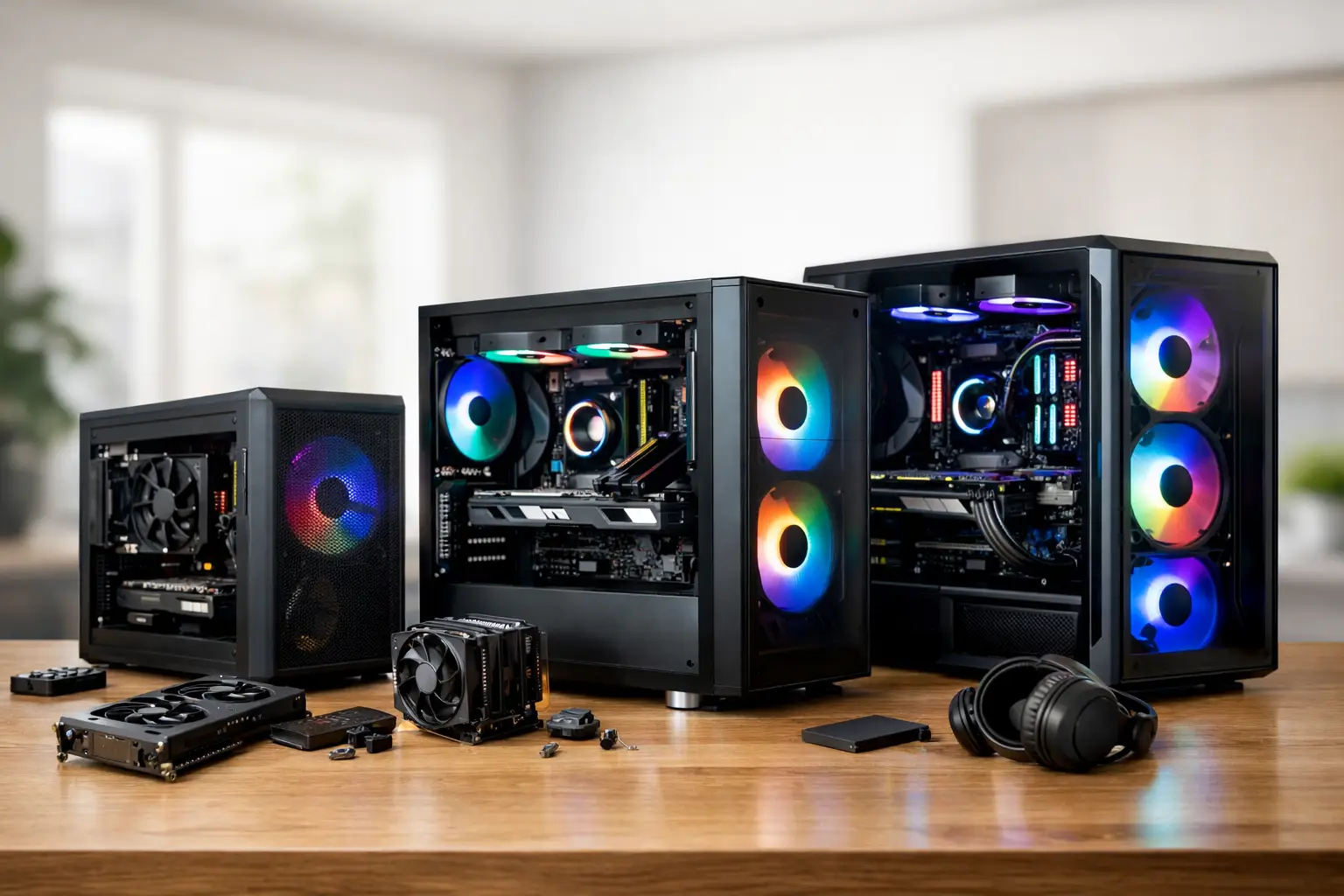
A good gaming PC is not defined by the most expensive graphics card on a specification sheet. It is defined by balance: the right processor for the games you play, enough memory for modern workloads, cooling that remains controlled under load, and a power supply with room for the system to grow. These gaming PC build examples show how different priorities shape a considered configuration, from fast competitive play to detailed 4K single-player worlds.
The best starting point is your monitor. A system intended for 1080p esports gaming needs a different allocation of budget from one driving a high-refresh 1440p display or a 4K panel. Choose the target experience first, then select components that support it without creating an unnecessary bottleneck elsewhere.
Gaming PC build examples by performance target
1. The competitive 1080p build
This build is for players who value high, consistent frame rates in games such as Counter-Strike 2, Valorant, Fortnite, Call of Duty and Rocket League. At 1080p, especially on a 144Hz, 240Hz or higher-refresh monitor, processor performance matters more than many buyers expect. The graphics card still has a significant job to do, but a capable CPU helps prevent frame-time dips during busy scenes.
A balanced specification would pair a modern six- or eight-core gaming processor with a mainstream graphics card, 32GB of DDR5 memory and a 1TB NVMe SSD. The 32GB memory capacity is worthwhile even if a particular game uses less. It provides headroom for Discord, browser tabs, capture software and background applications without making the machine feel constrained.
There is little value in overspending on a top-tier GPU if the display remains 1080p and the games are primarily competitive titles. Put part of that budget into a quality motherboard, reliable 750W power supply and effective air cooler instead. Those choices support stable long-term use and leave a cleaner upgrade path.
2. The all-round 1440p gaming build
For many PC gamers, 1440p is the strongest balance of image quality, frame rate and overall cost. It provides a noticeable step up from 1080p, while allowing a well-chosen upper-mid-range graphics card to deliver excellent results in current games. This is also an ideal level for a 165Hz or 180Hz monitor.
A well-rounded 1440p system typically combines a strong gaming CPU, a graphics card with enough performance and video memory for high settings, 32GB of fast memory and a 1TB or 2TB NVMe SSD. Storage deserves proper consideration here. Modern games can occupy well over 100GB each, and a full primary drive soon becomes inconvenient if you keep a large library installed.
Cooling and case airflow matter more as component performance increases. A premium airflow-focused case with well-positioned fans can keep temperatures and fan noise in check without turning the build into a showcase of unnecessary accessories. A liquid cooler can be a sensible choice for certain high-performance processors, but it is not automatically better than a quality tower air cooler. The right option depends on the CPU, the case, preferred appearance and noise expectations.
This configuration also suits players who stream occasionally, edit gameplay footage or use demanding creative software. If those tasks are a regular part of your week, a processor with additional cores and a 2TB drive may offer more real-world value than moving one tier higher on the graphics card.
3. The premium 4K and ray tracing build
4K gaming changes the balance again. At this resolution, the graphics card becomes the central performance decision because it must render four times as many pixels as 1080p. For visually demanding games with ray tracing enabled, a high-end GPU is a justified investment, particularly when paired with a 4K 144Hz display.
A premium 4K build should use a top-tier graphics card, a current high-performance gaming processor, 32GB of memory as a baseline, and at least 2TB of fast NVMe storage. A high-quality 850W or greater power supply is equally essential. It should be selected for its efficiency, build quality and correct power delivery, not simply its wattage figure.
This is the build where careful compatibility checks are especially valuable. Larger graphics cards need sufficient clearance in the case, while their power connectors need space to bend safely rather than being pressed against a side panel. Cooling requirements also increase, and the system should be tested under sustained load rather than only switched on and sent out.
The trade-off is clear: 4K hardware carries a higher cost, and not every game will maintain ultra-high frame rates with every visual setting maximised. Sensible use of modern upscaling technologies can deliver a much better balance between image quality and performance. A premium machine should give you options, not force every setting to its maximum.
Where to spend and where to be disciplined
A gaming PC budget should favour the components that affect your actual experience. In most gaming-led systems, the graphics card takes the largest share, followed by the processor and display. However, cutting too deeply on the power supply, motherboard, case or cooling can make an otherwise impressive specification less dependable.
Avoid choosing memory solely because it has the highest advertised speed or the most dramatic lighting. Capacity, stable compatibility and sensible timings matter more. For a new premium gaming PC, 32GB is a practical target. It avoids the compromises that can appear when a game, launcher, voice chat and browser are all open together.
The same principle applies to storage. A fast NVMe drive improves boot times, game loading and general responsiveness, but the difference between two premium drives may be less noticeable than the difference between 1TB and 2TB of usable space. Choose capacity around the games and applications you genuinely keep installed.
A modular, high-quality power supply is another area where specification discipline pays off. It supports tidier cable management, stable operation and future upgrades. It is not the most visible part of a build, but it is one of the components that should never be treated as an afterthought.
Build around your use beyond gaming
The most suitable configuration changes if gaming shares the machine with work or creative projects. Video editors benefit from additional storage, strong multi-core processing and, depending on the software, a graphics card with adequate video memory. Music producers may prioritise quiet cooling and expansive storage. Developers running virtual machines can gain more from 64GB of memory than from a marginal GPU upgrade.
A visually focused setup introduces another decision: whether to choose components for appearance, performance or both. A white case, coordinated fans, sleeved cables and carefully selected RGB lighting can produce a distinctive system, but matching finishes may affect component choice and budget. There is nothing wrong with building for aesthetics, provided thermal performance and part compatibility remain protected.
This is where a configurable system has a genuine advantage over a generic specification. You can keep the performance foundation appropriate to your target resolution while tailoring storage, cooling, case design and peripherals to the way you use your desk every day.
Why professional assembly is part of the specification
Component lists are useful, but they do not tell the full story. A premium PC also depends on cable routing, cooler mounting pressure, memory configuration, BIOS settings, airflow planning and testing. These details influence noise, stability and the confidence you have when the system arrives.
For buyers who know exactly what they want, an expert build service removes the risk of small compatibility mistakes while retaining control over the specification. For those newer to PC hardware, it provides a straightforward route to a system tailored to their needs without having to interpret every technical label alone.
CraftCore systems are expertly handcrafted and fully tested with this in mind. The aim is not to add parts for the sake of a longer list, but to create a dependable machine that makes sense as a complete build.
Choose the build that suits your next upgrade
The right gaming PC is the one that matches your display, favourite games and likely needs over the next few years. A competitive 1080p build can be exceptionally fast without excess spending. A balanced 1440p system offers outstanding versatility. A premium 4K configuration prioritises visual detail and demanding graphics features.
Start with the experience you want at your desk, then let every component earn its place. That approach produces a PC you will enjoy using long after the initial specification comparison is forgotten.