Gaming PC Buying Guide UK for Better Builds
Our gaming PC buying guide UK explains how to match your budget, graphics card, processor and upgrades to the games and work you value most confidently.
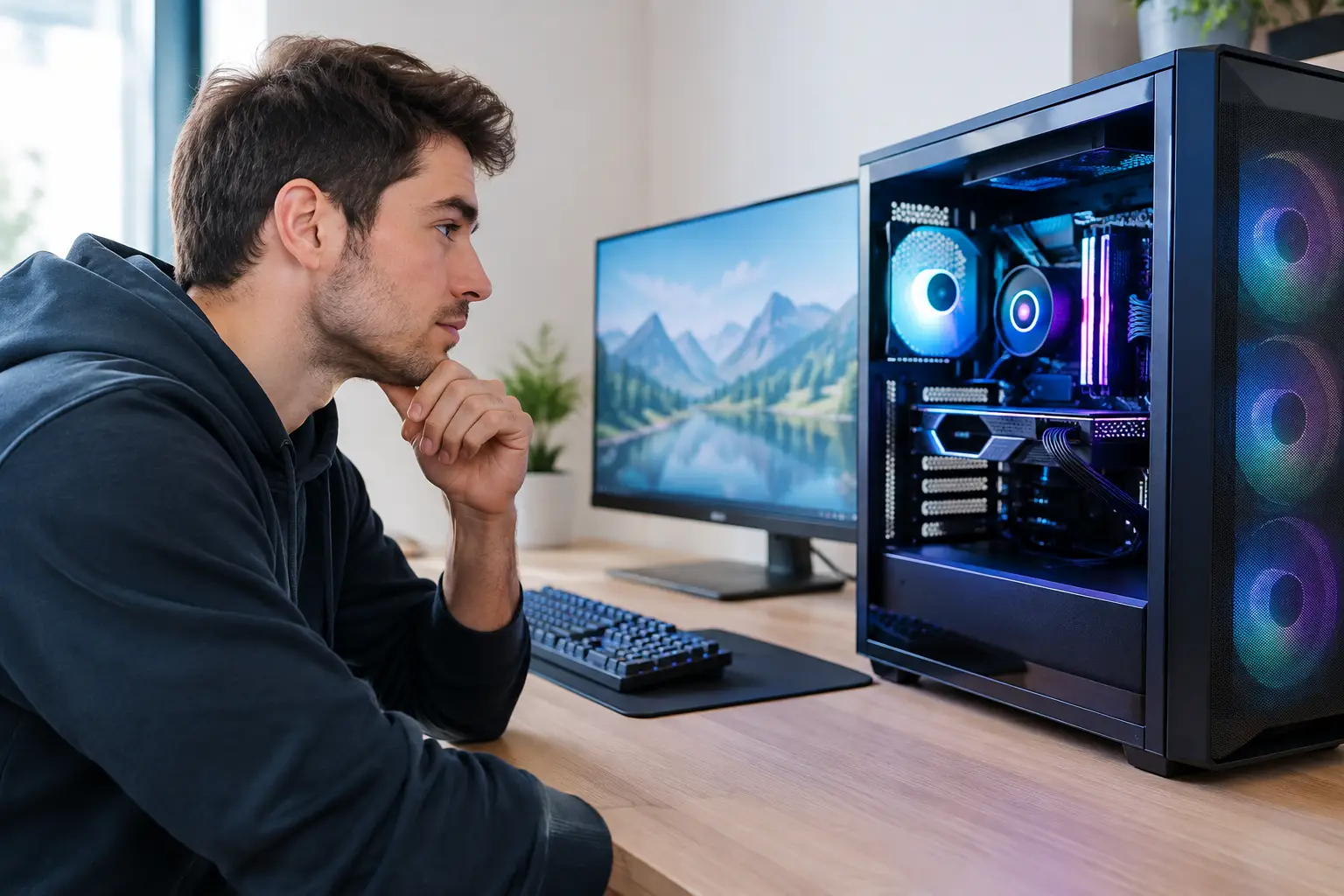
A £1,500 gaming PC can be exceptional or poorly balanced. The difference is rarely the headline processor alone. This gaming PC buying guide UK is designed to help you put your budget where it will make a visible difference: in the games you play, the display you own and the work you expect your system to handle.
A premium PC should feel considered from the first boot, not like a collection of impressive component names. Start with your intended use, then build a specification around it. That approach gives you stronger performance now and clearer upgrade options later.
Start with the games and screen you actually use
The best starting point is your monitor. Resolution and refresh rate determine how much work your graphics card must do, and therefore where a large part of your budget should go.
For competitive games such as Counter-Strike 2, Valorant, Fortnite and Call of Duty, a high-refresh 1080p or 1440p display makes frame rate particularly valuable. A system built for this use should prioritise a capable graphics card and processor combination that can sustain consistently high frame rates, rather than simply chasing maximum visual settings.
For single-player games at 1440p or 4K, the graphics card becomes the central performance choice. Modern titles can use substantial video memory when textures, ray tracing and high-resolution assets are enabled. Buying the most powerful GPU your budget sensibly allows is often the right move if visual quality is your priority.
Do not buy a 4K-focused PC for a 1080p 60Hz monitor unless you plan to upgrade the display shortly. Equally, a modest graphics card can be an excellent fit for 1080p gaming. Matching the system to your screen prevents overspending in the wrong place.
Set a budget with room for the complete setup
A PC budget is not only the tower. If you are moving from console gaming, returning to PC, or replacing an older desktop, account for the monitor, keyboard, mouse, headset or speakers, and any extra storage you may need. It is better to choose a balanced system and a quality display than an oversized tower connected to a screen that cannot show its potential.
As a broad guide, entry-level premium gaming systems should focus on smooth 1080p performance. Mid-range budgets are often the sweet spot for high-refresh 1440p gaming, while higher budgets make more sense for 4K, demanding ray tracing, professional creative workloads or a deliberately distinctive visual build.
Avoid treating every component as equally important. Extra RGB lighting, an oversized case or a processor designed for specialist workloads should not take funds away from the graphics performance you need. A tailored build is about making these trade-offs deliberately.
Choose the graphics card before the processor
For most gaming PCs, choose the graphics card first. It has the greatest effect on resolution, detail settings and ray-traced performance. Once you know the performance tier required, select a processor that can support it without creating an obvious bottleneck in your preferred games.
When a faster processor matters
A stronger processor becomes more valuable at lower resolutions and very high refresh rates, where the graphics card has less rendering work to do. It also matters for simulation games, strategy titles with large late-game worlds, heavily modded games, streaming, video editing and 3D work.
That does not mean every gaming build needs the most expensive CPU available. If you play cinematic titles at 1440p or 4K, placing more of the budget into the GPU will usually produce a better result. If you combine gaming with editing, compiling, rendering or intensive multitasking, a processor with more cores may justify the additional cost.
Memory and storage that support the build
For a modern gaming PC, 16GB of memory remains workable, but 32GB is the more comfortable choice for a premium new system. It gives contemporary games, background applications, browsers and creative software more breathing room. Memory speed and configuration should also suit the chosen platform, which is one reason professional component selection matters.
An NVMe SSD keeps Windows, games and applications responsive. A 1TB drive is a practical starting point when modern game installations can occupy well over 100GB each. If you keep a large library installed or work with video files, consider 2TB from the outset or ensure there is a straightforward route to add storage later.
Do not overlook the parts that protect performance
A gaming PC is only as dependable as its supporting hardware. The power supply, cooling, motherboard and case are not glamorous comparison-chart components, yet they have a direct influence on stability, temperatures, noise and future upgrades.
Choose a quality power supply with appropriate capacity for the installed graphics card, plus sensible headroom for temporary power spikes and later additions. A well-specified unit supports stable operation and avoids restricting future GPU options. Efficiency ratings are useful, but build quality, protections and the correct wattage matter just as much.
Cooling should suit both the processor and your priorities. A larger air cooler can offer excellent, quiet performance. Liquid cooling may be worthwhile for high-performance processors, compact builds or customers who want a particular visual finish. Neither is automatically superior in every system. The right choice depends on heat output, case airflow, acoustic expectations and the intended look.
Case selection also deserves more than a quick glance. Check that it supports the graphics card length, radiator or cooler size, storage requirements and the airflow configuration your components need. Tempered glass and lighting can look exceptional, but unrestricted front intake and carefully placed fans are what help a powerful system maintain its boost performance during long sessions.
A gaming PC buying guide UK buyers can use for upgrades
Upgrade potential is not about buying empty capacity for its own sake. It is about avoiding choices that close off sensible options too soon. A motherboard with additional M.2 storage slots, enough memory capacity and the connectivity you need can make a future upgrade simpler. A case with adequate room and a correctly sized power supply does the same for graphics card changes.
Platform choice matters here as well. Some processor platforms offer a clearer path to future CPU generations than others, but this should be weighed against today’s price and performance. Paying significantly more for a theoretical upgrade years away is not always wise. Buy a system that performs properly for your present needs, with practical flexibility rather than speculative excess.
If Wi-Fi and Bluetooth are important, include them in the specification instead of relying on a later adapter. Consider the ports you use too: USB devices, external drives, VR headsets, wired networking and multi-monitor setups can all influence the right motherboard and graphics card selection.
Pre-built or custom PC: choose the level of control you want
A pre-built gaming PC is a strong choice when you want a proven configuration, a clear price and a quicker route to playing. It removes component research while still delivering performance selected around a specific gaming tier.
A custom configuration is better when your requirements are more individual. You may need extra storage for creative projects, a quieter cooling profile, a particular case and colour scheme, or a system that divides its time between gaming and demanding professional software. This is where a PC Builder service can turn preferences into a coherent specification rather than a compromise.
In either case, the assembly and testing process matters. A premium system should be expertly handcrafted, cable-managed with care, checked for component compatibility and fully tested before dispatch. That reassurance is especially valuable with high-performance hardware, where a correct build involves more than fitting parts together.
Check the details before you order
Before committing, review the exact component list rather than relying on broad labels such as “gaming power” or “high-end”. Confirm the graphics card model, processor, memory capacity, SSD size, power supply specification and cooling solution. Check whether Windows is included, what warranty and support arrangements apply, and the expected delivery process.
A low price can be appealing, but it may conceal a weak power supply, limited storage, single-stick memory or a case with poor airflow. Conversely, the most expensive option is not automatically the best fit. The goal is a system with no obvious weak point for your intended workload.
Your next PC should be built around the way you play, create and work, not around a generic specification. Whether you choose a ready-to-order system or configure a machine through CraftCore, select quality components with a clear purpose and give every pound of your budget a job to do.