Gaming PC Delivery UK for Custom Builds
Gaming PC delivery UK buyers can trust: understand build times, testing, packaging, tracking and how to prepare for your new custom system at home safely.
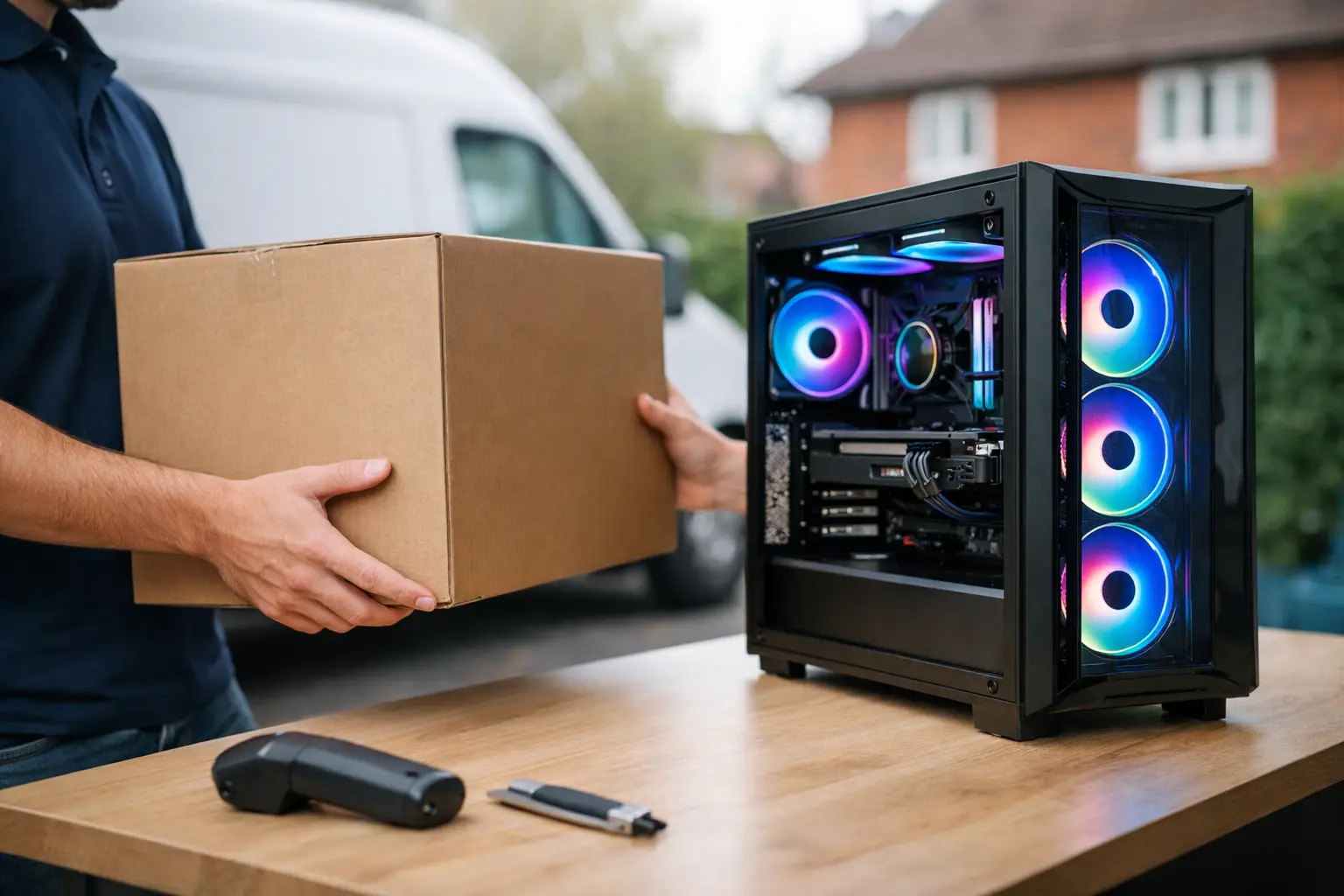
A premium gaming PC is not a parcel you should have to think twice about once it leaves the workshop. For customers choosing gaming PC delivery UK-wide, the delivery experience should reflect the care that went into specifying, handcrafting and testing the system in the first place. That means clear order updates, protective packaging and a sensible plan for receiving a high-value desktop safely.
For a custom build, delivery begins long before the courier collection. It starts with selecting components that suit the games you play, the resolution and refresh rate of your monitor, the software you use and the visual finish you want on your desk. Once a specification is agreed, the build needs time for careful assembly, cable management, configuration and meaningful testing. A system that arrives ready to use is worth waiting for.
Why custom gaming PC delivery takes more care
A pre-built desktop sitting in a warehouse can usually be picked and dispatched quickly. A tailored gaming PC follows a different process. Parts must be checked, installed correctly and tested as a complete system rather than treated as a box of individual components.
That work protects the experience after delivery. Modern graphics cards, liquid coolers, high-speed memory and storage drives need to operate reliably together. Thorough testing helps identify instability, thermal issues or configuration problems before the PC reaches your door. It also gives the builder an opportunity to check that lighting, ports, fans and front-panel connections are working as intended.
Build time therefore depends on the specification and current component availability. A straightforward configuration may move through production differently from a highly customised system with specialist cooling, particular case requirements or a less common component choice. The right question is not simply, “How fast can it be sent?” but, “Has it been built and checked to the standard I expect?”
At CraftCore, each system is expertly handcrafted and fully tested around the customer’s requirements. This is particularly valuable if you have chosen a distinctive case, performance-focused components or a machine expected to handle both gaming and demanding professional workloads.
What to expect from gaming PC delivery UK orders
Once a build has completed final checks, the shipping stage should be structured and easy to follow. You should receive confirmation that the order is progressing and, once dispatched, tracking information that allows you to follow the shipment. Keep an eye on the estimated delivery date, especially if the system needs to be signed for or you live in a building with restricted access.
Packaging matters as much as the delivery service. A completed gaming PC is more vulnerable to movement than a monitor stand or keyboard. The outer carton should protect the case from knocks in transit, while internal protection helps limit movement around heavier components. This is especially relevant for systems fitted with a substantial air cooler or a large graphics card.
Some builds may include internal packing designed to support components during transit. Do not switch the system on until you have opened the side panel and checked whether any internal protective material needs removing. Leaving transit foam or other packaging inside the case can obstruct fans and affect cooling.
Delivery can vary by postcode, service level and courier coverage. Mainland addresses are often more straightforward than remote locations, while deliveries to parts of Scotland, Northern Ireland or offshore areas can require additional time. If you have a deadline, such as a birthday, a new game release or the start of a project, allow for both build and delivery time rather than relying on the courier estimate alone.
Choosing a safe delivery address
A gaming PC should be delivered where someone can receive it securely. A home address is often best, but a workplace can be a sensible alternative if you know someone will be available and there is a safe place to keep the box until you leave.
Avoid arrangements that leave the parcel unattended outside, in a communal entrance or with a neighbour you do not know. If the courier offers delivery preferences, use them carefully. Convenience is useful, but it should not come at the cost of a high-value system being left exposed to weather or theft.
Before dispatch, confirm that the address, postcode and contact details on your order are correct. Include useful delivery details where the checkout permits it, such as a flat number, building name or access instruction. This reduces the chance of a failed attempt or a parcel being directed to the wrong entrance.
Preparing for your new PC before it arrives
A little preparation makes setup quicker and avoids the common frustration of receiving a powerful new machine only to discover that a cable, display connection or desk space has been overlooked.
First, make room for the case. Gaming PCs need airflow, so avoid placing the system tightly inside a closed cabinet or pushing the rear exhaust directly against a wall. If the case has a glass panel and visible components, choose a position where it is unlikely to be knocked by a chair, pet or passing foot. A firm desk or stable floor position is preferable to an unstable surface.
Check your monitor connections too. Most gaming systems should be connected to the graphics card outputs rather than ports on the motherboard. This is an easy mistake to make, particularly for first-time PC owners, and it can prevent you from getting the performance or refresh rate your display supports. Make sure you have a suitable DisplayPort or HDMI cable for your monitor and its intended resolution.
You will also need a reliable mains socket and enough space for your peripherals. If you use a multi-socket extension, select one in good condition and do not overload it with unnecessary devices. A wired network connection can offer lower latency and greater consistency for competitive gaming, although a well-positioned wireless connection may suit many households perfectly.
Have these details ready
Keep your order confirmation and tracking information accessible on delivery day. If a problem needs reporting, photographs of the outer packaging before and after opening can be helpful. This is not about expecting an issue - it is simply a sensible record for any valuable item in transit.
If the PC is delivered in cold or damp weather, allow the exterior of the box to reach room temperature if condensation is a concern. Then unpack it on a clean, clear surface. Do not use a blade close to the case or accessories, as it is easy to damage a cable or scratch a panel.
A careful first unboxing process
Start by inspecting the outside of the box. Minor scuffs on an outer carton can occur during normal handling, but visible crushing, tears or moisture damage deserve closer attention. Photograph any notable damage before opening, then check the case, glass panels, ports and accessories once the packaging is removed.
Place the PC upright before taking off protective materials. If there is internal transit support, remove it gently and make sure no pieces remain behind the graphics card, beneath the cooler or around the fans. Check that the graphics card and memory appear secure, but do not start reseating components unless instructed by support. A system may look slightly different from an online product image because your configuration is built around the parts you selected.
Connect the monitor, keyboard, mouse, power cable and network connection where applicable. Switch on the power supply at the back of the case if required, then use the case power button. Your first start-up may take a little longer than expected while the system completes its initial checks. Give it a moment before assuming something is wrong.
Once at the desktop, confirm that the display is operating at the intended resolution and refresh rate. Install any game launchers, sign in to your accounts and run updates when convenient. There is no need to install a collection of unnecessary tuning utilities immediately. Use the PC as supplied first, then make changes only when you understand what they affect.
If delivery or setup does not go to plan
Most deliveries and first boots are straightforward, but a clear response matters when they are not. If a parcel has not arrived as expected, use the tracking details first and contact the retailer promptly with your order information. If the system arrives with visible damage, avoid powering it on until you have taken photographs and received guidance.
For a setup concern, describe exactly what you can see and hear. Note whether fans spin, whether lighting comes on, whether the monitor reports no signal and where the display cable is connected. A short, precise description gives technical support a far better starting point than “it does not work”.
Do not discard the original packaging as soon as the PC is set up. Retaining the box and internal protection for a reasonable period is useful should the system ever need to travel safely for inspection, return or upgrade work. It is also a practical way to protect your investment if you move home.
A carefully delivered gaming PC should feel like the final step in a considered purchase, not the riskiest part of it. Give the build team time to do the work properly, choose a secure delivery plan and unbox the system with care. Then the first thing demanding your attention can be the game, project or workload you built it for.