Gaming PC for Streaming and Gaming That Performs
Choose a gaming pc for streaming and gaming with the right CPU, GPU, memory and cooling for smooth play, clean broadcasts and room to grow in every session.
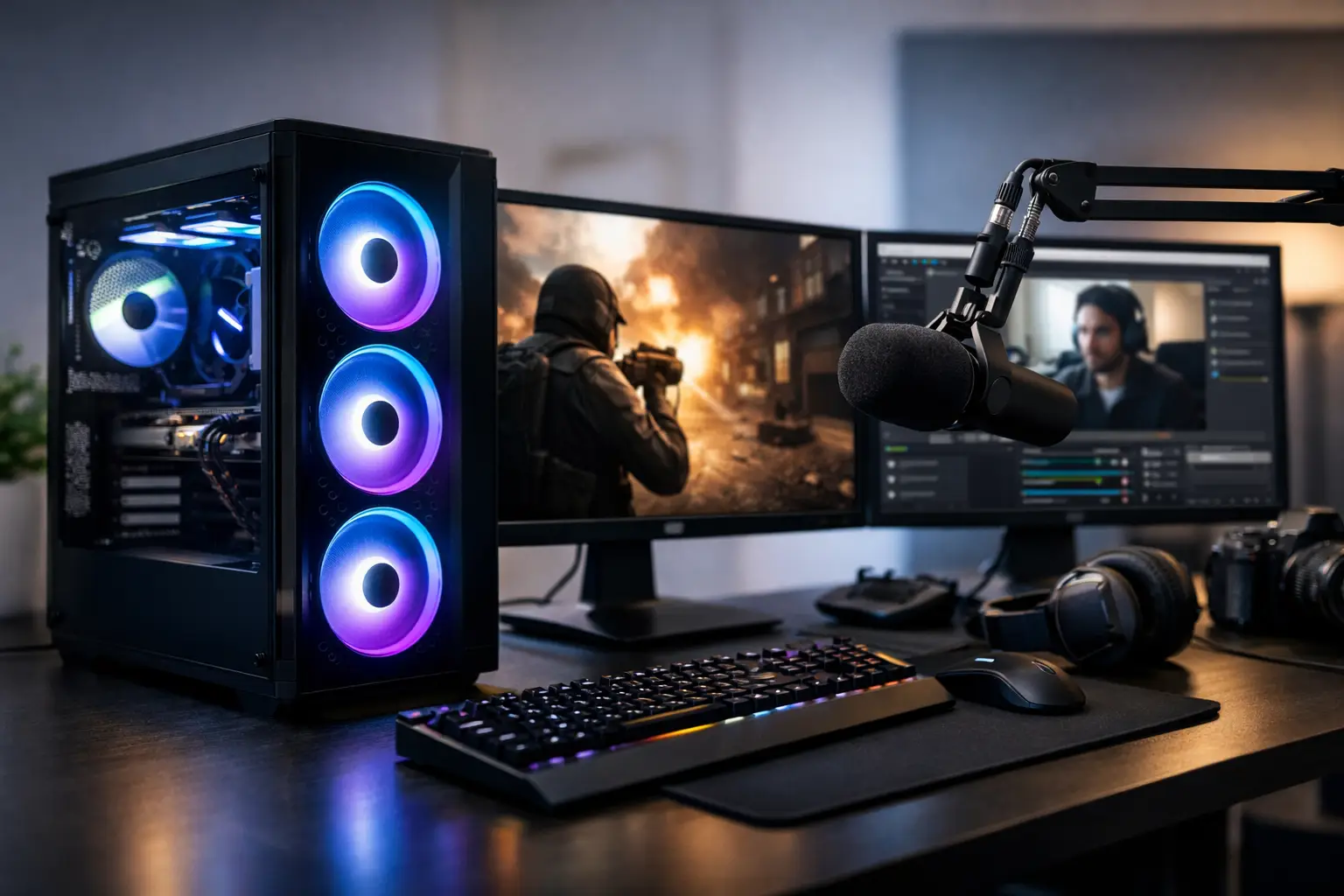
A dropped frame during a close match is frustrating. A stream that stutters while the game runs perfectly is worse, because it usually means the PC is sharing its resources in the wrong place. A gaming pc for streaming and gaming needs more than a high frame-rate graphics card. It needs a balanced specification that can render your game, encode your broadcast, manage background applications and stay cool under a sustained workload.
For a custom system, the goal is not to buy the most expensive component in every category. It is to match the build to the games you play, the platform you stream on and the quality level you expect from your content.
What makes a gaming PC for streaming and gaming different?
Gaming alone is often a short, sharp workload. Streaming turns it into a longer session with several demanding tasks running at once. Your PC may be handling the game, streaming software, a webcam, alerts, a browser window, voice chat, music, capture devices and potentially a second display. The right build has enough headroom that these processes do not compete for the same resources at the moment performance matters most.
This is why a system that looks excellent on a gaming-only specification sheet can feel less convincing once streaming begins. The average frame rate may remain high, but frame-time consistency can suffer. That is the difference between a game that appears smooth and one that feels responsive throughout a competitive session.
The balance depends on your intended output. Streaming at 1080p is far less demanding than producing high-bitrate 1440p content, recording local footage while broadcasting, or editing videos after each session. A player streaming esports titles will prioritise very high and stable frame rates. A creator playing cinematic single-player games may place greater value on visual settings, ray tracing performance and recording quality.
Start with the processor
The processor manages far more than the game itself. It supports game logic, background applications, streaming software and system responsiveness. For a dedicated streaming machine, a modern mid-range processor can provide an excellent starting point, but a higher-core-count option is worth considering if you regularly record, edit video, use virtual cameras or keep several applications open while live.
For most players, the best value comes from choosing a current-generation processor with strong single-core performance and enough cores for multitasking. This keeps games responsive while leaving capacity for the tasks surrounding a broadcast. Buying an entry-level CPU alongside a premium graphics card can create an imbalance, particularly at lower resolutions where the processor is more likely to limit frame rates.
There is no need to pay for workstation-level processing simply because you stream. If your workflow is game, broadcast and occasional clips, the budget may be better invested in the graphics card, cooling and memory. If video editing, 3D work or professional creative applications are part of the same PC's role, a more capable CPU becomes a sensible long-term decision.
Hardware encoding changes the equation
Modern graphics cards include dedicated hardware encoders. These can handle stream encoding efficiently, reducing the pressure on the CPU and allowing a gaming PC to broadcast high-quality video without sacrificing as much in-game performance. For many streamers, this is the most practical route to a clean, reliable stream.
The encoder should not be the only reason to select a graphics card, but it should be part of the decision. Codec support, image quality and compatibility with your preferred streaming software all matter. A properly configured hardware encoder can make a mid-to-high-range system feel considerably more capable than its core specifications suggest.
Choose the graphics card for your resolution
The graphics card remains the central component for gaming performance. Select it around the resolution and refresh rate of your main monitor, rather than relying on broad labels such as “high end”. A 1080p competitive player targeting 240Hz has different priorities from a 1440p player seeking detailed visuals at 144Hz.
At 1080p, strong processor performance and stable frame times are often as important as raw GPU power. At 1440p, the graphics card takes on more of the workload and a higher-tier model is usually justified. For 4K gaming while streaming, compromises are normal. Even premium hardware may require sensible use of upscaling technologies, adjusted ray tracing settings or a frame-rate cap to preserve stream stability.
More graphics memory is valuable for modern games, high-resolution textures and future flexibility, but it is not a substitute for overall GPU performance. The best choice is the card that delivers the settings and frame rate you actually want, while leaving room for encoding and the occasional demanding game release.
Memory and storage should not be afterthoughts
For a new streaming build, 32GB of memory is the sensible baseline for most customers. It gives the system room for the game, streaming application, browser sources and communication tools without forcing you to close everything before going live. It is particularly helpful for titles that already demand a substantial amount of system memory.
16GB can still work for lighter games and a simple broadcast setup, but it provides less breathing space. If you are investing in a premium custom PC, 32GB is usually the more considered choice. Higher capacities make sense for demanding creation workflows, heavy modding or editing large video projects, rather than streaming alone.
Fast NVMe storage improves boot times, game loading and general responsiveness. Capacity matters just as much. Modern games are large, and recorded footage can consume storage quickly. A 1TB drive is a reasonable starting point, while 2TB provides a more comfortable balance for a growing library and regular recordings. Separating your operating system and games from captured video can also help keep files organised and make long-term storage easier to manage.
Cooling, power and case airflow protect performance
Streaming is a sustained workload. A PC that performs well during a short benchmark but becomes loud or reduces clock speeds after an hour of gaming is not an ideal streaming system. Quality cooling and well-planned airflow keep temperatures controlled, reduce unnecessary fan noise and support consistent performance over longer sessions.
The case is not just a visual choice. It determines how effectively cool air reaches the graphics card and processor, how much room there is for radiators or additional fans, and how straightforward future upgrades will be. A clean-looking build should still have a practical airflow path.
The power supply deserves the same care. It should be from a reputable range, correctly rated for the components and selected with appropriate headroom. A premium GPU and processor deserve dependable power delivery, especially in a system intended to run demanding sessions several times a week.
Build around your actual streaming setup
Before choosing components, consider the whole desk. A second monitor makes it easier to monitor chat, stream health and alerts without interrupting the game. A good microphone, suitable webcam and reliable wired network connection can improve the viewer experience more than a small jump in benchmark numbers.
If you stream console gameplay as well as PC titles, you may need a capture card and available expansion space. If your priority is a clean visual setup, case size, fan lighting and cable management should be specified early rather than treated as last-minute extras. These choices are personal, and that is where a configurable build has a clear advantage over a generic shelf system.
CraftCore builds can be tailored around the way you play and create, from performance-led competitive systems to carefully styled desktops with the cooling and capacity needed for longer broadcast sessions. Expert assembly and full testing provide reassurance that the selected parts are designed to work together before the PC reaches your desk.
Where to spend your budget first
When a budget has limits, prioritise the graphics card, a capable modern processor, 32GB of memory and a quality power supply with effective cooling. These choices have the greatest influence on day-to-day performance and system dependability. Storage can be expanded later more easily than a weak CPU or inadequate power provision can be corrected.
Avoid spending too much on appearance before the core specification is right. Premium lighting, glass panels and colour-coordinated components can make a build feel properly personal, but they should complement the performance target. Equally, do not assume that every streamer needs the most expensive hardware. A balanced 1080p or 1440p build, correctly configured, can produce excellent gameplay and a professional-looking broadcast.
Choose the PC for the sessions you intend to run six months from now, not only the game open on your screen today. A little headroom in processing, memory, cooling and storage gives you the confidence to add new games, better stream settings and a more ambitious content workflow when you are ready.