How to Choose a Gaming PC for Video Editing
Choose a gaming pc for video editing with the CPU, GPU, memory, storage and cooling needed for smooth timelines, dependable exports and room to expand.
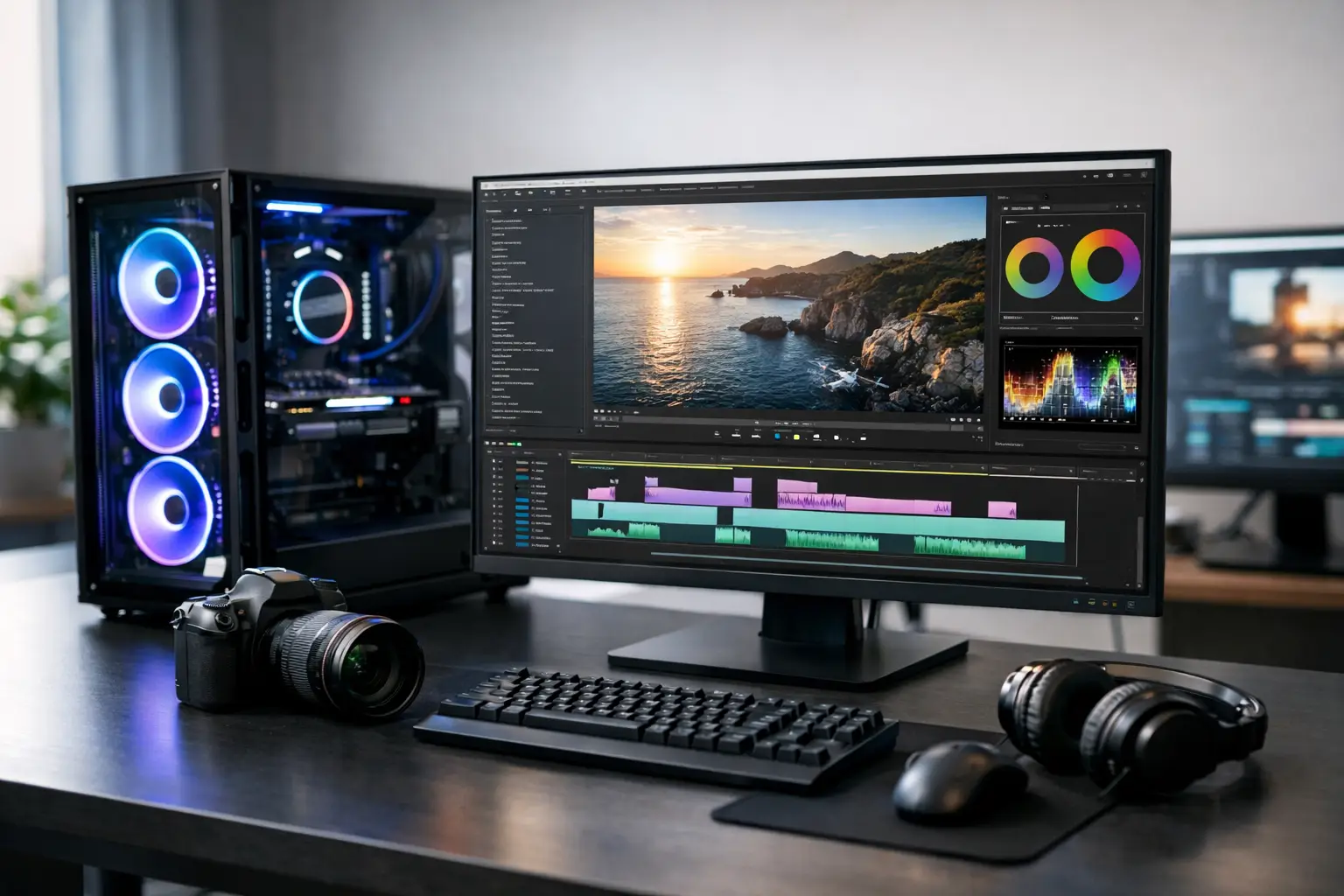
A dropped frame during playback is frustrating. A crash halfway through a long export is worse. For creators who also want exceptional gaming performance, a gaming pc for video editing can be the right answer - but only when its specification is balanced around the work you actually do.
A powerful graphics card alone will not make editing effortless. Video production depends on several components working together: processor cores for decoding and exporting, graphics acceleration for effects and colour work, memory for demanding timelines, and fast storage for footage and cache files. The best system is not simply the one with the highest headline specification. It is the one tailored to your footage, software, deadlines and games.
Why a gaming PC works for video editing
Gaming and editing place different demands on a PC, yet there is significant overlap. Both benefit from a capable GPU, responsive storage, quality cooling and a stable power supply. A well-configured gaming desktop therefore provides an excellent foundation for creators who want to edit 4K projects in the day and play demanding titles in the evening.
The key difference lies in balance. Gaming performance often prioritises the graphics card, particularly at higher resolutions. Editing workloads can lean more heavily on the CPU, system memory and storage, depending on the application and codec. Spending the whole budget on a top-tier GPU while choosing limited RAM or a small SSD can leave an otherwise premium machine feeling constrained in real creative work.
A desktop also offers practical advantages over many laptops. It is easier to cool under sustained rendering loads, easier to configure with several drives, and more straightforward to upgrade when your projects become more demanding. For longer edits, this headroom matters.
Choosing a gaming PC for video editing
Start with the footage rather than the marketing labels. A creator cutting 1080p gameplay highlights needs a different system from a professional producing multicamera 4K work, colour grading high-bitrate footage or creating motion graphics. Your editing software matters too, as each package makes slightly different use of processing cores and GPU acceleration.
Prioritise a capable, modern CPU
The processor remains central to a dependable editing PC. It handles a wide range of tasks, including decoding media, creating proxy files, running background processes and exporting projects. More cores can speed up rendering and exports, but strong per-core performance is equally valuable for a responsive editing interface and for gaming.
For most creators, a modern mid-to-high-range processor with ample cores is the sensible starting point. If editing is a major part of your work, it is usually worth moving beyond an entry-level CPU even if the graphics card is excellent. Those working with complex 4K timelines, heavy effects or frequent exports should consider a higher-core-count option.
There is a trade-off. The most powerful processors produce more heat and may require more substantial cooling. A correctly matched cooler is not an optional extra: it helps the system maintain its performance during lengthy renders rather than reducing speeds to control temperature.
Select a GPU for both playback and gaming
A strong graphics card is essential for modern gaming and increasingly valuable in video editing. Many editing applications use the GPU to accelerate effects, transitions, scaling, colour correction and playback. It can also support faster exports in compatible formats.
Video memory is particularly relevant. For 1080p editing and gaming, a capable current-generation card with sensible VRAM is often sufficient. For 4K timelines, multiple displays, GPU-heavy effects or demanding colour workflows, additional VRAM provides useful breathing room. It is not a guarantee of faster performance on its own, but it can prevent the graphics card becoming the limiting factor when projects grow.
Do not choose purely on gaming benchmarks. A card that delivers excellent frame rates but has limited video memory may be less suitable for a creator working with high-resolution media. Equally, buying the most expensive GPU available is unnecessary if your work is mainly straightforward 1080p editing. The right choice depends on both your target game settings and your editing workload.
Fit enough memory from the outset
Memory is one of the most noticeable upgrades for editing. When RAM is limited, large projects, browser tabs, music libraries and background applications compete for space. The result can be slower playback, longer load times and a less responsive workflow.
32GB is a strong baseline for a gaming and editing system, particularly for 4K work or regular multitasking. It gives most creators enough capacity for editing software, game launchers and everyday applications without constant compromise. 64GB is worth considering for advanced motion graphics, large projects, high-resolution RAW media or anyone who prefers to keep several demanding programmes open at once.
16GB can still suit lighter editing, but it is best regarded as an entry point rather than a long-term target for a performance-focused build. Memory is often upgradeable, although specifying the right capacity from the beginning keeps the system better balanced and avoids an early upgrade.
Use fast storage with a clear purpose
Storage planning is where many creative PCs fall short. Video files are large, project folders multiply quickly, and editing applications create cache files that can occupy substantial space. A single small drive may work initially, then become a daily source of housekeeping.
A fast NVMe SSD should hold Windows, your editing applications and active projects. This improves system responsiveness and helps with loading media, generating cache files and moving around large project folders. For many users, 1TB is the practical minimum; 2TB is more comfortable when current footage must remain on the primary drive.
Where budget allows, a second SSD for active footage, scratch files or cache can improve organisation and prevent a busy system drive from becoming a bottleneck. Larger capacity storage is useful for archived projects, but it does not need to be as fast as the drive supporting live editing. A considered combination of high-speed working storage and separate archive space is often better value than one oversized premium drive.
Cooling, power and build quality matter under load
A gaming PC for video editing may render for hours at a time. That makes cooling, airflow and power delivery central to the experience. These parts are less visible than a processor or graphics card, yet they influence sustained performance, acoustics and long-term reliability.
A properly sized CPU cooler, well-positioned case fans and an airflow-focused case help components operate within their intended temperatures. This is especially valuable in a home office or studio, where constant fan noise can become distracting during voiceover work or focused editing sessions.
The power supply should also be selected for the complete specification rather than treated as a minor detail. A quality unit with appropriate headroom supports stable operation now and leaves scope for sensible future upgrades. Compatibility, cable routing and clean assembly all contribute to a system that is easier to maintain and more dependable over time.
This is where an expertly handcrafted and fully tested build adds reassurance. The component list may look right on paper, but careful installation, cable management, cooling setup and testing ensure the complete machine performs as intended when it reaches your desk.
Build for the workflow you will have next year
It is tempting to configure a PC around the project on screen today. A better approach is to allow for the work you expect to take on next. Perhaps you currently edit 1080p gaming clips but intend to move into 4K content, livestreaming, client work or more ambitious visual effects. Building in sensible memory, storage and power headroom can extend the useful life of the system.
That does not mean paying for hardware you will never use. It means investing where upgrades are inconvenient or where limitations are most likely to interrupt your workflow. A tailored system gives you the freedom to prioritise the components that affect your own timelines, exports and games rather than accepting the compromises of a generic configuration.
A carefully specified PC should disappear into the background while you create: responsive when you are refining a cut, cool and stable through the final render, then ready for the game waiting after the upload.