Gaming Workstations Built Around Your Needs
Gaming workstations should deliver more than high frame rates. Learn how to choose balanced components, cooling and upgrades for your workload with care.
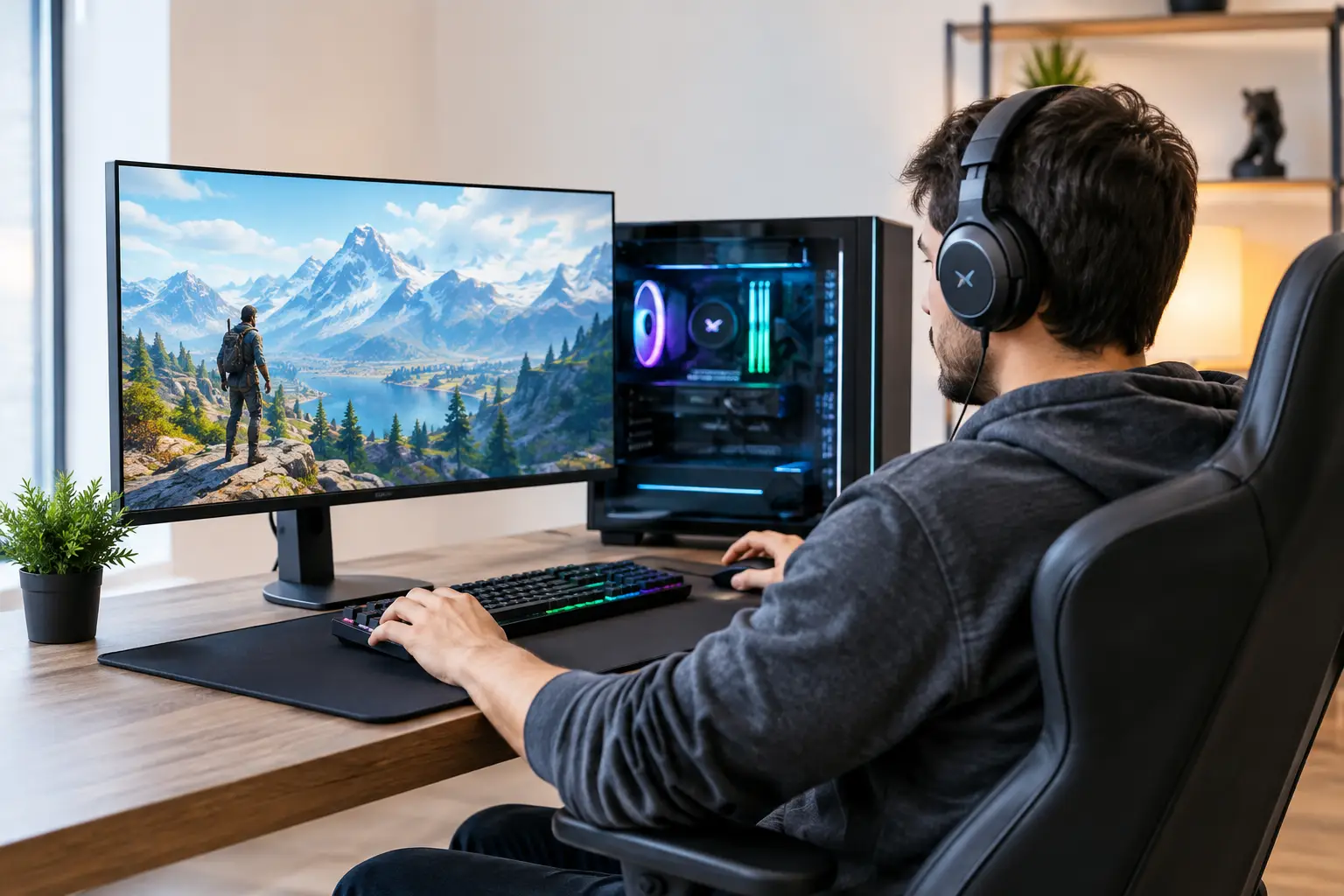
A system that delivers excellent frame rates but slows down during rendering, compiling or large file transfers is not truly serving a demanding setup. The best gaming workstations are designed around the full picture: the games you play, the software you rely on, the display you use and the performance you expect over the years ahead.
For some buyers, that means a focused high-refresh gaming PC with room for a future graphics card upgrade. For others, it means a machine that can run a competitive title in the evening, edit 4K footage the next morning and handle professional workloads without compromise. The right specification is rarely about choosing the most expensive component. It is about creating a balanced system where every part has a clear purpose.
What Gaming Workstations Are Designed to Do
A gaming PC is usually judged by its performance in games. A workstation adds another consideration: sustained capability in demanding applications. That might include video editing, 3D modelling, CAD work, music production, software development, simulation or streaming alongside gameplay.
This does not mean every workstation needs enterprise-grade hardware. It means the component choices should reflect how the machine will actually be used. A player focused solely on esports at 1080p needs a very different balance from a creator gaming at 4K while working with large project files.
The advantage of a tailored build is that you can invest where performance matters and avoid paying for specification that will sit unused. A well-chosen processor, graphics card, memory capacity and storage layout will often feel faster in daily use than a poorly balanced system with one headline component.
Start with your main workload
Before selecting parts, identify the task that places the greatest demand on your PC. For gaming, this is usually determined by the resolution, refresh rate and types of games you play. Fast-paced competitive games benefit from consistently high frame rates, while visually demanding single-player games place more emphasis on graphics performance and available video memory.
For creative or professional work, software matters. Some applications benefit strongly from extra processor cores, while others use graphics acceleration or require substantial system memory. Editing high-resolution footage, building complex scenes or working with several applications open at once can quickly expose the limits of a modest specification.
It is also worth considering whether your use will change. A PC bought for gaming today may become a streaming, editing or home-office system later. Allowing sensible headroom can extend the useful life of the build without turning every purchase into an unnecessary upgrade.
How to Specify Gaming Workstations Properly
The strongest systems are built around component balance. Choosing parts independently can look straightforward, but compatibility, cooling requirements and power demands all influence the finished result. This is where expert configuration and full system testing offer real reassurance.
Processor and graphics card: establish the balance
The graphics card has the greatest influence on gaming performance, particularly at 1440p and 4K. It is also essential for GPU-accelerated creative applications, rendering and certain AI-assisted workflows. Selecting a card that suits your monitor is more useful than simply pursuing the highest model number.
The processor remains equally important for game simulation, high-refresh performance, multitasking and productivity. A powerful graphics card paired with an entry-level processor can create bottlenecks in CPU-heavy games. Equally, a top-tier processor may be difficult to justify when the system is primarily used for lighter games on a 60Hz display.
If you stream, record gameplay or regularly run background tools, choosing a processor with additional performance headroom is sensible. The same applies to users who render projects while continuing to work in other applications. The aim is not maximum utilisation on a specification sheet. It is responsive performance when several demands arrive at once.
Memory and storage: the parts you notice every day
Memory capacity has a direct effect on how comfortably a workstation handles demanding workloads. For a dedicated gaming build, 16GB can still be appropriate for many users. However, 32GB is often the more considered choice for premium gaming systems, especially where streaming, editing, modded games or extensive browser use are part of the routine.
More memory may be appropriate for professional software, large media assets and complex design projects. The requirement depends on the application, so it is worth matching capacity to your real workload rather than assuming more is always better.
Storage should be planned in layers. A fast NVMe SSD for Windows, key applications and regularly played games delivers quick boot times and responsive loading. A second SSD or larger capacity drive can provide room for a growing game library, project files and recordings. Separating active work from long-term storage can make the system easier to manage and upgrade.
Cooling and power are performance components
Premium hardware only performs at its best when it is properly cooled and supplied with stable power. This is particularly relevant in gaming workstations, where long gaming sessions, rendering jobs and demanding applications can keep components under load for hours.
An appropriate air cooler or liquid cooler helps the processor maintain its intended performance without excessive fan noise. Case airflow matters too. A stylish chassis with restricted ventilation can force fans to work harder and leave less thermal headroom than a well-ventilated design.
The power supply should be selected for the installed hardware and future requirements, not merely to meet the minimum wattage figure. A high-quality unit with suitable capacity, efficient operation and the correct connections supports stability and leaves room for sensible upgrades. It is an area where cutting costs can be a false economy.
Plan the Build Around Your Display
A monitor defines the target your system needs to reach. There is little value in paying for extreme 4K performance if you use a 1080p screen, just as a powerful 4K display will not show its potential when paired with a graphics card chosen for entry-level gaming.
At 1080p, competitive players may prioritise very high refresh rates and a processor capable of feeding the graphics card quickly. At 1440p, the balance usually shifts further towards the graphics card, making it a popular choice for sharp visuals and strong frame rates. At 4K, graphics performance and video memory become central considerations, particularly in newer games with demanding texture settings and ray tracing.
Peripherals also affect the experience. A responsive mouse, comfortable keyboard, quality headset and correctly sized desk can make a carefully configured PC more enjoyable to use. They are not an afterthought when the workstation is used every day.
Build for Upgrades, Not Just the First Day
A custom system should not be judged only by how it performs on arrival. Its internal layout, motherboard features, storage options and power capacity can determine how straightforward future improvements will be.
The most practical upgrade path depends on the original brief. A buyer planning to keep a graphics card for several years may place greater value on extra storage slots and memory capacity. Someone expecting to move to a higher-resolution monitor could prioritise a capable power supply and a case with room for larger future graphics cards.
There are limits to future-proofing. Hardware standards change, and paying significantly more for capacity you may never use is not always sensible. A better approach is to choose a platform with credible upgrade options and invest in components that meet your current needs well. It is a measured decision, rather than a promise that one PC will suit every workload indefinitely.
Why Professional Assembly Matters
Configuring high-performance hardware is about more than fitting compatible parts together. Cable routing affects airflow, cooler installation affects temperatures, memory settings affect performance and BIOS configuration can influence stability. Every detail contributes to the finished machine.
An expertly handcrafted and fully tested system gives you confidence that the specification has been assembled as a complete build, rather than as a collection of boxes. It also makes the buying process more approachable for customers who know what they want from a PC but do not want to manage every technical decision alone.
At CraftCore, a tailored build can bring gaming performance, visual design and practical workstation capability into one considered system. Whether you prefer the control of a PC Builder configuration or the certainty of a proven pre-built specification, the best choice begins with an honest assessment of what you will ask the machine to do.
Choose for the games and workloads you genuinely run, leave sensible room to grow, and prioritise component quality where it will be felt every time you sit down at your desk.