Graphics Card Reviews: How to Read Them Right
Graphics card reviews explained: compare real gaming performance, cooling, power and value to choose the right GPU for your custom PC build with confidence.
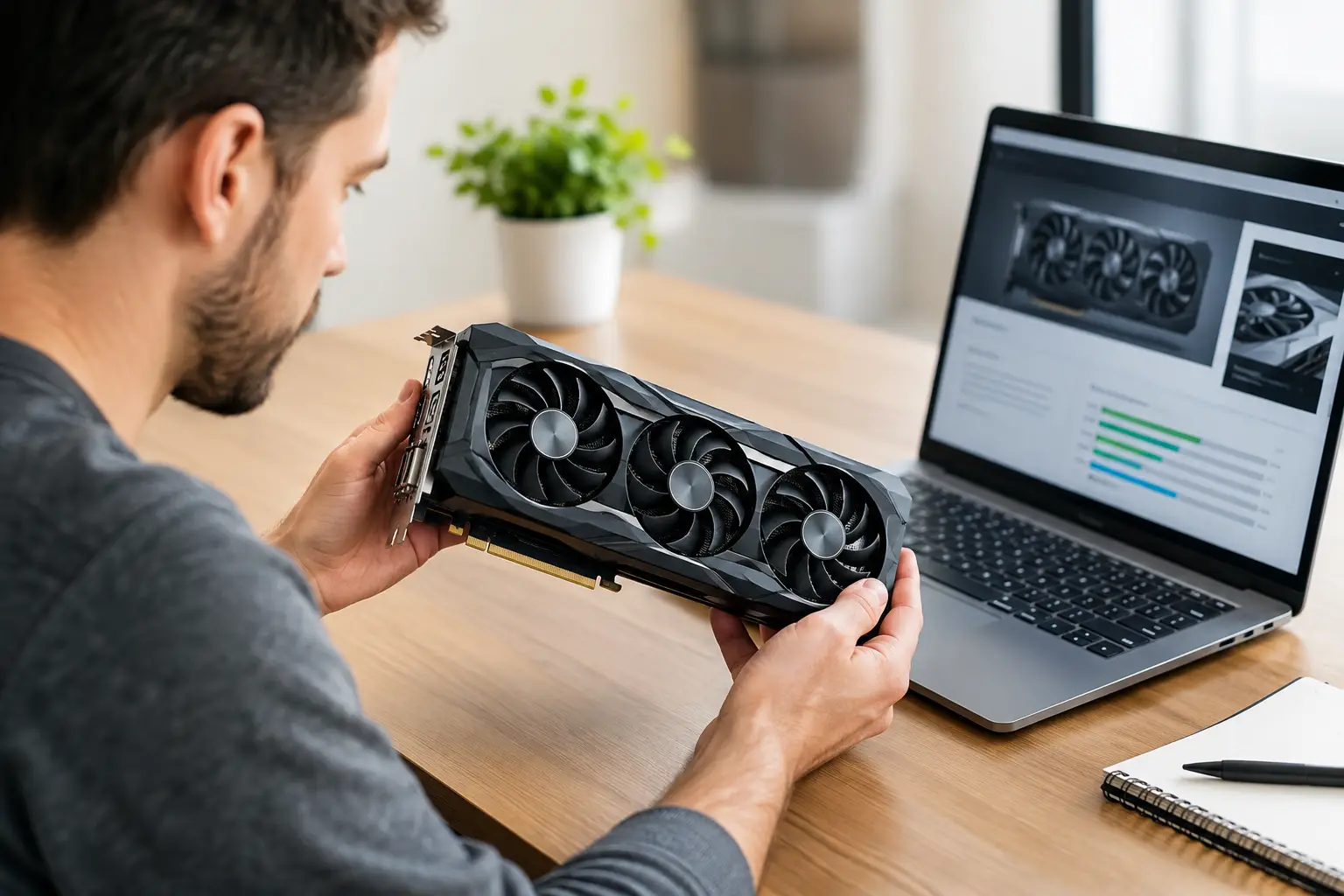
A graphics card can define whether a new PC feels exceptional or merely adequate. Yet graphics card reviews often present a wall of benchmark charts, temperature readings and technical terms without answering the question that matters most: will this GPU suit the games, display and workload you actually use?
The right answer is rarely just the card with the highest number. A well-chosen GPU should deliver the frame rates you expect at your preferred resolution, fit the overall budget, work sensibly with the processor and power supply, and suit the character of the build. For a premium custom PC, it should also leave room for the rest of the system to perform properly.
What graphics card reviews should tell you
A useful review tests a graphics card in several demanding games at more than one resolution. Look beyond a single average frame-rate figure. The most valuable results show performance at 1080p, 1440p and 4K, ideally with the same quality settings and a current processor. This makes it easier to see where a card is genuinely strong and where it begins to struggle.
Average frames per second are a sensible starting point, but minimum or one per cent low frame rates matter too. These figures give a clearer picture of consistency. A game averaging 100fps can still feel uneven if demanding scenes cause repeated drops. For competitive games, stable performance is often more valuable than a slightly higher peak result.
Check the test settings before comparing results. Ray tracing, ultra-quality textures and advanced lighting can change the balance between cards considerably. A GPU that excels in traditionally rendered games may not lead once ray tracing is enabled. Equally, upscaling technologies can raise frame rates significantly, but they should not be treated as identical to native-resolution performance. They are useful tools, particularly at 1440p and 4K, but image quality and supported games vary.
Review dates matter as well. Driver updates and game patches can improve performance over time, while newly released titles may place different demands on hardware than older benchmark suites. A review remains valuable when its test method is clear, but it is best read as evidence rather than a permanent league table.
Start with your monitor, not a benchmark chart
Your display should guide the graphics card choice. For 1080p gaming at 60Hz or 75Hz, paying for a top-tier GPU may provide little practical benefit in many games. A balanced mid-range card can offer excellent image quality, lower heat output and better value, allowing more budget for processor performance, storage or a higher-quality monitor.
At 1440p, the workload rises sharply. This resolution is a popular point for premium gaming PCs because it combines crisp detail with high refresh-rate potential. Here, graphics card memory, raw raster performance and cooling all become more significant. If you play visually demanding single-player games, allow headroom rather than selecting a card that only just reaches the target frame rate in current titles.
4K gaming asks much more of the GPU. High-end cards, intelligent upscaling and carefully chosen settings are often necessary for consistent results, especially with ray tracing. That does not mean every setting must be placed at its maximum. A considered mix of high and ultra settings can preserve visual quality while delivering a smoother experience.
Refresh rate changes the calculation. A 165Hz display rewards a GPU capable of sustaining high frame rates in the games you play, while a 60Hz 4K display places greater emphasis on image detail and consistent pacing. There is no universal best card, only the best fit for your screen and expectations.
Compare like for like
When reading graphics card reviews, compare models in the same performance class and at the resolution you intend to use. Comparing a modest 1080p card with a flagship 4K model tells you little about value. A closer comparison reveals whether an upgrade provides a meaningful improvement or only a small gain at a substantial cost.
Pay attention to the whole specification, not only the model name. Different versions of the same GPU can use different coolers, power limits and factory clock speeds. These variations do not usually transform one card into another tier, but they can affect noise levels, operating temperatures and sustained performance.
Video memory deserves context. More VRAM can be helpful for high-resolution textures, 4K gaming, ray tracing and creative applications, but capacity alone does not determine speed. Memory type, bandwidth and the wider architecture also matter. The practical question is whether the card has enough memory for the games and applications you expect to run over the life of the system.
For creators and performance-focused desktop users, reviews should also include application testing where possible. Video editing, 3D rendering, AI-assisted workloads and GPU-accelerated design software do not always favour the same hardware as games. Software support, encoder quality and the specific applications used each deserve a place in the decision.
Cooling, noise and size are not minor details
A graphics card’s cooler affects everyday ownership. A larger heatsink and well-designed fan arrangement can keep temperatures controlled with less noise under load. That is particularly worthwhile in a premium desktop intended for long gaming sessions, streaming or creative work.
Do not assume that the coolest card is automatically the best. Some models run fans aggressively to produce impressive temperature figures, while others accept a slightly warmer operating temperature in exchange for quieter operation. Modern GPUs are designed to manage their own temperatures safely, so the best balance is usually sensible thermals without intrusive fan noise.
Physical dimensions must be checked against the chosen case. Length, height and thickness can vary dramatically, especially among high-performance cards. Thick models may occupy several expansion slots, and their power connectors need adequate clearance from the side panel. In a custom build, these details should be planned before assembly, not discovered after the components arrive.
Power requirements need a system-level view
A review may report the card’s power draw, but your PC needs to be assessed as a complete system. The processor, graphics card, storage, cooling, fans and USB-powered devices all draw from the power supply. A quality unit with suitable capacity and the correct connectors provides stable power now and leaves sensible headroom for sustained load.
This is not simply about choosing the largest wattage available. An oversized power supply can be unnecessary, while an under-specified or poor-quality unit is a false economy. The GPU manufacturer’s recommended power supply figure is a starting point. The final choice should account for the selected processor and the particular graphics card model.
Power also affects heat. A higher-wattage GPU can provide excellent performance, but it places greater demands on case airflow and cooling. For some buyers, a slightly less powerful card that runs cooler and quieter is the better long-term choice. This is especially true where the PC will be used in a smaller room or for work as well as gaming.
Value is performance over time
The best value GPU is not always the cheapest card or the one with the highest benchmark result per pound. Consider how long the card is likely to meet your needs. A model with enough performance headroom for upcoming games, the right memory capacity and the features you will genuinely use can be a more considered purchase than replacing an entry-level option sooner than planned.
Avoid paying for features that do not match your use. If you play esports titles at 1080p, extremely high 4K ray-tracing performance may not change your experience. If you want cinematic single-player gaming at 1440p or 4K, it may be worth prioritising stronger ray-tracing results, image reconstruction support and additional VRAM.
A balanced specification matters just as much. Pairing an exceptionally powerful graphics card with an unsuitable processor, limited memory or a slow display can restrict the benefit you see. For this reason, a tailored PC build is often more effective than selecting components independently from headline specifications.
Turning review data into the right build
Use reviews to create a short list, then judge those cards against your own target resolution, games, budget and preferred case design. Be honest about whether you want maximum frame rates, quieter operation, creative acceleration or an attractive system with clear upgrade potential. Those priorities can lead to different, equally sensible choices.
At CraftCore, a graphics card is selected as part of the complete system, with compatibility, airflow and power delivery considered alongside performance. An expertly handcrafted and fully tested PC should feel cohesive, rather than like a collection of expensive parts.
The most useful review is the one that helps you define your target. Choose the GPU that meets it comfortably, then build the rest of the PC around a system you will enjoy using every day.