Hand Built Versus Factory PCs Compared
Compare hand built versus factory PCs for gaming, work and creative use. See where custom parts, testing, warranty and value make the difference clear.
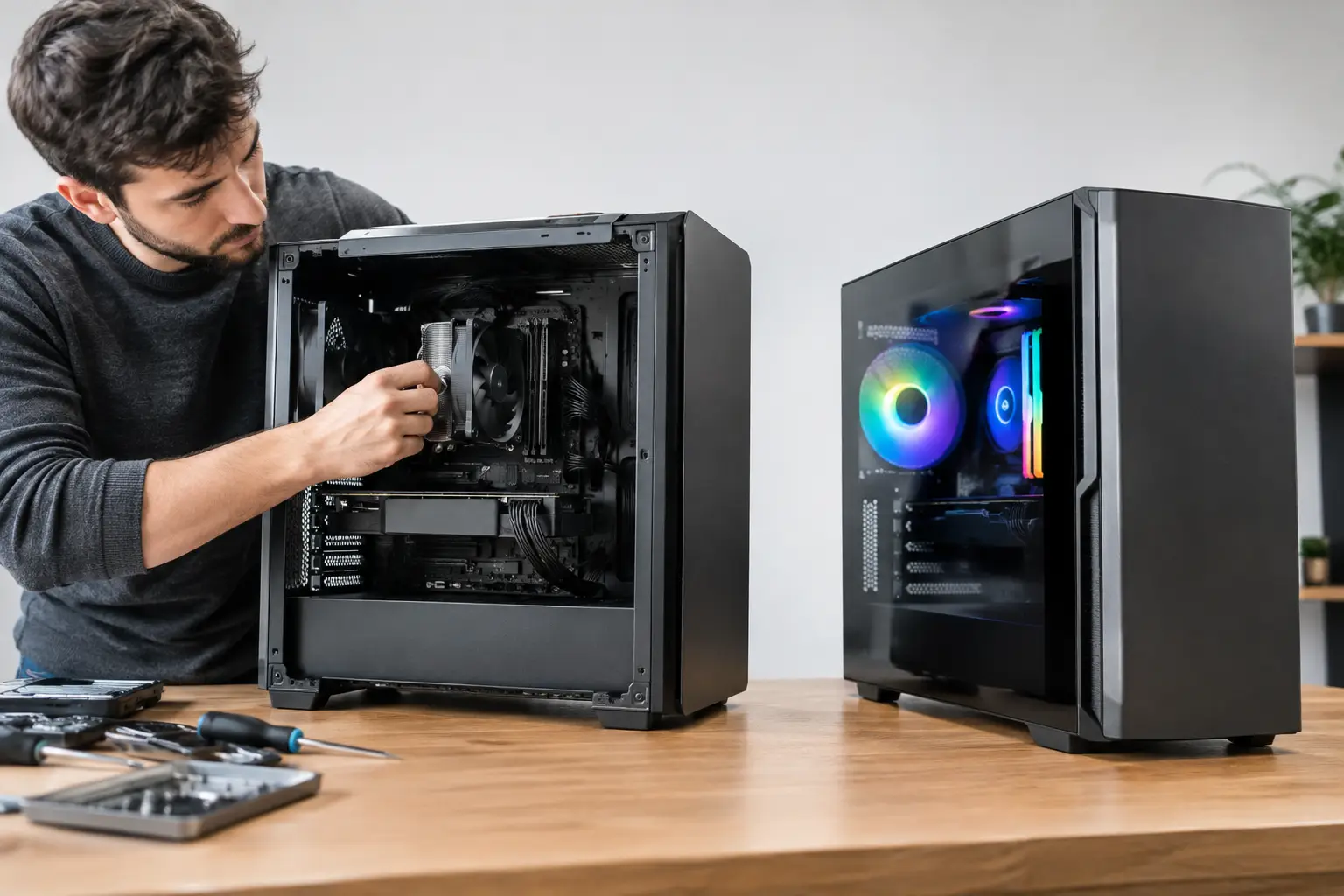
A PC can look impressive on a product page yet still be poorly matched to the way you actually play, work or create. That is the real question behind hand built versus factory PCs: not simply who assembled it, but whether its specification, cooling, finish and support have been considered as one complete system.
For a competitive gamer, that could mean prioritising high frame rates at a chosen resolution. For a creator, it may mean more memory, fast storage and a processor that handles rendering without holding up the rest of the system. A factory PC can be a sensible purchase, but a professionally hand-built system gives you greater control over where your budget goes.
What separates hand built and factory PCs?
A factory PC is typically configured for volume. Manufacturers select a fixed set of components, build the same specification in large batches and sell it through retailers or directly online. This approach can offer straightforward pricing, quick availability and a familiar buying process. It is often the right answer when a buyer needs a basic desktop quickly and has modest performance requirements.
A hand-built PC is assembled around an individual specification. That does not mean every custom system must be extravagant or filled with the most expensive hardware. It means the component choices are made to serve a particular target: a quiet 1440p gaming machine, a high-refresh esports PC, an all-round workstation or a visually focused setup with carefully selected lighting and case design.
The distinction matters because a desktop is a collection of interdependent parts. The graphics card, processor, motherboard, power supply, cooling and case airflow all affect the final experience. A strong component in isolation does not guarantee a well-balanced PC.
Component choice is where custom builds earn their value
Factory systems are frequently marketed around one headline part, usually a graphics card or processor. The remaining specification can be less visible. You may find limited memory capacity, a small or slower SSD, a basic power supply or cooling that is adequate for stock operation but not ideal for sustained heavy use.
That is not true of every factory machine. Premium pre-built ranges can use excellent components and provide a dependable route to ownership. The issue is that fixed configurations require compromise. If the exact model has a powerful GPU but only the storage you need, you are paying either to accept the limitation or to upgrade after purchase.
With a hand-built PC, each major part can be selected with the intended workload in mind. A gamer targeting 4K settings may place more of the budget into the graphics card. Someone running design software, virtual machines or large editing projects may benefit from additional RAM and fast, higher-capacity storage. For a system that sits on a desk all day, quiet fans and capable CPU cooling can be worth more than a small benchmark gain.
This is also where longevity becomes practical rather than theoretical. Choosing a motherboard with the connectivity you need, a power supply with suitable headroom and a case with room for future upgrades makes later changes simpler. It will not make every platform future-proof, because PC standards change, but it avoids needless restrictions from day one.
Balance matters more than a specification headline
A well-built system avoids obvious bottlenecks. Pairing a high-end graphics card with an entry-level processor may limit performance in CPU-heavy games. Fitting a powerful processor into a compact case with insufficient cooling can lead to higher noise or reduced sustained clock speeds. Installing premium parts behind restricted airflow can undermine the investment.
Professional system building is partly about preventing these mismatches before the order is placed. The best configuration is not the one with the longest component list. It is the one that delivers the performance you will notice, within a budget that makes sense.
Build quality affects more than appearance
The visible side of a hand-built PC is often cable management: clean routing, tidy interior presentation and a system that looks considered through a glass side panel. That matters, particularly when the PC is the centrepiece of a gaming setup. But workmanship has a more functional role too.
Correct cable routing keeps connections secure and clear of fans. Sensible fan placement supports airflow through the case. Proper installation pressure on a CPU cooler, suitable thermal paste application and careful handling of connectors all contribute to reliable operation. These are small details individually, but they add up over years of gaming sessions, project deadlines and software updates.
Factory assembly lines are capable of consistent work, especially on established models. However, speed and repeatability are the priority. A specialist hand-built system is generally afforded more attention at the component level, including how the build presents, cools and can be serviced later.
For buyers who want a particular aesthetic, custom assembly has another advantage. Case choice, cooler design, fan arrangement, lighting and cable colours can be coordinated instead of treated as an afterthought. The result can be personal without sacrificing practical access or airflow.
Testing provides reassurance before delivery
A new PC should not arrive as a collection of expensive assumptions. It should be checked under realistic conditions, with its core hardware recognised correctly, temperatures monitored and stability assessed.
A fully tested hand-built PC offers reassurance that the installed memory, storage, graphics card and cooling configuration work together before it reaches your desk. It also reduces the chance that a simple seating issue, firmware setting or faulty component becomes your first evening of troubleshooting.
No testing process can guarantee that hardware will never fail. Electronics can develop faults later, and software changes occasionally create their own problems. What proper testing does provide is a more confident starting point. You receive a complete machine that has been assembled and assessed as a system, rather than being the final quality-control stage yourself.
That consideration is particularly valuable for less experienced buyers. You can still choose a tailored performance level and style without needing to research every connector, clearance measurement or BIOS setting. For experienced enthusiasts, it removes time-consuming build and validation work while preserving meaningful control over the specification.
Price is more nuanced than cheap versus expensive
Factory PCs can look cheaper at first glance because their manufacturers buy components in large volumes and standardise assembly. At certain price points, particularly for entry-level machines, that can produce good value. Sales and clearance models may be especially attractive when the specification already fits your needs.
A hand-built PC may cost more where it uses higher-grade parts, allows more configuration time and includes detailed assembly and testing. The relevant comparison is not the total price alone. Compare the exact processor, graphics card, memory speed and capacity, storage, motherboard, power supply, cooling, case and warranty terms.
A lower initial price becomes less compelling if you soon need a memory upgrade, a larger SSD, extra cooling or a replacement power supply. Equally, spending on premium parts you will never use is not good value merely because they are high-end. A tailored build should be deliberate at both ends of the budget.
Support, warranties and upgrades should influence the choice
Factory PCs often have a single point of contact for the complete machine, which is convenient. The trade-off can be limited flexibility, proprietary components or restrictive case designs in some models. Before buying, check whether standard upgrades are possible and how changes affect warranty cover.
A specialist builder can offer a more transparent view of what is inside the system and why it was chosen. Using recognised, standard-format components usually makes upgrades and replacement parts easier to plan. It also means a future graphics card, storage drive or memory expansion is less likely to be blocked by an unusual power connector or bespoke motherboard layout.
Support matters just as much as the original configuration. A clear purchasing process, order tracking, delivery arrangements and defined returns procedures all contribute to confidence. For a premium desktop, the experience should feel considered from selection through to setup.
Which option is right for you?
Choose a factory PC when the specification is genuinely right, availability is your main priority and you are happy with the upgrade path. It can be an efficient, sensible purchase, particularly from a reputable manufacturer with clear support.
Choose a hand-built PC when you want performance tailored to the games or applications you use, component quality you can understand, a specific visual design or a clearer route to future upgrades. It is especially worthwhile when your budget is substantial enough that poor balance or hidden compromises would be frustrating.
CraftCore approaches custom systems as complete machines rather than a list of expensive parts. The aim is to pair premium, expertly handcrafted assembly with a specification tailored to your needs and fully tested before it is sent out.
The strongest PC purchase is the one that leaves you ready to use it, not ready to correct it. Start with what you need the machine to do over the next few years, then choose the build route that supports that goal with the fewest compromises.