How Much RAM for a Gaming PC? 2026 Guide
Wondering how much RAM for a gaming PC is right? Choose 16GB, 32GB or 64GB with clear advice on games, multitasking, upgrades and budget.
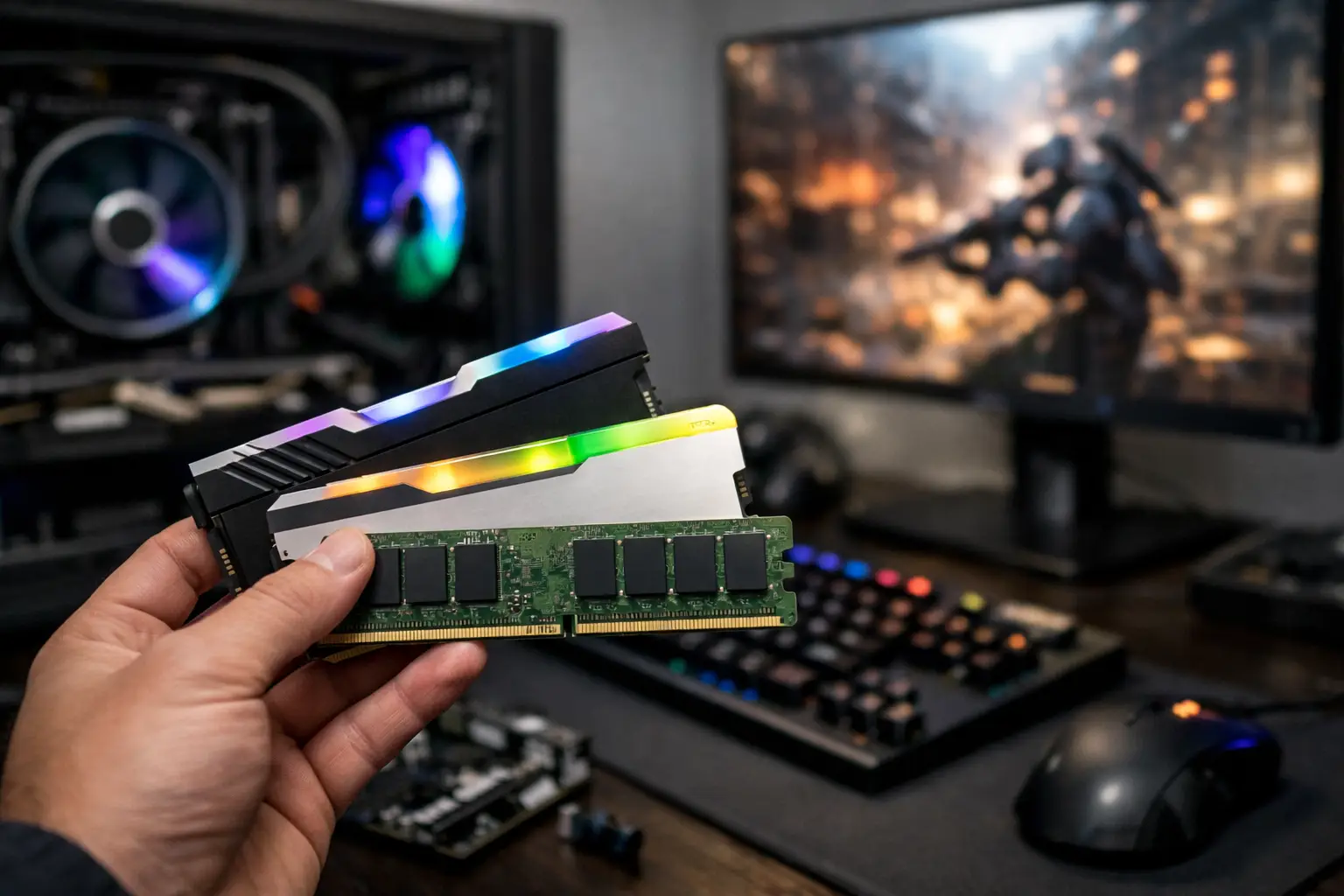
A new graphics card can raise average frame rates, but too little memory can still spoil the experience with hitching, slow level loads and an unresponsive desktop. If you are asking how much RAM for a gaming PC you need, the short answer is 16GB as a sensible minimum and 32GB as the stronger choice for most premium new builds.
The right amount depends on more than the game itself. Your display resolution, the type of games you play, background applications and whether the PC will also handle work or creative software all affect the answer. RAM is not a component to overspend on blindly, but it should not be the limiting factor in an otherwise carefully specified system.
How Much RAM for a Gaming PC Is Enough?
For a modern Windows gaming PC, 16GB remains capable of running a large range of games well. It is the practical entry point for a value-focused build, particularly when the budget needs to prioritise the graphics card and processor. For esports titles such as Valorant, Rocket League, Counter-Strike 2 and Fortnite, 16GB is usually more than adequate when paired with balanced components.
However, 32GB is now the recommended capacity for most gamers buying a new system intended to last several years. Modern AAA games can use a considerable amount of system memory, especially open-world releases, simulation games and titles with high-resolution texture packs. Add Windows, a browser, Discord, game launchers and recording software, and a 16GB system has much less spare capacity than the specification suggests.
64GB is not essential for gaming alone. It becomes worthwhile for customers who run demanding production workloads alongside games, use substantial mod libraries, create large projects, work with virtual machines or prefer to keep many heavy applications open at once. More memory than your workload can use will not increase frame rates, so it is best viewed as capacity for specialised use rather than a gaming performance upgrade.
16GB: The Value-Focused Starting Point
A 16GB configuration is still a credible choice when building to a defined budget. It allows the investment to go where it may deliver a more visible result, such as moving up a graphics card tier or choosing a better processor. For straightforward gaming, web browsing and everyday desktop use, it remains responsive and capable.
The compromise is headroom. A demanding game may work perfectly on 16GB when little else is running, then begin to show stutters when a browser with several tabs, voice chat, RGB control software and screen capture are all active. This is not always a fault with the game or PC. It is often a sign that the system is running close to its available memory capacity and is relying more heavily on the storage drive as virtual memory.
If you choose 16GB, use a matched two-stick kit, normally 2 x 8GB. This enables dual-channel operation, which gives the processor more memory bandwidth than a single 16GB stick. It also leaves a clear upgrade path if the motherboard has four memory slots.
Why 32GB Is the Best Choice for Most New Builds
A 32GB kit, typically 2 x 16GB, provides the breathing room that a premium gaming PC deserves. It lets modern games run alongside the applications most players use every day without making memory management part of the routine.
This is particularly useful for games with expansive worlds, detailed assets and frequent streaming of data from storage. Strategy games with large saves, heavily populated city builders, flight simulators and modded games can all place greater demands on RAM. The same applies when playing at higher settings while streaming, recording clips or keeping a guide, map or music service open on a second display.
Choosing 32GB is also a practical form of future planning. Game requirements tend to rise over a PC's lifespan, while the cost difference between 16GB and 32GB is often modest within the budget of a high-performance custom build. It does not make every game faster immediately, but it helps protect smoothness when workloads become more demanding.
For most CraftCore gaming PC configurations, 32GB offers the best balance of current performance, multitasking capability and long-term value.
When 64GB RAM Makes Sense
There are good reasons to select 64GB, but “more is better” is not one of them. The capacity is best suited to a mixed-use machine where gaming is one part of a broader workload.
Consider 64GB if you edit high-resolution video, work with large Photoshop or design files, compile code, produce music with memory-heavy sample libraries, or regularly use virtual machines. It is also sensible for serious modding. A heavily modded Skyrim, Cities: Skylines or Minecraft setup can use far more memory than the base game, particularly when large texture packs and additional tools are involved.
Streaming alone does not automatically require 64GB. A well-configured 32GB PC can game and stream comfortably, particularly when using the hardware encoder on a modern graphics card. The additional capacity becomes relevant when streaming is combined with video editing, multiple browser windows, local recording at high quality and other demanding applications.
RAM Capacity Is Only Part of the Specification
Memory capacity matters most, but the type, speed and configuration also deserve attention. DDR4 and DDR5 are different standards and are not interchangeable. Your motherboard and processor platform determine which one your PC needs, so the correct choice starts with overall system compatibility rather than a single RAM specification.
For DDR5 gaming systems, a quality matched kit at an appropriate speed for the chosen platform is usually more valuable than chasing extreme frequency figures. Very high speeds and aggressive timings can bring diminishing returns, while stability remains essential. A fully tested configuration that runs reliably is worth more than a specification that looks impressive on paper but introduces avoidable instability.
For DDR4 systems, sensible speeds and matched modules remain the priority. The exact ideal varies between processor generations, which is why memory should be selected as part of the complete build rather than as an isolated purchase.
Two memory sticks are generally preferable to one. A 2 x 16GB kit is usually a better 32GB gaming configuration than a single 32GB module because it supports dual-channel memory operation. Avoid combining unrelated RAM kits where possible, even if their stated speed and capacity appear identical. Different memory chips and profiles can cause instability or force the system to run at lower settings.
Do Not Confuse System RAM With Graphics Memory
System RAM and GPU VRAM perform different jobs. RAM is used by Windows, games and applications across the PC. VRAM is the dedicated memory on the graphics card used for textures, frame buffers and graphical assets.
A graphics card with insufficient VRAM can struggle at high resolutions or ultra texture settings even if the PC has 32GB or 64GB of system RAM. Equally, adding more VRAM does not fix a PC that is short of system memory. A balanced gaming PC needs both components specified for the target games, settings and monitor resolution.
Signs Your PC May Need More RAM
If a game runs well after a fresh restart but becomes less consistent after several hours, memory pressure may be involved. Repeated stutters while moving through a game world, excessive loading from an otherwise fast SSD, or a browser becoming slow while gaming are other possible signs.
Windows Task Manager can provide a useful indication. Check memory use while playing the game in the way you normally would, with your usual chat app, browser and recording tools running. If utilisation repeatedly sits close to the system maximum, an upgrade could improve consistency. High RAM use alone is not a problem - unused memory does not help performance - but a system regularly running out of available memory is worth addressing.
Choosing RAM for the PC You Actually Use
Start with the games and applications you expect to use over the next few years, not only the title you are playing this weekend. A competitive gaming PC used with few background apps can be well served by 16GB. A premium all-round gaming system should normally start at 32GB. Choose 64GB when gaming sits alongside serious creative, professional or heavily modded workloads.
The best RAM choice is the one that supports the whole build: matched modules, the correct DDR generation, proven stability and enough capacity for your real habits. A carefully balanced system will feel quicker not just during a benchmark, but every time you launch a game, keep a second screen active or return to your desktop after a long session.