How to Choose the Right Gaming PC for VR Gaming
Choose a gaming PC for VR gaming with the right GPU, CPU, memory and ports for smooth headset performance, matched carefully to your budget and games.
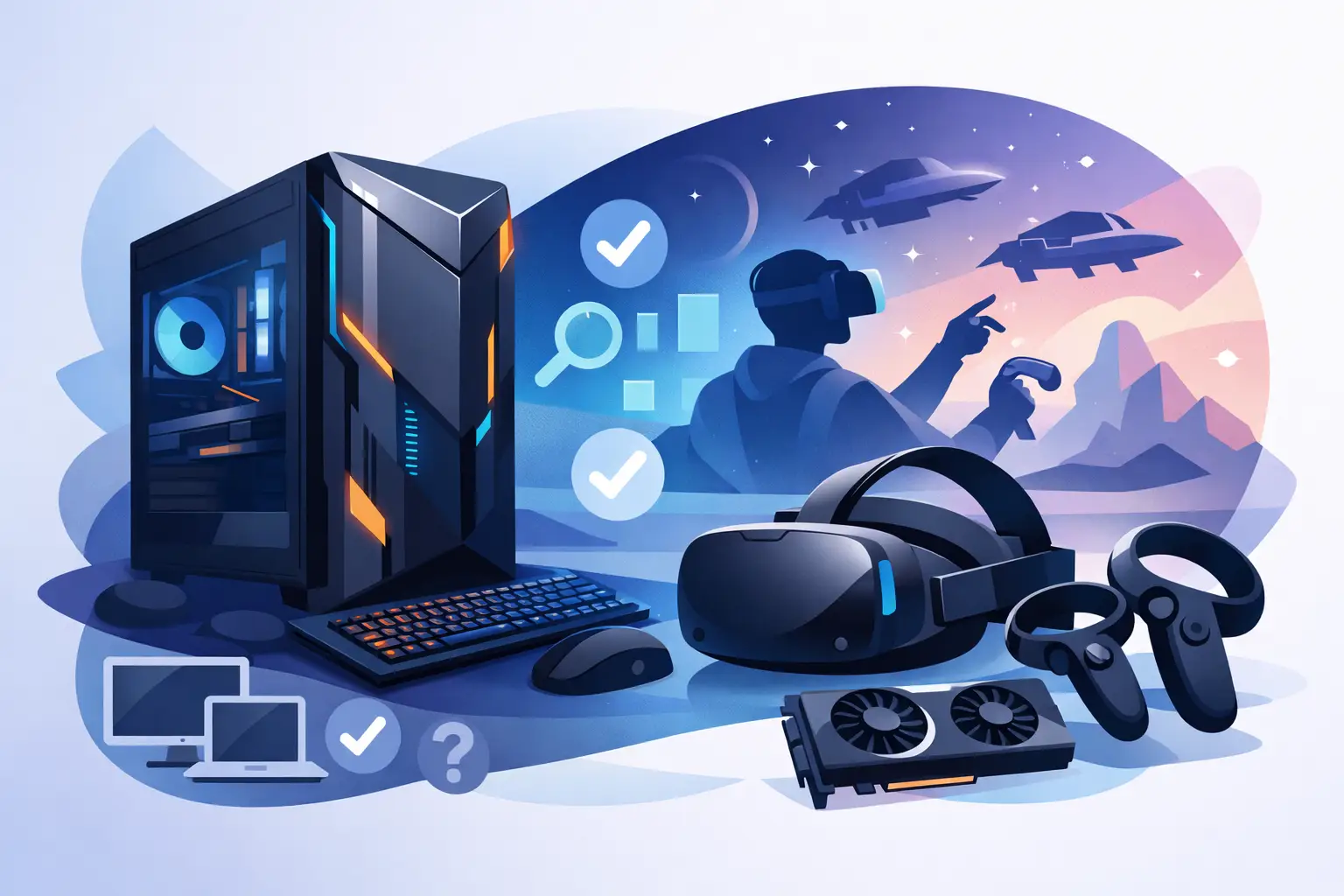
A gaming PC for VR gaming has a harder job than a conventional desktop. It is not simply rendering a game on one monitor. It must deliver two high-resolution views, maintain consistent frame times and respond instantly to your head movements. When the system falls short, the result is not just lower image quality - it can be distracting stutter, reduced immersion and, for some players, discomfort.
Choosing the right specification therefore comes down to more than comparing headline frame rates. Your headset, the games you play and the visual settings you expect all shape the ideal build. A well-balanced PC gives you the confidence to enjoy demanding VR titles now while retaining sensible room for upgrades later.
Why a Gaming PC for VR Gaming Needs More Headroom
VR places sustained pressure on the graphics card, processor and system memory. A standard game can tolerate occasional dips in performance more easily, particularly when playing on a monitor with adaptive sync. In a headset, consistency matters just as much as the average frame rate. The computer needs to produce each frame quickly enough for the headset refresh rate, whether that is 72Hz, 90Hz, 120Hz or beyond.
Headset resolution is another major consideration. Entry-level headsets and lower render settings are less demanding than high-resolution models running at elevated refresh rates. Features such as supersampling can sharpen the image, but they also increase the workload considerably. Racing simulators, flight simulators and visually dense open-world games tend to be especially demanding, while simpler rhythm and fitness titles may run comfortably on more modest hardware.
This is why a specification that is adequate for flat-screen gaming is not always the right choice for VR. Allowing extra graphics performance gives you more flexibility with image quality, in-game settings and future headset upgrades.
The graphics card sets the experience
For most buyers, the GPU is the first component to prioritise. It has the greatest influence on resolution, graphical detail and stable performance in demanding VR games. A capable current-generation graphics card is a sensible starting point, but the right tier depends on your headset and expectations.
If you want to play lighter titles at sensible settings, a mid-range GPU can be an excellent value choice. For high-resolution headsets, simulation games, demanding modded titles or a preference for high refresh rates, stepping up to a more powerful card is usually worthwhile. VRAM matters too. Extra graphics memory gives the system more breathing room when textures, render resolution and complex scenes become heavier.
Avoid choosing purely on a single benchmark result. Look instead at the types of VR games you actually intend to play. A build designed around competitive virtual racing has different priorities from one intended primarily for social VR, music games and occasional exploration titles.
A strong processor keeps frame times steady
The processor does not replace graphics power, but it has a crucial role in feeding the GPU and handling game simulation, physics, background tasks and VR runtime processes. CPU-heavy games can suffer from uneven frame delivery even when the graphics card appears powerful on paper.
A modern six-core processor is often a strong foundation for a VR build, while higher-core options can make sense for simulation enthusiasts, streamers and users who also edit video or work with demanding creative software. The most suitable option depends on the full system budget. It rarely makes sense to spend so heavily on the CPU that the graphics card has to be compromised.
The goal is balance. Pairing a high-end GPU with an entry-level processor can create bottlenecks in certain games, but overspending on processor cores that your workload will not use can reduce value elsewhere.
Memory, storage and connectivity are not afterthoughts
For a premium VR system, 32GB of RAM is a practical target. It leaves useful capacity for modern games, VR software, browsers, voice chat and background applications without making memory management part of every session. 16GB can still work for less demanding use, but it offers less margin as game requirements increase.
An NVMe SSD is equally valuable. It will not directly raise headset refresh rates, but it improves load times and helps modern games stream assets efficiently. A 1TB drive is a comfortable starting point for many players, especially as VR libraries can include large simulation titles and substantial downloadable content. Consider additional storage if you keep a broad installed library or record gameplay footage.
Connection type must be checked before ordering. Some headsets use DisplayPort, others rely on USB connections, and wireless VR can place additional demands on your home network. A suitable motherboard should provide the required USB ports, while the graphics card must offer the appropriate display output. The physical position of ports also matters if your play space is some distance from the PC.
Match the PC to Your Headset and Play Style
The most effective way to configure a gaming PC for VR gaming is to start with the headset you own, or plan to buy. Check its recommended PC specification, connection method and target refresh rate. Manufacturer recommendations are useful as a baseline, but they are not always a guide to the settings you may want in the most demanding games.
A player using a wired headset for high-fidelity driving and flying games should prioritise GPU power, a capable CPU and generous cooling. Someone using a standalone headset connected wirelessly to a PC may also need a reliable modern router positioned sensibly within the home. For a player focused on Beat Saber, Superhot VR or similar titles, the budget can be directed towards a balanced mid-range build and quality peripherals rather than chasing maximum hardware specification.
It also helps to think beyond the headset. A steering wheel, flight controls, external tracking accessories, speakers and microphones all need ports and desk space. Building around the full setup avoids a frustrating situation where a new PC is powerful enough but inconvenient to connect or use.
Cooling and Power Matter During Long Sessions
VR gaming often means sustained load rather than short bursts. The graphics card and processor may operate near their limits for extended sessions, particularly in simulations or games with high render resolutions. Good cooling protects performance by helping components maintain their intended boost behaviour without excessive heat or fan noise.
Case airflow, cooler selection and sensible fan configuration should be considered as part of the specification, not treated as cosmetic extras. A well-designed case can support both performance and the visual finish of the system. If you prefer a compact build, accept that component selection becomes more specific and thermal headroom may be tighter. Larger cases often offer easier cable management, more expansion options and stronger airflow.
The power supply also deserves careful attention. It should be a quality unit with sufficient capacity for the chosen graphics card, processor and planned upgrades. A premium build benefits from stable power delivery and appropriately rated components rather than a minimum-specification PSU chosen only to reduce the initial price.
Choose Upgrade Potential Without Paying for Empty Promises
Future-proofing has limits. Hardware changes quickly, and no PC can guarantee perfect performance for every future headset or game. A better approach is to choose a platform with realistic upgrade options: sufficient power supply capacity, a motherboard with the connectivity you need, a case that can accommodate larger components and memory configuration that can be expanded if required.
Spend on performance you will use now, then leave sensible room to improve later. For example, choosing a stronger GPU may have more immediate impact on VR quality than purchasing excessive storage capacity from day one. On the other hand, selecting a case with poor airflow can be difficult to correct later without rebuilding much of the system.
A tailored build gives you control over these decisions. It also makes it easier to avoid common mismatches, such as a powerful graphics card paired with inadequate cooling, insufficient USB connectivity or a power supply with little reserve capacity.
The Value of a Fully Tested VR-Ready Build
Compatibility is one of the less glamorous parts of VR, but it has a direct effect on the ownership experience. Drivers, motherboard settings, USB stability and physical cable routing can all influence whether a new headset works as expected. A professionally assembled system should be expertly handcrafted, cable-managed and fully tested before it reaches you.
For buyers who know exactly what they want, a configurable system allows each component to be chosen around headset requirements, preferred games, aesthetics and budget. If you would rather start with a proven configuration, a carefully selected pre-built PC can provide a more direct route to premium VR performance without sacrificing component quality.
Before committing, confirm the key details: the headset connection is supported, the graphics card suits your target resolution, the power supply is correctly specified and the case has the cooling capacity for the components inside. Those checks take little time, yet they can make every VR session feel like the experience you intended to buy.
A considered VR PC should fade into the background once the headset is on. Choose the parts with care, have the system built and tested properly, and your attention can stay where it belongs - in the game, not on the desktop behind you.