How to Choose Your Creator Workstation PC
Choose a creator workstation for your software, footage and workflow, with practical guidance on CPU, GPU, memory, storage, cooling and upgrades for creators.
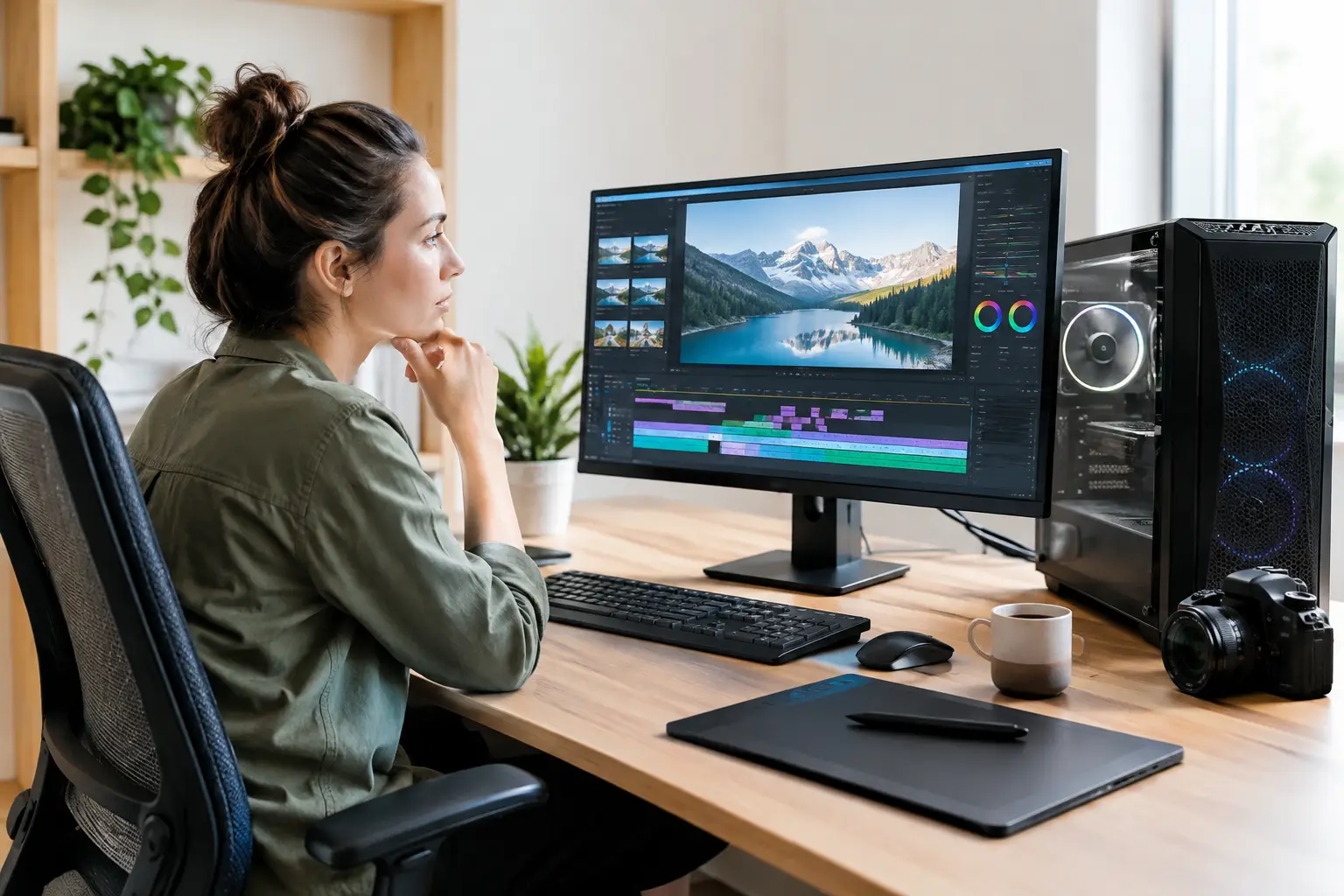
A workstation that feels quick when editing a short social clip can become a bottleneck the moment you open multi-camera 4K footage, a detailed 3D scene or a large design file. To choose a creator workstation properly, start with the work you need it to complete - not a specification sheet or a single headline component.
For creators, performance is not one number. The right balance depends on whether your time is spent rendering, animating, colour grading, producing music, illustrating, coding or moving between several demanding applications at once. A considered custom PC gives you the opportunity to put your budget where it will make a genuine difference to your workflow.
Choose a creator workstation around your workload
Before selecting components, define the software, files and output you work with. Adobe Premiere Pro, DaVinci Resolve, Blender, Cinema 4D, Photoshop, Unreal Engine and music production software all place different demands on a PC. The same is true of file formats, project complexity and how long you expect to keep the system.
A video editor handling 4K H.264 footage may value a processor with strong hardware encoding support, a capable graphics card and fast high-capacity storage. A 3D artist rendering complex scenes may gain more from graphics performance and VRAM. A photographer working with high-resolution RAW files will often notice the benefit of additional memory and responsive scratch storage.
It also pays to think beyond the task you do most often. If you edit video in the day and game in the evening, a gaming-focused graphics card can make excellent sense in a creator workstation. If your work involves live client sessions, frequent exports or long renders, stability, cooling and quiet operation become just as valuable as peak benchmark figures.
The processor: speed for the work that cannot wait
The CPU manages a wide range of core tasks, from application responsiveness and timeline playback to simulation, encoding and compiling. Clock speed matters for software that relies on a smaller number of fast cores. Core count matters more when workloads can be divided effectively across many cores, such as rendering, batch exports and heavy multitasking.
There is no automatic rule that more cores are always better. A high-core-count processor may be excellent for frequent 3D rendering, but it can consume a budget that would have delivered more practical benefit through additional memory, storage or graphics capability. Conversely, choosing an entry-level CPU for professional editing can leave an otherwise expensive system waiting on exports.
Your software should guide the decision. Check the recommended specifications for the applications you use, then allow headroom for larger projects and future versions. A premium workstation should not only complete today's work; it should remain capable when deadlines, file sizes and ambitions grow.
CPU cooling matters to sustained performance
Creators often put systems under load for hours rather than minutes. Rendering, encoding and compiling generate sustained heat, and inadequate cooling can cause a processor to reduce its speed to protect itself. This is why a quality air cooler or liquid cooler is more than an aesthetic choice.
The right cooling solution depends on the processor, case airflow and your preference for acoustics. A well-configured system is designed to maintain dependable performance without turning the workspace into a constant background roar.
The graphics card: acceleration, VRAM and creative flexibility
A graphics card is essential for modern creative workflows, but the best choice is determined by more than gaming frame rates. Many editing, grading and 3D applications use GPU acceleration to improve effects processing, playback, rendering and viewport performance. In these workloads, the amount of video memory can be particularly important.
VRAM holds textures, video frames and scene data that the graphics card needs immediate access to. For lighter design work and 1080p editing, moderate VRAM may be sufficient. For high-resolution projects, demanding effects, large 3D assets or AI-assisted tools, extra VRAM provides valuable breathing room.
Software compatibility is equally relevant. Some applications favour particular GPU technologies or are better optimised for certain rendering engines. If you have an established workflow, select the graphics card around it rather than assuming the most expensive option is automatically the most suitable.
For hybrid users, a powerful GPU is often one of the easiest ways to build a system that works as hard in creative software as it does in the latest games. Just make sure the rest of the specification can support it. Pairing a high-end graphics card with insufficient memory, a restricted power supply or poor airflow limits the value of the investment.
Memory: give complex projects room to breathe
System memory, or RAM, determines how comfortably your workstation can hold active applications and project data. When RAM runs short, the system begins relying more heavily on storage, which can lead to stuttering playback, slower previews and a less responsive desktop.
For many creators, 32GB is a sensible starting point for serious work. It is often enough for photo editing, design, music production and moderate video projects while keeping everyday multitasking comfortable. However, 64GB can be a better fit for 4K editing, After Effects compositions, intensive browser-based work, virtual machines or large Photoshop documents. Complex 3D scenes, advanced simulations and professional production workflows may justify even more.
Capacity should be prioritised before chasing small differences in memory speed. Fast memory has its place, especially in some workloads, but enough RAM to keep an entire project moving smoothly is usually the more noticeable upgrade.
Storage: separate speed, capacity and protection
Creators rarely need just one drive. Fast NVMe SSD storage is ideal for Windows, applications, active projects and cache files because it makes loading, scrubbing and transferring data feel more responsive. A second SSD provides a practical home for current media and working files, preventing one drive from becoming crowded.
Long-term project archives can require several terabytes of capacity. Depending on your workflow, this may mean larger internal storage, external drives or network storage. The best route depends on access needs, budget and how many projects you keep immediately available.
Do not confuse storage with backup. A workstation can contain premium components and still be vulnerable to accidental deletion, drive failure or theft. Keep important work in at least one additional location and make backing up part of the project process, not something reserved for the end of a busy month.
Build for upgradeability, not just launch day
A creator workstation is an investment in time as well as hardware. Choosing a suitable motherboard, power supply and case creates room to expand memory, add storage or upgrade the graphics card later. These parts may not look as exciting as a CPU or GPU, but they define how flexible the machine will be over its working life.
Power supply capacity should account for the components fitted today and reasonable future upgrades. It should also be from a quality platform with the correct connections for your graphics card. Case selection has a similar practical role: good airflow, sensible cable routing and enough room for cooling hardware make the system easier to maintain and help components perform consistently.
A visually refined build can still be highly practical. Select the case, lighting and colour scheme that suit your desk, but do not trade away ventilation or access to key components simply for appearance. The most satisfying workstation is one that looks purposeful and stays dependable under pressure.
When a pre-built system is the better choice
A custom configuration gives you precise control, which is ideal when your software creates specific component priorities. Yet a carefully specified pre-built workstation can be the smarter route when you want proven performance without spending hours comparing parts.
The key is to look beyond broad labels such as “creator PC”. Review the actual processor, graphics card, RAM capacity, storage arrangement, cooling and power supply. A system designed for gaming can be a strong creator machine when its specification aligns with your applications. Equally, a workstation sold at a premium is not necessarily better if it allocates too much budget to components your workflow will not use.
Whether you configure every part or begin with a ready-built platform, expert assembly and thorough testing provide useful reassurance. At CraftCore, each system is expertly handcrafted and fully tested, helping ensure that the parts selected work together as a complete, dependable machine.
The right creator workstation should remove friction from your day: fewer stalled previews, shorter renders, more responsive project files and enough capacity to take on the next brief with confidence. Choose for the work you want to produce six months from now, then give that work the stable, well-built foundation it deserves.