How to Order a Bespoke Computer Confidently
Learn how to order bespoke computer hardware for gaming, creative work or demanding office use, with clear advice on parts, testing and future upgrades.
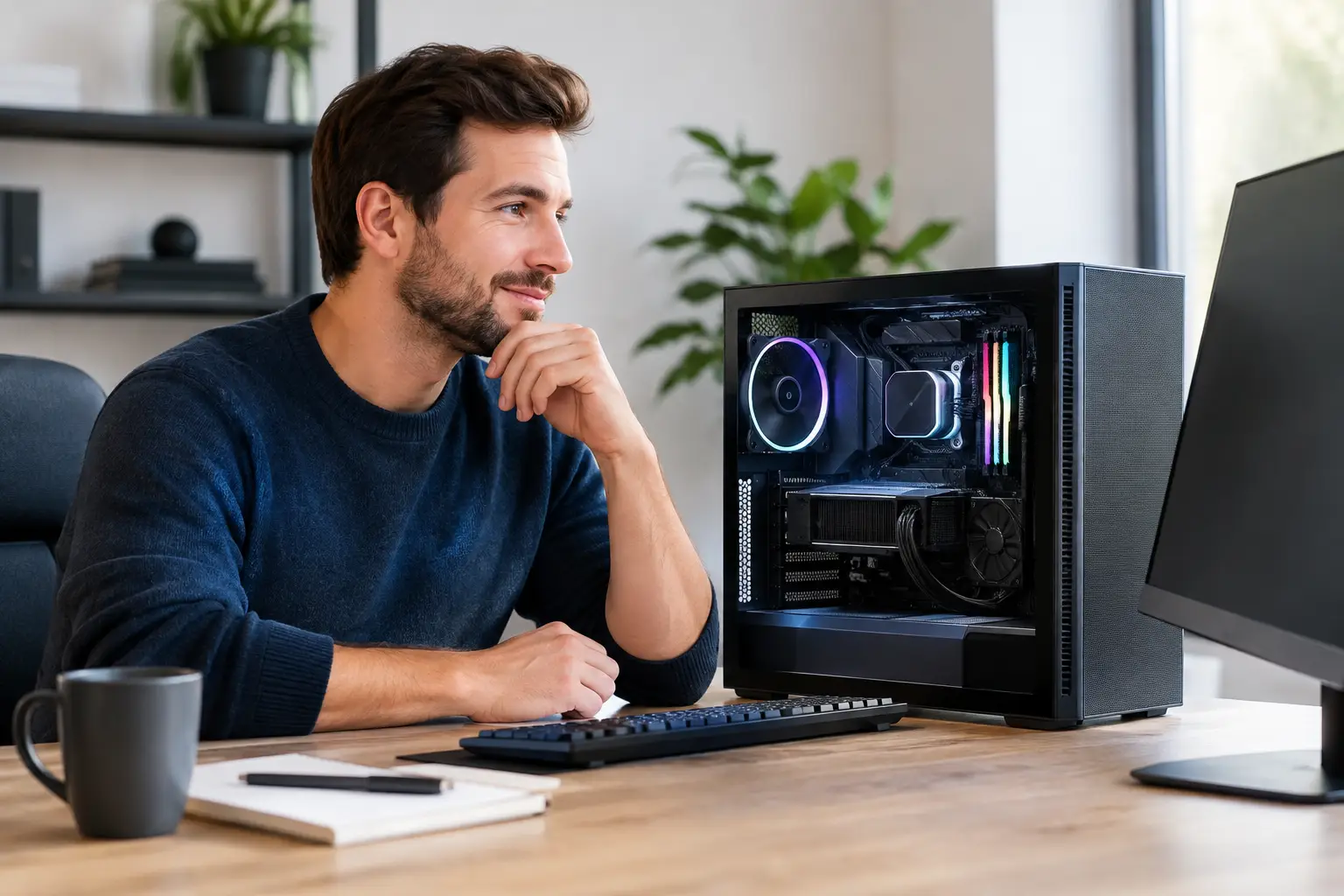
A bespoke PC should not begin with a graphics card or a case colour. It should begin with the work you expect it to do when the game is demanding, the project deadline is close, or you need a system that stays capable for years. If you are searching for how to order bespoke computer hardware, the aim is to turn that requirement into a balanced, fully tested machine rather than simply selecting the most expensive components.
A considered build gives you control over performance, appearance, storage, cooling and upgrade potential. It also removes a common risk of off-the-shelf systems: paying for specifications that look impressive on a product page but do not suit the way you actually use your PC.
Start with the jobs your computer must handle
Be specific about your main use before opening a PC configurator. For gaming, list the games you play, the resolution of your monitor and whether you value very high frame rates, detailed 4K visuals, competitive response times or a mixture of all three. A system for 1080p esports has very different priorities from one intended for ultra-wide simulation games or ray-traced 4K titles.
For creative and professional use, identify the software and the type of workload. Photo editing, music production, 3D rendering, video editing, CAD and software development can place pressure on different parts of the system. Video projects may need more storage and memory; 3D rendering may justify a stronger graphics card; large data work can benefit from a processor with more cores.
It is worth separating what you need now from what you may need later. Buying for a realistic next step, such as moving from Full HD to 1440p gaming, is sensible. Paying heavily for a hypothetical workload you may never have is not always the best use of your budget.
Set a complete budget, not just a tower budget
A bespoke computer is an investment in the full desktop experience. Decide whether your budget includes the PC alone or also a monitor, keyboard, mouse, headset, operating system and any extra storage. A powerful PC paired with an ageing display can leave performance you have paid for unseen.
Within the tower, reserve budget for the supporting components. The processor and graphics card deserve attention, but the power supply, cooling, motherboard, memory and storage affect stability, acoustics and future upgrades. A premium graphics card should be supported by a quality power supply with suitable headroom, not squeezed into a specification that cuts corners elsewhere.
There is no universal best split between CPU and GPU. Gaming-focused systems often place more of the budget on graphics performance, especially at 1440p and 4K. Productivity work that relies on processor cores, memory capacity or fast storage may shift the balance. The right specification depends on the application, not on a single benchmark chart.
Choose the core components as a matched system
Processor and graphics card
The CPU manages the wider workload, game logic and background tasks, while the GPU renders the visuals and accelerates compatible creative applications. Select them as a pair. An entry-level processor can limit a high-end graphics card in certain high-frame-rate games, while an oversized processor may offer little visible gain if the system is mainly used for GPU-limited 4K gaming.
Tell the builder what monitor you own or plan to buy. Resolution and refresh rate give useful context for choosing a graphics card. A 240Hz competitive monitor prioritises sustained frame rates; a 4K display places far greater demand on the GPU. This is one of the clearest ways to avoid buying either too little performance or performance you cannot use.
Memory and storage
Memory capacity matters when multitasking, editing large files or running modern games alongside browsers, voice chat and recording software. For many current gaming systems, 32GB is a comfortable target. Heavier editing, rendering and workstation tasks may call for more. Memory speed and configuration also matter, but capacity and platform compatibility should come first.
Storage should be planned around speed and space. A fast NVMe SSD gives the operating system, applications and frequently played games quick load times. Larger game libraries, project footage and backups may justify a second drive. Consider the total usable space after the operating system and essential software are installed, rather than relying on the number printed on the drive box.
Cooling, power and the case
Cooling is not merely cosmetic. A correctly chosen air cooler or liquid cooler helps the processor maintain expected performance under load and can keep fan noise under control. The best choice depends on the processor, case airflow, desired appearance and your tolerance for noise.
Your case should have room for the selected components and enough airflow to support them. Glass panels, lighting and compact dimensions can create a striking system, but they should not compromise thermal performance or sensible cable management. A larger airflow-focused case is often the more practical choice for powerful hardware.
The power supply is the component most customers never see once the side panel is on, yet it is central to dependable operation. Choose an appropriate wattage from a reputable range, with the required connectors and capacity for sensible future upgrades. It is a poor place to make a small saving on a premium build.
Use a configurator with purpose
A PC Builder is most useful when you enter it with a clear brief. Begin with the platform and performance tier that matches your budget, then select the processor and graphics card. Add memory and storage based on your actual usage, before refining cooling, case design, lighting and peripherals.
Do not assume every upgrade is equally valuable. Moving from one graphics card tier to another can transform gaming performance; choosing an extreme amount of memory for a standard gaming PC may not. Similarly, a beautiful case and carefully coordinated RGB lighting are worthwhile if visual design matters to you, but they should be deliberate choices rather than accidental budget drains.
If you prefer certainty over configuration, a pre-built gallery can be the better route. Proven specifications remove some decision-making while still offering premium components and expert assembly. This is especially useful when you know the performance level you want but do not want to compare every compatible part.
Check the details before placing your order
Before checkout, review the specification line by line. Confirm the graphics card model, processor, memory capacity, storage allocation, cooling solution, power supply rating, case and operating system. Check that the chosen motherboard supports the connectivity you need, including Wi-Fi if required, sufficient USB ports and storage expansion.
Also consider practical details that can be overlooked: the physical size of the case, available desk space, monitor connections, wired versus wireless networking and the peripherals you will use on day one. If you are replacing an older PC, check whether existing drives, accessories or displays will remain suitable.
A specialist builder should assemble, cable-manage and fully test the completed system. This provides reassurance that the selected parts work together before the computer reaches you. With a craftsmanship-led service such as CraftCore, the value is not only in choosing premium hardware but in receiving a machine built around your requirements and checked as a complete system.
Know what happens after checkout
A clear order process matters when you are buying a tailored machine. Keep a copy of your final specification and order confirmation, and use the account or tracking information provided to follow progress. Bespoke builds take care and testing, so the delivery window can differ from a boxed, off-the-shelf PC sitting in a warehouse.
When the computer arrives, inspect the packaging before setup and retain the packing materials until you are satisfied everything is working correctly. Follow any included setup guidance, particularly where internal protective packaging must be removed before switching the system on. Connect the display to the graphics card rather than the motherboard where applicable, then run system updates and install the applications you need.
A well-ordered bespoke computer should feel intentional from the first boot: powerful enough for the work in front of you, quiet and cool enough for long sessions, and flexible enough to grow with your ambitions. Give the buying process the same care you expect from the build itself, and every component will have a reason to be there.