How to Select a Power Supply for Your Gaming PC
Learn how to select power supply capacity, efficiency, cabling and protection for a reliable gaming PC built to suit your graphics card and upgrades.
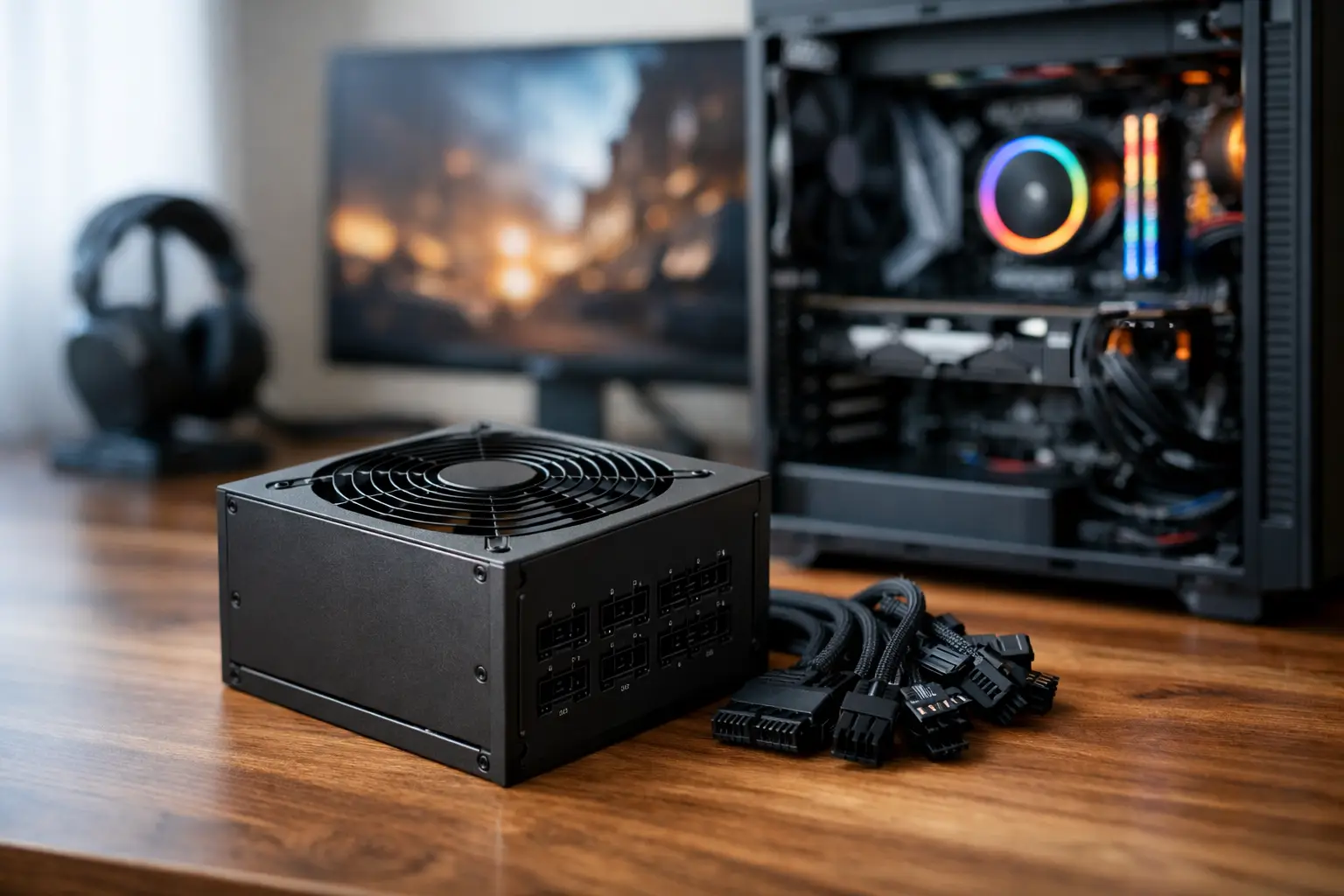
A graphics card upgrade can transform gaming performance, but it also changes what the rest of the system needs to deliver. Knowing how to select a power supply means looking beyond the wattage printed on the box. The right unit supports stable performance under load, keeps cable management clean and leaves sensible room for future upgrades.
For a premium custom PC, the power supply unit, or PSU, should be chosen with the same care as the processor and graphics card. It is the component responsible for delivering clean, consistent power to every part of the build. Saving a small amount here can compromise a system designed to perform for years.
How to Select a Power Supply: Start With Your Build
The correct wattage depends on the complete specification, not one headline component. The graphics card and processor account for most power use, especially in modern gaming systems, but the motherboard, memory, storage, cooling, USB devices and RGB lighting also draw power.
Begin with the recommended PSU wattage from your graphics card manufacturer, then account for the processor you intend to use. High-end graphics cards paired with performance CPUs can draw considerably more power during demanding games, rendering workloads or benchmark runs than they do at the desktop. A quality PSU must handle these peaks without instability.
As a practical rule, choose a unit that provides headroom rather than aiming for the absolute minimum. If your system is expected to consume around 500W under a heavy load, a well-made 650W or 750W PSU is generally a more sensible choice than a 550W model operating close to its limit. The additional capacity can improve efficiency at typical loads, reduce fan noise and make a later graphics card upgrade less restrictive.
More wattage is not automatically better, however. An oversized PSU may be unnecessary if the rest of the build is modest, and it diverts budget away from components that affect your experience more directly. The aim is appropriate capacity, premium internal quality and a clear upgrade path.
Typical wattage ranges
A mainstream gaming PC with an efficient processor and mid-range graphics card will often suit a quality 650W PSU. A system with a higher-tier graphics card, a powerful CPU and multiple drives commonly benefits from 750W to 850W. Enthusiast builds using top-end graphics hardware, high-core-count processors or extensive custom cooling may require 1000W or more.
These are useful starting points, not fixed rules. Two PCs with the same stated wattage can place very different demands on a PSU depending on their processor power limits, graphics card model, cooling configuration and connected accessories.
Prioritise PSU Quality Over a Large Number
Wattage alone tells you very little about build quality. A reputable 750W unit with strong protections and reliable components is a better foundation than an unknown 1000W model with vague specifications.
Look for power supplies from established manufacturers with clear efficiency certification, a meaningful warranty and detailed connector information. A longer warranty is not the only measure of quality, but it usually signals confidence in the unit's design and component selection.
The PSU also affects the long-term health of expensive hardware. Stable voltage delivery helps protect the motherboard, graphics card and storage devices from avoidable electrical issues. That is why a carefully specified custom build should never treat the power supply as an afterthought.
Understand 80 PLUS efficiency ratings
An 80 PLUS rating describes how efficiently a PSU converts mains electricity into usable DC power for the PC. Higher efficiency means less energy is wasted as heat. In practice, this can reduce heat output and fan noise while improving running efficiency.
For most premium gaming PCs, 80 PLUS Gold is an excellent target. It offers dependable efficiency without pushing cost unnecessarily high. Platinum and Titanium units provide further efficiency gains, which can make sense in high-wattage workstations, systems that run for long periods or builds where every detail has been selected for premium performance.
Do not choose solely by the badge. A Gold-rated PSU from a trusted range can be a stronger choice than a poorly reviewed Platinum model. Internal platform quality, protection circuitry, cooling design and warranty still matter.
Check Connectors Before You Buy
A PSU can have enough wattage and still be unsuitable if it lacks the connectors required by your components. This is particularly relevant when choosing a modern graphics card.
Check that the unit provides the correct number of PCIe power connectors for the GPU. Some high-performance cards use several traditional 8-pin connectors, while newer models may use a 16-pin 12V-2x6 connector. Where a graphics card supports this newer standard, a PSU with a native cable is usually the neatest and most reliable option. It avoids unnecessary adaptors and makes cable routing easier.
Also confirm that there are sufficient EPS CPU connectors for the motherboard, SATA power connections for drives and hubs, and peripheral connections where required. A compact build may also need shorter or more flexible cables to maintain clean airflow.
Never mix modular cables from different PSU brands or models. Even if the plug appears to fit, the wiring can differ and may damage connected components. Use only the cables supplied with that exact power supply.
Modular, Semi-Modular or Fixed Cables?
Cable design has a direct effect on the appearance and airflow of a gaming PC. A fully modular PSU allows every cable to be detached, so you install only what the system needs. This is ideal for neat, showcase-style builds and makes future changes more straightforward.
Semi-modular units keep essential cables, such as the motherboard power lead, permanently attached while allowing optional cables to be added as needed. They can offer strong value in builds where absolute cable customisation is not essential.
Fixed-cable power supplies are typically more budget-focused. They can still be suitable in the right system, but unused cables must be tucked away inside the case. For a premium build with a glass side panel, modular cabling is usually worth considering.
Protection Features Are Not Optional
A quality PSU should include comprehensive electrical protections. These features intervene if the unit detects conditions that could harm the PSU or connected components. Look for clear confirmation of over-voltage, under-voltage, over-current, over-power, short-circuit and over-temperature protection.
Good cooling matters too. Larger fans and intelligent fan curves can keep a unit quiet at everyday loads. Some PSUs include a zero-RPM mode, where the fan remains off until the unit reaches a certain temperature. This can be valuable in a quiet gaming or creative workstation, although a well-designed fan profile is more important than silence in the product description.
Plan for Upgrades, But Avoid Guesswork
A PSU is one of the few components that can stay with a system through several upgrades. Allowing room for a future graphics card is sensible, particularly if you intend to move up a performance tier within the next few years.
That said, buy for a realistic plan. Choosing a 1200W PSU for a mid-range PC because an unspecified future upgrade might need it is rarely the best use of budget. Instead, choose a high-quality unit with enough headroom for the hardware you expect to own, appropriate modern GPU connections and a warranty that supports long-term ownership.
For buyers configuring a new system, this is where expert component matching adds real reassurance. At CraftCore, each build is tailored around the intended workload and fully tested as a complete machine, so power delivery, cooling and component compatibility are considered together rather than in isolation.
A well-selected PSU will not raise frame rates on its own, but it gives every performance component the stable foundation it needs. Choose one that matches your current hardware, supports your likely next upgrade and is built to the standard your PC deserves.