Is a 4K Gaming PC Necessary for Modern Games?
Is a 4K gaming PC necessary? Compare display size, refresh rate, hardware cost and the games you play before choosing a premium custom build with care.
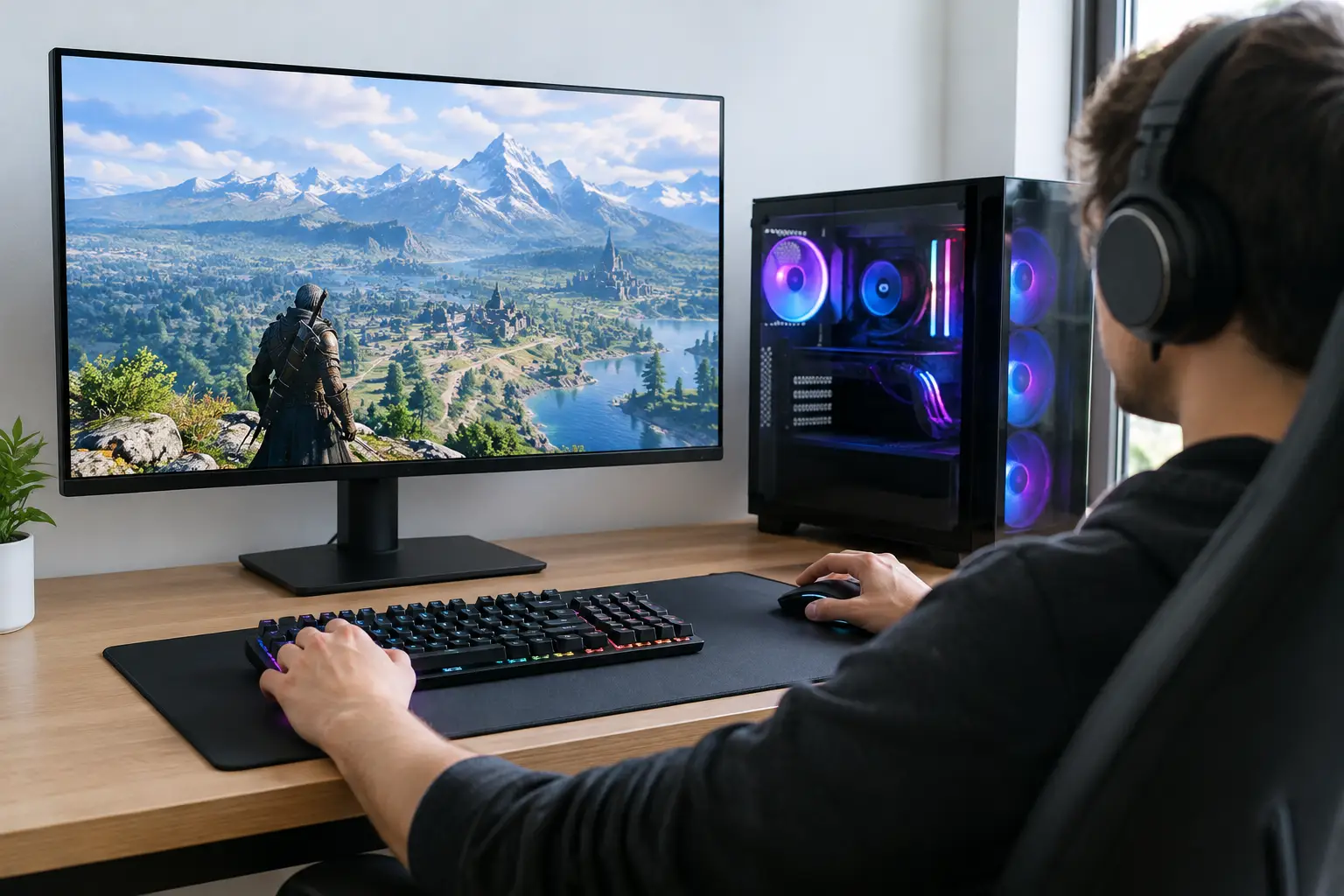
A 4K monitor can make a well-built game world look extraordinary: finer foliage, cleaner text, sharper distant detail and less visible aliasing. But is 4K gaming PC necessary for the way you play? For most buyers, no. It is a premium choice rather than a baseline requirement, and the best resolution depends on your monitor, preferred games, target frame rate and budget.
The question is not whether 4K looks better. It does, particularly on a larger display viewed at a sensible desk distance. The more useful question is whether the visual gain is worth the considerably greater demand placed on your graphics card, and whether that spend would improve your experience more than a faster monitor, stronger processor or better peripherals.
What 4K asks of a gaming PC
A 4K image is 3,840 x 2,160 pixels. That is four times as many pixels as 1080p and around 2.25 times as many as 1440p. Your graphics card must prepare every one of those pixels for every frame, including lighting, shadows, effects and texture detail.
At 60 frames per second, this is already a substantial workload. At 120Hz or 144Hz, it becomes more demanding again. A game that runs beautifully at 1440p with high settings may need reduced settings, upscaling technology or a significantly more powerful graphics card to maintain the same frame rate at native 4K.
This is why a 4K-focused system should be planned around the graphics card first. The processor, memory, cooling and power supply still matter, but the GPU has the greatest influence on 4K performance in most modern games. A carefully balanced custom build avoids paying for components that do not meaningfully support your chosen gaming target.
When a 4K gaming PC is worth it
4K is most compelling for players who prioritise image quality in visually rich single-player games. Open-world adventures, cinematic action games, driving simulators, strategy titles and slower-paced RPGs can all benefit from the added clarity. If you enjoy taking in environmental detail rather than chasing the highest possible frame counter, 4K can be a rewarding upgrade.
It also makes more sense with the right display. On a 27-inch monitor, the jump from 1440p to 4K is visible, but it may not feel transformative from a normal viewing distance. On a 32-inch monitor, fine detail and desktop sharpness are easier to appreciate. Larger 4K displays can be particularly attractive for a desk that also handles creative work, productivity or media viewing.
A 4K gaming PC can be a sensible investment if you are happy targeting 60fps to 90fps in demanding titles, rather than insisting on native 4K at 144fps with every setting at maximum. Modern upscaling methods can help considerably here. Technologies such as DLSS, FSR and XeSS render the game at a lower internal resolution before reconstructing a sharper output image, often delivering a strong balance between performance and visual quality.
Ray tracing is another reason to set realistic expectations. It can add convincing reflections, shadows and global illumination, but it is demanding even on premium hardware. Combining native 4K, high refresh rates and heavy ray tracing is possible in selected games with high-end components, yet it remains one of the most expensive gaming targets to pursue.
When 1440p is the better choice
For many PC gamers, 1440p is the sweet spot. It offers a visibly sharper image than 1080p while leaving much more performance headroom than 4K. That headroom can be used for higher refresh rates, stronger graphics settings, ray tracing or simply a quieter, cooler-running system.
This matters most in competitive games. In shooters, battle royale games, racing titles and fast action games, high and consistent frame rates can offer a more immediate advantage than extra pixels. A 1440p 165Hz or 240Hz display paired with a well-matched GPU often feels more responsive and fluid than a 4K 60Hz setup, even if the latter is technically sharper.
1440p can also deliver better value over the life of the PC. Rather than buying a top-tier graphics card to achieve a particular standard at 4K, you may be able to select a more balanced specification and still enjoy excellent settings for years. When games become more demanding, you have useful room to reduce settings without the image becoming noticeably soft.
That does not make 1440p a compromise in the negative sense. On a quality 27-inch monitor, it remains an excellent resolution for modern gaming. It is often the more considered choice for a buyer who wants premium performance across a broad library rather than exceptional image quality in a narrower set of titles.
Your monitor should set the brief
It is easy to spec a PC around an appealing benchmark chart and forget the screen in front of you. Yet the monitor is the part of the setup you look at every time you play. Its size, refresh rate, panel quality and adaptive sync support should shape the system specification.
If you already own a 1080p 144Hz monitor, a 4K PC will not deliver its full visual benefit until the display is upgraded. If you own a 4K 144Hz monitor, a modest graphics card may leave much of that capability unused in the latest games. Matching the PC and display prevents both situations.
Do not overlook adaptive sync, either. When a display supports variable refresh rate technology, it can match its refresh behaviour to the frame rate your PC is producing. This reduces tearing and makes fluctuations feel less distracting. For a 4K build where frame rates will vary more between games, it is a valuable feature.
Build for the games you actually play
A system intended for esports titles has different priorities from one intended for graphically demanding story-driven games. Older games, indie titles and competitive staples can run at very high frame rates at 4K on hardware that would struggle with a newly released blockbuster using ray tracing. A single label such as “4K gaming” cannot describe every experience.
Start with the games you return to most often. Consider whether you value visual settings, high refresh rates, modding, streaming or multitasking while gaming. If you play a mixture of demanding releases and competitive games, a 1440p high-refresh monitor may give the more consistently satisfying result. If your library is built around expansive, visually detailed games and you appreciate a crisp large display, 4K deserves serious consideration.
It is also sensible to distinguish between native 4K and 4K output. Running a game on a 4K display with quality upscaling can look excellent, and it may be the practical setting for even a powerful system in the most demanding titles. There is no prize for using native resolution if a small reduction in render resolution produces smoother gameplay with little visible loss from your seating position.
Budget, balance and upgrade planning
The cost of a 4K-ready build is not limited to the graphics card. A higher-performance GPU may need a stronger power supply, more capable cooling and a case with sufficient airflow. These are not areas to cut back on. Stable power delivery and sensible temperatures protect performance, noise levels and long-term dependability.
Storage deserves attention too. Modern games are large, and a fast NVMe SSD improves loading times and everyday responsiveness. It will not raise frame rates in the same way as a graphics card, but it contributes to the polished experience expected from a premium PC. Similarly, 32GB of memory is a practical target for many high-end gaming systems, especially where background applications, mods or content creation are involved.
A bespoke build gives you the opportunity to allocate budget with purpose. There is little value in pairing an entry-level GPU with a premium 4K high-refresh display, just as there is little value in overspending on a processor while restricting the graphics card that drives your gaming performance. An expertly handcrafted, fully tested system should be tailored to the resolution and refresh rate you genuinely intend to use.
So, is a 4K gaming PC necessary?
A 4K gaming PC is necessary only if 4K is central to the experience you want. It is an excellent fit for players with a suitable display, a preference for visual detail and the budget for a graphics-led premium specification. It is not necessary for enjoyable, high-quality PC gaming, and it is not automatically the best use of a larger budget.
For many buyers, 1440p offers the strongest balance of clarity, frame rate and value. For others, especially those choosing a larger 4K display for both gaming and desktop use, the extra investment is justified. Choose the screen and games that define your setup first, then build the PC around them. That approach produces a system that feels considered from the first boot, not merely impressive on paper.