Is DLSS Worthwhile When Buying a Gaming PC?
Is DLSS worthwhile for your next gaming PC? See how Nvidia upscaling affects frame rates, image quality, ray tracing and the GPU that suits your games.
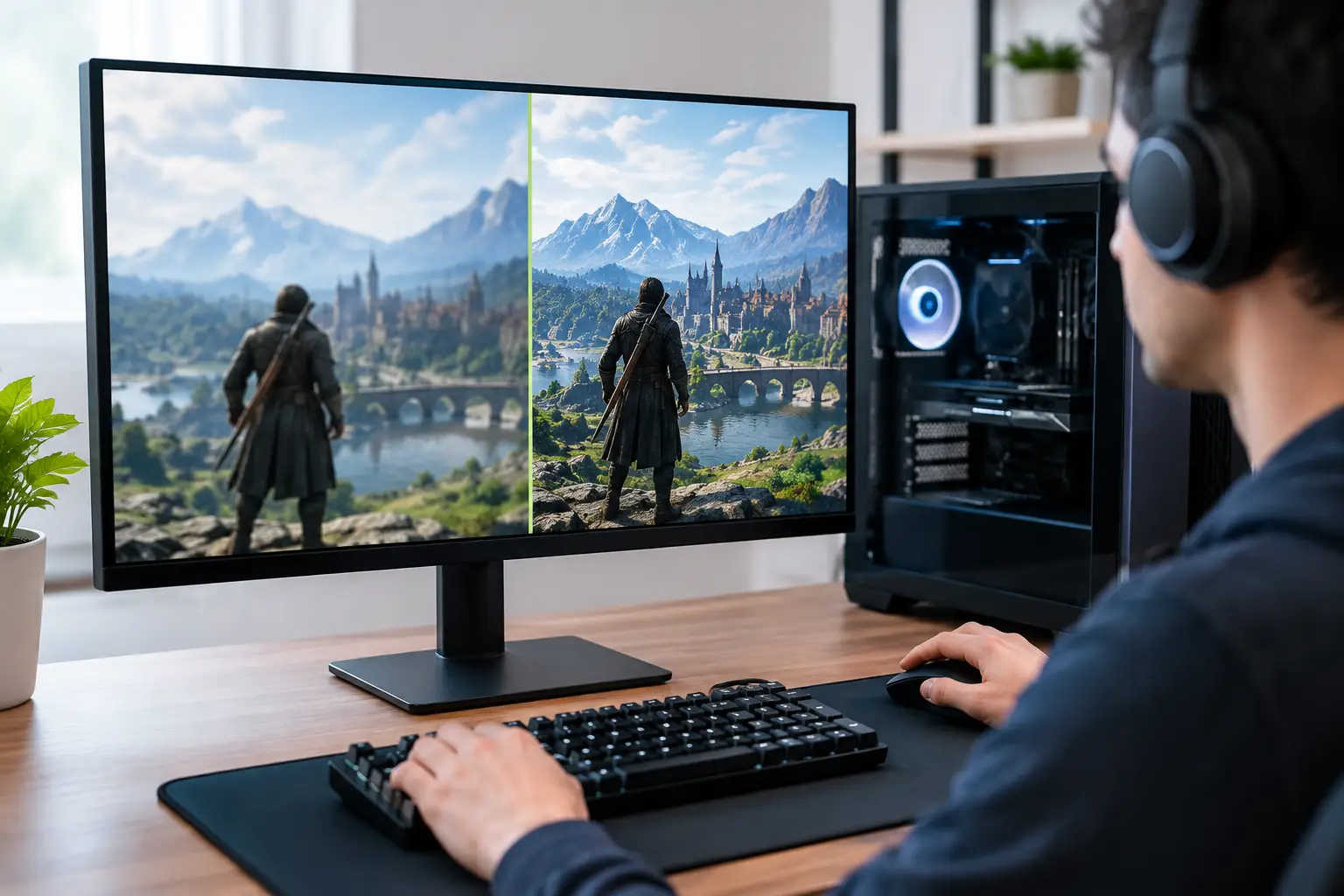
A demanding game, high-refresh monitor and ray-traced lighting can make even a powerful graphics card work hard. That is why many buyers ask: is DLSS worthwhile when choosing a gaming PC? For the right Nvidia GPU and the games you actually play, it can be one of the most useful performance features available. It is not, however, a substitute for selecting enough graphics horsepower in the first place.
DLSS can make a carefully specified system feel more capable for longer, particularly at 1440p and 4K. The key is understanding what it improves, where the compromises sit, and which version of the technology your chosen graphics card supports.
What DLSS actually does
DLSS stands for Deep Learning Super Sampling. In simple terms, it allows a game to render at a lower internal resolution, then uses Nvidia's AI processing to reconstruct an image close to the target resolution. The graphics card has fewer pixels to render, which can increase frame rates substantially.
For example, a game displayed at 4K with DLSS set to Quality mode may render internally at a lower resolution before being reconstructed for a 4K display. This is less demanding than native 4K rendering, but usually looks far better than simply lowering the monitor resolution. In a well-implemented game, detail remains convincing during normal play while the GPU gains valuable performance headroom.
That headroom matters most when settings are already demanding. Ray tracing, high-resolution textures, dense environments and modern lighting effects can all reduce frame rates sharply. DLSS gives the GPU room to preserve the visual settings you bought it for rather than forcing an immediate compromise.
The main DLSS modes
Most games offer several DLSS presets. Quality mode prioritises image clarity and is often the best starting point at 1440p or 4K. Balanced mode applies a stronger performance boost with a modest reduction in image quality. Performance and Ultra Performance modes render at lower internal resolutions again, making them more useful for 4K displays, very demanding ray-traced titles or hardware that is being pushed close to its limit.
There is no universal best setting. Quality mode often delivers the most convincing balance, while Balanced can be a sensible choice when you need a little more frame rate. At 1080p, aggressive modes can look softer because there is less source image data for DLSS to work with. This is one reason why a strong GPU remains worthwhile even if DLSS is part of the plan.
Is DLSS worthwhile for your monitor resolution?
The answer changes with the screen you use. At 4K, DLSS is especially compelling. Native 4K is demanding, and DLSS Quality can often produce an excellent image while delivering a meaningful uplift in performance. It can make high-detail gaming at 4K more realistic across a wider range of titles and graphics settings.
At 1440p, DLSS is still highly valuable. This is the resolution where many premium gaming PCs aim for high settings and high refresh rates at the same time. If you have a 144Hz, 165Hz or faster monitor, DLSS can help maintain smoother performance in the games that would otherwise dip below your preferred frame-rate target.
At 1080p, the benefit depends more heavily on the game and GPU. Competitive titles such as Valorant, Counter-Strike 2 and Rocket League rarely need DLSS on a well-matched modern system. In visually intensive single-player games with ray tracing, though, it can still be useful. Quality mode is normally the sensible place to start, as lower settings may introduce softness or image instability that is easier to spot at this resolution.
DLSS and ray tracing are a strong pairing
Ray tracing can improve reflections, shadows, ambient lighting and global illumination. It can also impose one of the largest performance costs in PC gaming. Turning ray tracing on at native resolution may reduce frame rates enough to make a game feel less responsive than you want.
This is where DLSS earns its place. It can offset much of the frame-rate reduction associated with ray tracing, allowing you to enjoy enhanced lighting without reducing every other setting. For buyers planning to play titles such as Cyberpunk 2077, Alan Wake 2, Black Myth: Wukong or Indiana Jones and the Great Circle, DLSS support is a meaningful factor in GPU selection.
It is still worth being realistic. The most demanding path-traced settings can challenge even premium hardware. DLSS helps make these features practical, but it does not make an entry-level card perform like a high-end one. A balanced PC specification should start with the monitor resolution, desired settings and target frame rate, then use DLSS as additional flexibility.
Frame Generation: useful, but not the same as raw performance
Newer GeForce RTX cards can support DLSS Frame Generation in compatible games. Rather than only reconstructing the rendered image, Frame Generation inserts additional AI-generated frames between traditionally rendered frames. The displayed frame rate can rise dramatically, which is particularly useful in cinematic games at 4K with advanced ray tracing enabled.
There is a trade-off. Generated frames improve visual fluidity, but they do not improve the game's underlying input response in the same way as a higher native frame rate. A game running at a low base frame rate can look smoother with Frame Generation while still feeling less immediate on the controls.
For this reason, Frame Generation works best when the starting performance is already reasonable. As a practical guide, aim for a stable base frame rate of around 50-60fps or more before enabling it where possible. Nvidia Reflex, when available, can also help reduce system latency. For single-player games, this combination can look excellent. For fast competitive play, prioritise high native or DLSS-upscaled frame rates first.
What about Multi Frame Generation?
The latest DLSS features on supported newer RTX hardware can generate multiple frames, further increasing displayed frame rates in games that include support. This is an impressive option for demanding 4K gaming, but it reinforces the same principle: the quality of the base experience still matters. Choose a graphics card capable of delivering a strong foundation without relying entirely on generated frames.
Image quality is good, not identical in every game
DLSS has improved considerably across generations, and its Quality mode can look very close to native resolution in many games. In some scenes, the reconstruction can even appear cleaner than a game's native anti-aliasing. Fine foliage, thin wires, particle effects, moving text and transparent surfaces are the areas most likely to reveal differences.
Implementation matters as much as the setting itself. One game may deliver exceptionally stable image quality with DLSS Balanced, while another may show ghosting or softer detail. Game patches can improve these results over time, and developers may offer different versions of DLSS with varying image quality.
A sensible approach is to start at native resolution with your preferred settings, switch on DLSS Quality, and compare the image while moving through a detailed scene. If the visual difference is hard to notice but the frame-rate improvement is substantial, it is doing exactly what it should.
Which Nvidia GPU buyers benefit most?
DLSS works on Nvidia RTX graphics cards, but capabilities vary by generation. Earlier RTX cards can use DLSS Super Resolution, while Frame Generation support is limited to newer hardware generations. The most advanced current frame-generation features require the latest compatible RTX cards.
That makes the GPU choice more than a question of average frames per second. A system intended for 1440p high-refresh gaming may be best served by a card with enough conventional performance to run your favourite games confidently, plus DLSS support for ray-traced releases and future demanding titles. For 4K gaming, DLSS becomes an even stronger part of the value equation because it helps preserve image quality without placing the full cost of native 4K on the GPU.
Also consider video memory, processor pairing and cooling. A powerful graphics card constrained by an unsuitable CPU, insufficient memory or poor airflow will not deliver the balanced experience you expect. A premium gaming PC should be configured as a complete system, then fully tested to ensure those components perform properly together.
When DLSS is not the deciding factor
DLSS should not drive the entire purchase if your main games do not support it. Not every title includes DLSS, and some players spend most of their time in esports games where high conventional frame rates matter more than advanced reconstruction features.
It is also less essential if you play at 1080p with modest settings on a suitably powerful card. You may value low latency, high refresh rates and dependable raw performance more than ray tracing or maximum visual presets. In that case, DLSS remains a useful option for selected games rather than the centrepiece of your build.
AMD's FSR and Intel's XeSS are available in many games too, so Nvidia is not the only route to upscaling. However, DLSS remains a strong reason to consider an RTX-based system if image reconstruction quality, ray tracing performance and access to Frame Generation are priorities.
The best buying decision is not to choose a PC that needs DLSS to be acceptable. Choose one tailored to your display and the games you enjoy, with enough native capability for a satisfying experience. Then treat DLSS as the well-engineered advantage it is: extra performance available when the next demanding release asks more of your hardware.