PC Peripherals That Complete a Premium Setup
Choose PC peripherals that match your gaming, work and creative needs. Learn what matters in monitors, keyboards, mice, audio and connectivity options.
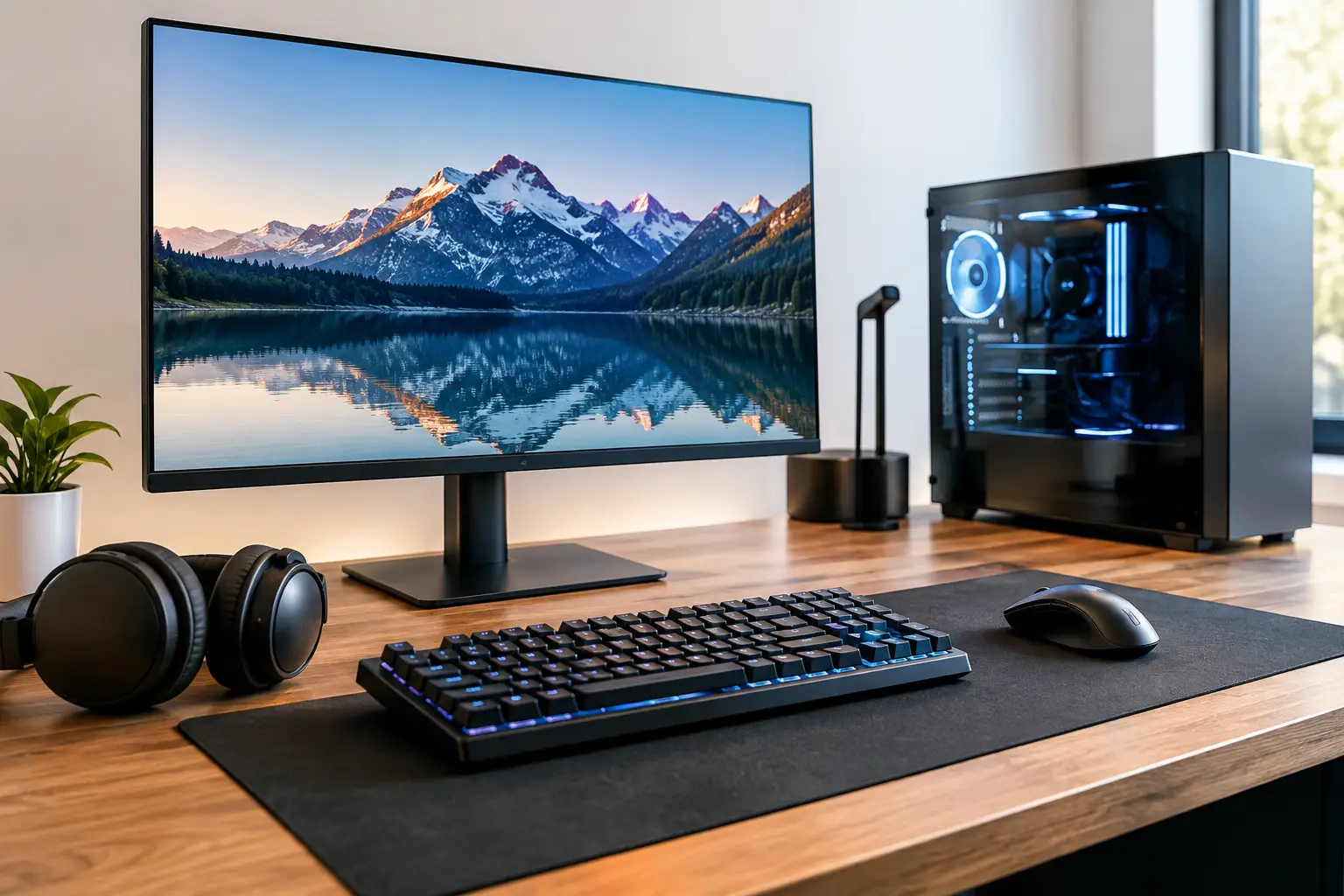
A powerful desktop can only show its full potential when the equipment around it keeps pace. PC peripherals shape what you see, hear and feel every time you sit down, whether you are chasing competitive frame rates, editing footage or settling in for a long working day. The right choices make a custom PC feel genuinely tailored to your needs. The wrong ones can leave even a premium system feeling compromised.
For most buyers, the best approach is not to choose every accessory by brand or appearance alone. Start with the jobs your PC needs to do, then match each peripheral to the performance, comfort and connectivity that work demands.
Start With the Monitor
Your monitor is often the most influential upgrade in a desktop setup. It determines how clearly you see your games, creative work and everyday applications, and it needs to suit the graphics performance of your system.
For fast-paced gaming, refresh rate and response time deserve close attention. A 144Hz, 165Hz or higher refresh rate can make movement feel markedly smoother than a standard 60Hz display, particularly in shooters, racing games and competitive titles. However, higher refresh rates are only worthwhile when your PC can deliver suitably high frame rates at your chosen resolution and settings.
Resolution is a balancing act. Full HD remains a sensible option for esports-focused players who prioritise very high frame rates. QHD offers a strong middle ground, providing a sharper image while remaining achievable for many high-performance gaming PCs. A 4K display delivers exceptional detail for cinematic games, design work and content creation, but it places considerably more demand on the graphics card.
Panel type matters too. IPS monitors are widely valued for colour accuracy and viewing angles, making them a capable all-round choice. VA panels can offer deeper contrast, while OLED displays provide outstanding blacks and fast pixel response, often at a higher price and with considerations around long-term static image use. For creative professionals, colour coverage, calibration and screen uniformity may matter more than extreme refresh rates.
Size, format and desk space
A larger screen is not automatically better. A 24-inch display works well for focused competitive gaming, while 27-inch is a popular size for QHD. Ultrawide monitors can improve immersion and multitasking, but some games and applications support their aspect ratios better than others. Measure your desk before buying, including space for a monitor arm, keyboard and comfortable viewing distance.
Keyboards Should Match Your Hands and Habits
A keyboard is a long-term point of contact with your system. Switch type, layout and build quality can change both your gaming response and your comfort during extended typing.
Mechanical keyboards are popular because individual switches offer distinct feedback and are usually designed for long service life. Linear switches tend to feel smooth and are often preferred for rapid key presses. Tactile switches provide a noticeable bump during actuation, which many people appreciate for typing. Clicky switches offer audible feedback, but they may not suit shared rooms, streaming environments or late-night gaming.
Layout is equally personal. A full-size keyboard includes a number pad and suits spreadsheets, productivity work and general versatility. Tenkeyless models remove the number pad to create more mouse space. Compact 60% and 65% designs free up even more room, though they rely more heavily on function layers for secondary controls.
Look beyond RGB lighting and keycap designs. A solid chassis, reliable stabilisers, adjustable feet and a comfortable typing angle have a greater effect on daily ownership. Wireless keyboards can create a cleaner desk, but wired models avoid battery management and remain a straightforward choice for fixed setups.
Choosing a Gaming Mouse With Precision
The ideal mouse is less about maximum sensitivity figures and more about fit. Hand size, grip style and game genre should guide the decision.
Players who use a palm grip may prefer a fuller, ergonomic shape. Claw and fingertip grip users often favour smaller, lighter designs with a lower profile. Weight is subjective: an ultra-light mouse can support rapid movement in competitive games, while a slightly heavier model may feel more controlled for general use or slower-paced titles.
A modern optical sensor from a reputable manufacturer will provide more than enough accuracy for most users. Instead, check the practical details: button placement, scroll-wheel feel, cable flexibility, battery life and whether onboard memory can store settings. Wireless gaming mice are now highly capable, but a wired model remains an excellent value choice with no need to recharge.
Do not overlook the mouse mat. A quality surface protects the desk, supports consistent tracking and can make a lightweight mouse feel more predictable. Larger mats are particularly useful at lower in-game sensitivity settings.
Audio Is Part of Performance
Good audio adds atmosphere to single-player games, clarity to team communication and confidence in competitive play. The right option depends on whether you value positional detail, microphone quality, shared-room listening or a more compact desk.
A closed-back headset can help reduce outside noise and keep sound contained. Open-back headphones often create a wider, more natural soundstage, but they leak sound and are less suitable for noisy homes. For multiplayer gaming, assess the microphone as carefully as the drivers. Clear voice capture matters more to teammates than exaggerated bass.
Desktop speakers are a strong alternative for music, films and casual gaming. They work best when positioned correctly at ear height and angled towards the listener, although they are not always practical where sound could disturb others. A separate USB microphone and headphones can be worthwhile for streaming, remote work or content creation, allowing each component to be chosen for its specific purpose.
PC Peripherals Need the Right Connections
Before completing a setup, check the ports available on both the PC and the peripherals. This small step prevents avoidable compromises later.
High-refresh monitors may require DisplayPort or a specific HDMI standard to achieve their advertised resolution and refresh rate. USB devices can quickly occupy rear motherboard ports, especially when you add a keyboard, mouse, headset, webcam, external drive and charging cable. A powered USB hub can improve access at the desk, but it should complement rather than replace the ports needed for high-bandwidth devices.
Wireless equipment needs planning too. Bluetooth can be convenient for controllers, headphones and compact keyboards, while dedicated 2.4GHz receivers generally offer lower latency for gaming mice and headsets. Avoid placing multiple wireless receivers tightly together behind a metal PC case if signal reliability is important.
Cable management is not only about appearance. Keeping power, display and data cables organised makes cleaning easier, reduces strain on connectors and gives you room to adjust or upgrade equipment later. A monitor arm, under-desk tray and a few reusable cable ties can make a practical difference without turning the setup into a project.
Build Around Your Priority, Not a Checklist
There is no single best set of PC peripherals. A competitive player may invest first in a high-refresh monitor and lightweight mouse. A creator may place colour-accurate display performance, storage access and microphone quality first. A hybrid home office and gaming space may benefit most from a comfortable keyboard, versatile audio and a cleaner wireless layout.
Set a realistic budget for the whole desk, rather than spending every pound on the PC itself. Peripherals can be upgraded over time, but buying well at the start means you will enjoy the system properly from its first power-on. When configuring a premium desktop, choosing compatible, dependable equipment alongside it is what turns individual components into a setup built for you.