RTX versus Radeon GPUs: Which Should You Buy?
Compare RTX versus Radeon GPUs for gaming, creative work and value. Learn how ray tracing, VRAM, software and overall system balance guide your choice.
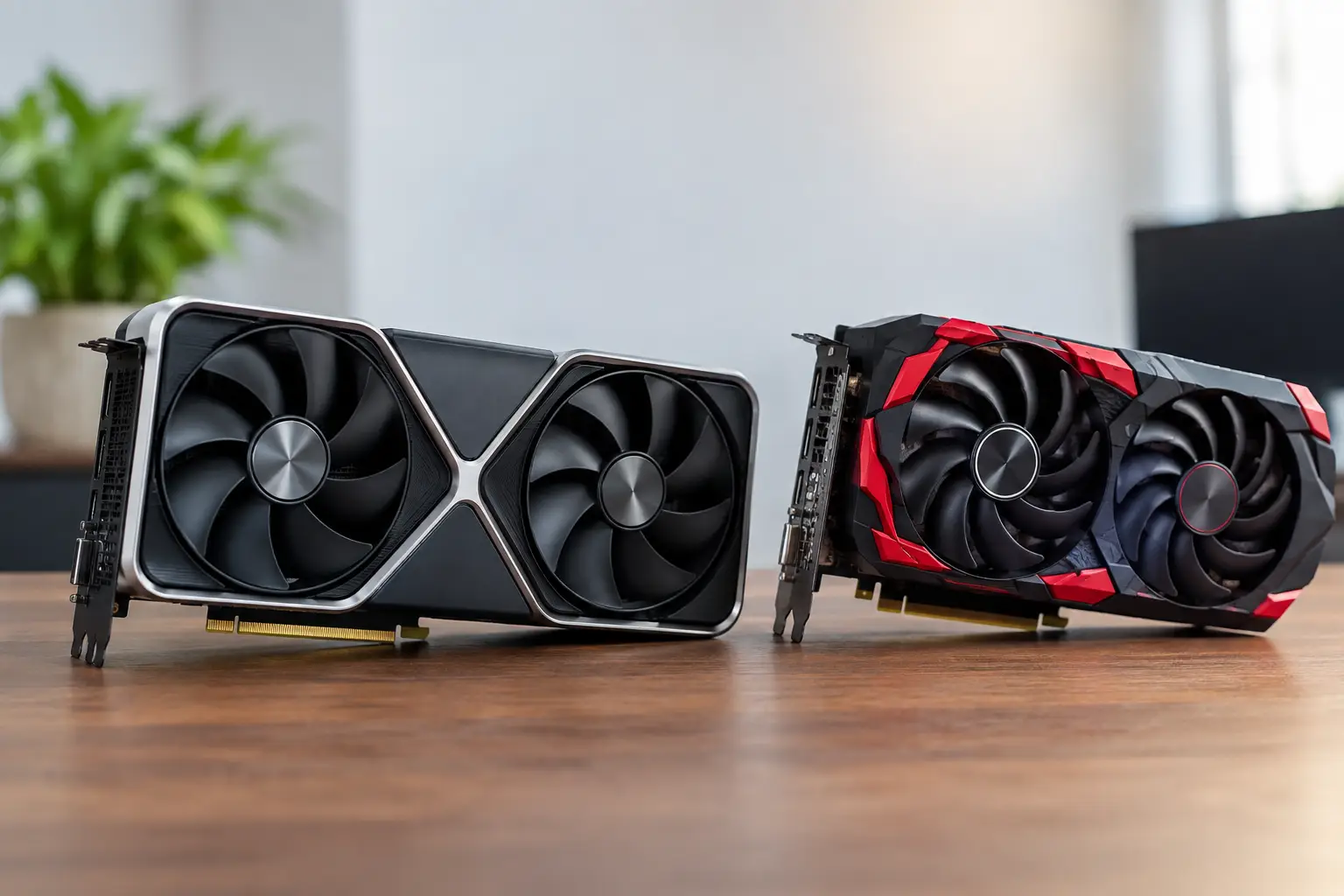
A graphics card choice can define the character of a premium PC build. RTX versus Radeon GPUs is not simply a question of which brand delivers the highest frame rate on a chart. It affects the games you can run comfortably, the visual settings you can prioritise, the creative applications you use, your upgrade plans and how well the whole system fits your budget.
NVIDIA GeForce RTX and AMD Radeon cards both power excellent gaming PCs. The right choice depends on the games you play, your monitor resolution, whether you create as well as game, and which features matter enough to justify the spend. A well-balanced system with the right GPU for your needs will generally feel better than an expensive card paired with compromises elsewhere.
RTX versus Radeon GPUs at a glance
At a comparable price, Radeon cards often make a compelling case on traditional gaming performance and memory capacity. If your priority is high frame rates in rasterised games - games using conventional rendering without heavy ray tracing - AMD can offer very strong performance for the money, particularly at 1440p and 4K.
RTX cards tend to lead in ray-traced gaming, AI-assisted upscaling and a number of creator-focused workloads. NVIDIA's feature set is especially appealing to players who want to enable demanding lighting effects while retaining smooth performance, or to users whose work benefits from CUDA acceleration in supported software.
Neither approach is automatically better. A Radeon GPU can be the smarter purchase for a player focused on competitive titles and high-resolution traditional rendering. An RTX GPU may be worth the additional cost for someone building around ray tracing, streaming, 3D rendering or specialist creative software.
Start with your monitor, not the graphics card
The monitor sets the performance target. Before comparing model names, establish its resolution and refresh rate.
For 1080p gaming, a mid-range card can provide excellent results, particularly in esports titles such as Counter-Strike 2, Valorant and Fortnite. Spending heavily on a flagship GPU for a 1080p 144Hz display may offer limited real-world benefit unless you are targeting exceptionally high refresh rates or also use demanding creative applications.
At 1440p, GPU choice becomes more significant. This is a popular premium gaming target because it offers a noticeable improvement in image detail while remaining achievable at high refresh rates with the right specification. Both RTX and Radeon options are strong here, but ray tracing performance, VRAM and upscaling can create a meaningful gap depending on the games you play.
4K asks considerably more of the GPU. A card that is excellent at 1440p can still require reduced settings or upscaling at 4K in newer AAA releases. For a high-end 4K build, look beyond average frame rates in a single benchmark. Consider ray tracing results, memory capacity, upscaling quality and whether the card has enough headroom for the games you expect to play over the next few years.
Ray tracing and upscaling are no longer minor details
Ray tracing improves the way a game handles light, reflections, shadows and ambient detail. In the right titles, it can make a scene feel more natural and cinematic. It is also demanding, and enabling it can reduce frame rates sharply without an appropriate GPU or an upscaling technology to offset the load.
RTX cards have generally offered stronger ray tracing performance across comparable tiers. NVIDIA's DLSS technology is also widely supported and uses AI-based processing to render at a lower internal resolution before reconstructing a sharper image. In supported games, this can provide a substantial performance gain while preserving convincing image quality. Frame generation on compatible RTX hardware can raise displayed frame rates further, although it works best when the base frame rate is already responsive.
AMD's FidelityFX Super Resolution is supported across a broad range of hardware, including many older cards, and modern Radeon GPUs also offer their own frame generation options. FSR can be highly useful, especially at 4K, but the result varies by game and mode. If high-quality ray tracing is central to your buying decision, RTX remains the safer direction. If you usually play without ray tracing, the advantage becomes less decisive.
Do not buy features you will never switch on
There is no value in paying for a capability simply because it appears on a specification sheet. Some players prefer native-resolution performance and turn off ray tracing to maximise responsiveness. Others enjoy single-player games where visual settings are part of the experience. Be honest about your habits rather than buying for an imagined use case.
VRAM matters, but it is not the whole story
Video memory, or VRAM, holds textures, frame buffers and other graphics data close to the GPU. Modern games at 1440p and 4K, particularly with high-resolution texture packs and ray tracing enabled, can place substantial demands on it. Insufficient VRAM may lead to stuttering, texture quality reductions or settings that need to be lowered sooner than expected.
Radeon cards frequently offer generous VRAM at particular price points, which can make them attractive for long-term high-resolution gaming. However, memory capacity alone does not determine performance. GPU architecture, memory bandwidth, driver optimisation, ray tracing hardware and the game engine all matter.
As a sensible baseline for a new premium gaming PC, 12GB is more comfortable than 8GB for demanding 1440p gaming, while 16GB or more offers additional reassurance for 4K, heavily modded games and some creative workloads. The appropriate amount still depends on the card's performance tier. A GPU should have both enough memory and enough processing power to make practical use of its settings.
Creative work, streaming and AI workloads
For many buyers, the graphics card is not only for gaming. Video editors, 3D artists, streamers and professionals using GPU-accelerated software should consider application support before focusing solely on game benchmarks.
NVIDIA's CUDA platform remains widely used in creative and technical applications. Software such as 3D renderers, certain video editing workflows and AI tools may perform better, or be easier to configure, on an RTX card. NVIDIA's NVENC encoder is also well regarded for streaming and recording, helping deliver good image quality without placing unnecessary load on the CPU.
Radeon GPUs remain capable choices for editing, streaming and general acceleration, particularly where applications support AMD hardware well. AMD's video encoding support has improved, and a Radeon card can be an excellent fit for a gaming-first PC with occasional content creation. The key is to check the software you actually use, including plug-ins and render engines. A creator whose livelihood depends on CUDA-supported tools has a clearer reason to choose RTX than a gamer who edits a few clips each month.
Build balance matters more than a badge
A graphics card should be selected as part of a complete system. Pairing a powerful GPU with an unsuitable processor can limit frame rates in CPU-heavy games. Cutting too far on the power supply, cooling, case airflow or memory can affect reliability, noise levels and sustained performance.
This is where a tailored configuration has real value. The GPU needs a suitable CPU, sufficient DDR5 memory where the platform calls for it, a quality power supply with appropriate headroom, and a case that can accommodate its dimensions and cooling requirements. Higher-end cards can be physically large, so clearance is not a detail to leave until the end of the build.
For a system intended to last, also consider upgrade flexibility. A high-quality PSU and a well-ventilated case make future graphics upgrades easier. Choosing a sensible GPU tier today may leave budget for the display, storage and peripherals that improve the day-to-day experience just as much.
How to choose between RTX and Radeon
Choose an RTX GPU if you place a high value on ray tracing, DLSS support, strong creator software compatibility, streaming tools or AI-assisted workloads. It is also a sensible choice when a specific game or application you use performs demonstrably better on NVIDIA hardware.
Choose a Radeon GPU if your focus is traditional gaming performance, generous VRAM at the available budget and strong value at 1440p or 4K. It can be particularly compelling when you would rather put more of the budget into the display, processor or storage than pay extra for features you are unlikely to use.
Compare cards within your actual budget rather than treating either brand as a single product. Generational changes, game patches and individual retailer pricing can alter the value calculation quickly. Look at performance in the games and applications that matter to you, at your intended resolution, with the settings you genuinely expect to use.
A premium PC should feel considered from the first game to the next upgrade. Whether that means RTX ray tracing and creator tools or Radeon value and memory capacity, the best graphics card is the one that supports the way you will use the machine - not the one with the loudest marketing.