Small Form Factor Build for Serious Performance
Plan a small form factor build with the right case, cooling and components for powerful gaming or creative work in a compact, tested system built to last.
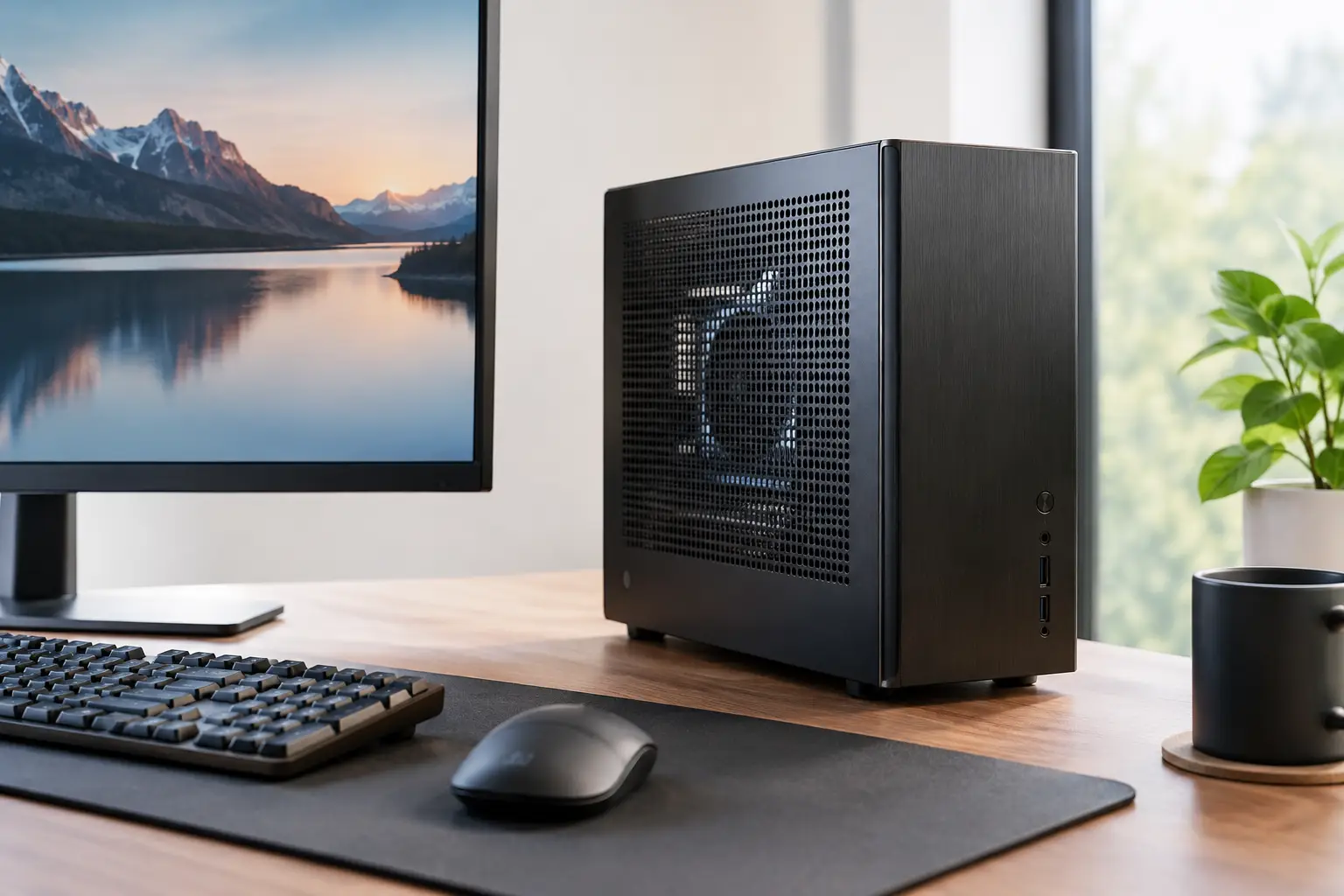
A powerful PC does not need to dominate your desk. A well-planned small form factor build can deliver high-refresh gaming, fast creative workflows and a clean setup in a fraction of the footprint of a conventional tower. The catch is that compact systems are less forgiving: every component choice affects fitment, temperatures, cable routing and future upgrades.
For that reason, small form factor PCs reward careful planning. The aim is not simply to fit premium hardware into the smallest possible case. It is to create a balanced system that performs consistently, remains practical to maintain and looks considered from every angle.
Why choose a small form factor build?
The immediate benefit is space. A compact PC can sit neatly on a desk, fit into a media unit or travel more easily to events and LAN sessions. For gaming rooms, home offices and shared spaces, removing a large tower from the floor can make the entire setup feel more deliberate.
A smaller enclosure can also encourage a higher standard of component selection. Every part must earn its place. Rather than adding oversized cooling or unnecessary storage without considering the consequences, you build around the performance you actually need.
That does not mean a compact system must compromise on speed. Modern Mini-ITX motherboards, efficient processors, capable graphics cards and high-quality NVMe storage make it possible to build an exceptionally quick machine in a modest volume. The practical limit is usually heat, noise and component clearance rather than raw computing capability.
Start with the case, not the graphics card
In a full-size PC, it is common to choose the core hardware first and find a case around it. With a compact build, the case should lead the specification. Its dimensions determine which graphics cards, CPU coolers, power supplies, radiators and fans can be installed.
Check the maximum GPU length, height and thickness carefully. A card may technically meet the published length limit but still leave little room for its power cable, particularly where a side panel sits close to the connector. Newer high-performance graphics cards can also be very thick, taking up three or more expansion slots. Do not assume that a shorter case is automatically compatible.
CPU cooler clearance deserves the same attention. Some small form factor cases are designed for low-profile air coolers, while others accommodate 240 mm all-in-one liquid coolers or taller tower coolers. The best choice depends on the processor, the case airflow path and your tolerance for fan noise.
Also confirm the supported power supply format. Many compact cases use SFX or SFX-L units instead of standard ATX power supplies. These smaller units can be excellent, but cable lengths and connector layouts matter more in tight spaces. A fully modular model makes routing far easier and avoids storing unused cables where they restrict airflow.
Measure clearance with the installed parts in mind
Published case specifications are essential, but they do not show every potential obstruction. Front-mounted radiators reduce graphics card space. Top-mounted fans can affect motherboard clearance. A rigid power cable can require more room than a measurement suggests.
This is where a tailored specification has real value. Matching components as a complete system, rather than as isolated items, prevents the frustrating situation where premium parts arrive but cannot be installed together safely.
Balance CPU and GPU power for your workload
A small form factor build should be designed around the applications you use most. For competitive gaming at high frame rates, a fast gaming processor and a capable graphics card are priorities. For 4K single-player gaming, the graphics card carries more of the load, so allocating more of the budget there often makes sense.
Creators and power users need a different balance. Video editing, 3D rendering, software development and intensive multitasking may benefit from more CPU cores, additional memory and larger fast storage. However, higher-wattage processors generate more heat, which can be harder to dissipate quietly in a compact chassis.
Efficiency matters. A slightly less demanding processor or graphics card that stays cool and quiet can provide a better everyday experience than the most powerful option available. This is especially true if the PC will sit close to you on a desk rather than beneath it.
Where possible, choose components with sensible power limits and proven cooling requirements. Performance tuning can still be part of the build, but the system should be stable at its intended settings before any overclocking is considered.
Cooling is the central engineering challenge
Compact cases do not have much spare air. Heat from the CPU, GPU, motherboard and storage has to leave the enclosure through a carefully planned path. Poor fan placement or excess cabling can turn a high-specification PC into a hot, loud machine.
Start by understanding the case's intended airflow direction. Many cases work best with bottom or side intake and top exhaust, while others use a chimney-style layout that draws air upwards. Follow the enclosure's design rather than forcing a familiar fan arrangement into unsuitable space.
Air cooling remains an excellent option for many compact PCs. A quality low-profile cooler paired with efficient case fans can be dependable, simple to maintain and quieter than expected. Liquid cooling can create more thermal headroom, particularly for demanding processors, but it introduces radiator compatibility, tube routing and pump noise into the decision.
Fan quality makes a noticeable difference. Select PWM fans that can respond to temperature changes gradually rather than constantly jumping between low and high speed. A carefully set fan curve helps the system stay unobtrusive during web browsing and desktop work, while still moving sufficient air during demanding games.
Do not neglect the SSD. Fast NVMe drives can become warm during large file transfers and sustained workloads. A motherboard heatsink or suitable thermal pad is often worthwhile, provided it fits within the case layout.
Cable management is performance work
In a small PC, cable management is not just about presentation. Cables can block fans, sit against hot components or prevent side panels from closing properly. A clean interior improves serviceability and helps air move where it should.
Use only the modular power cables required for the chosen hardware. Route them in stages, beginning with the motherboard and CPU power leads before fitting the graphics card. It is much easier to reach these connections before the centre of the case is occupied.
Avoid forcing cables into tight bends, particularly graphics card power connectors. A connector under pressure can be difficult to inspect and may not sit fully in place. Leave enough clearance to close the panel naturally, then check every plug again before the first power-on.
Plan upgrades before space runs out
A compact system can be upgraded, but it may not be upgraded in the same way as a full-size tower. Mini-ITX boards usually offer fewer memory slots, M.2 sockets and PCIe expansion options. Some cases require substantial disassembly to reach storage mounts, coolers or cables.
This does not make a small build a poor long-term investment. It simply means choosing the right starting specification matters more. If you expect to keep a system for several years, consider fitting the memory capacity and storage provision you are likely to need, rather than selecting only the bare minimum.
Graphics card upgrades are also case-dependent. Leave reasonable clearance where possible, but recognise that future GPUs may become larger or use different power connectors. If frequent component changes are a priority, a slightly larger compact case may be the sensible middle ground.
Build quality matters more in a tighter space
Small form factor systems are rewarding, but they are not ideal for rushed assembly. Tolerances are closer, access is limited and a single misplaced cable can affect cooling or prevent a panel from fitting. Thorough testing is essential after assembly, including sustained CPU and GPU load testing, memory checks and monitoring of temperatures and fan behaviour.
For buyers who want compact performance without the trial-and-error, a professionally assembled system offers reassurance. At CraftCore, each machine is expertly handcrafted and fully tested around the chosen specification, helping ensure that cooling, compatibility and presentation are treated as part of the same build standard.
The best compact PC is rarely the smallest one on a specification sheet. Choose the case that gives your components room to breathe, set a performance target that suits how you work and play, and leave enough practical headroom for the system to remain enjoyable long after the first boot.