UK Gaming PC Buying Guide for Better Builds
Use this UK gaming PC buying guide to choose the right processor, graphics card, memory and cooling for a premium system tailored to your games confidently.
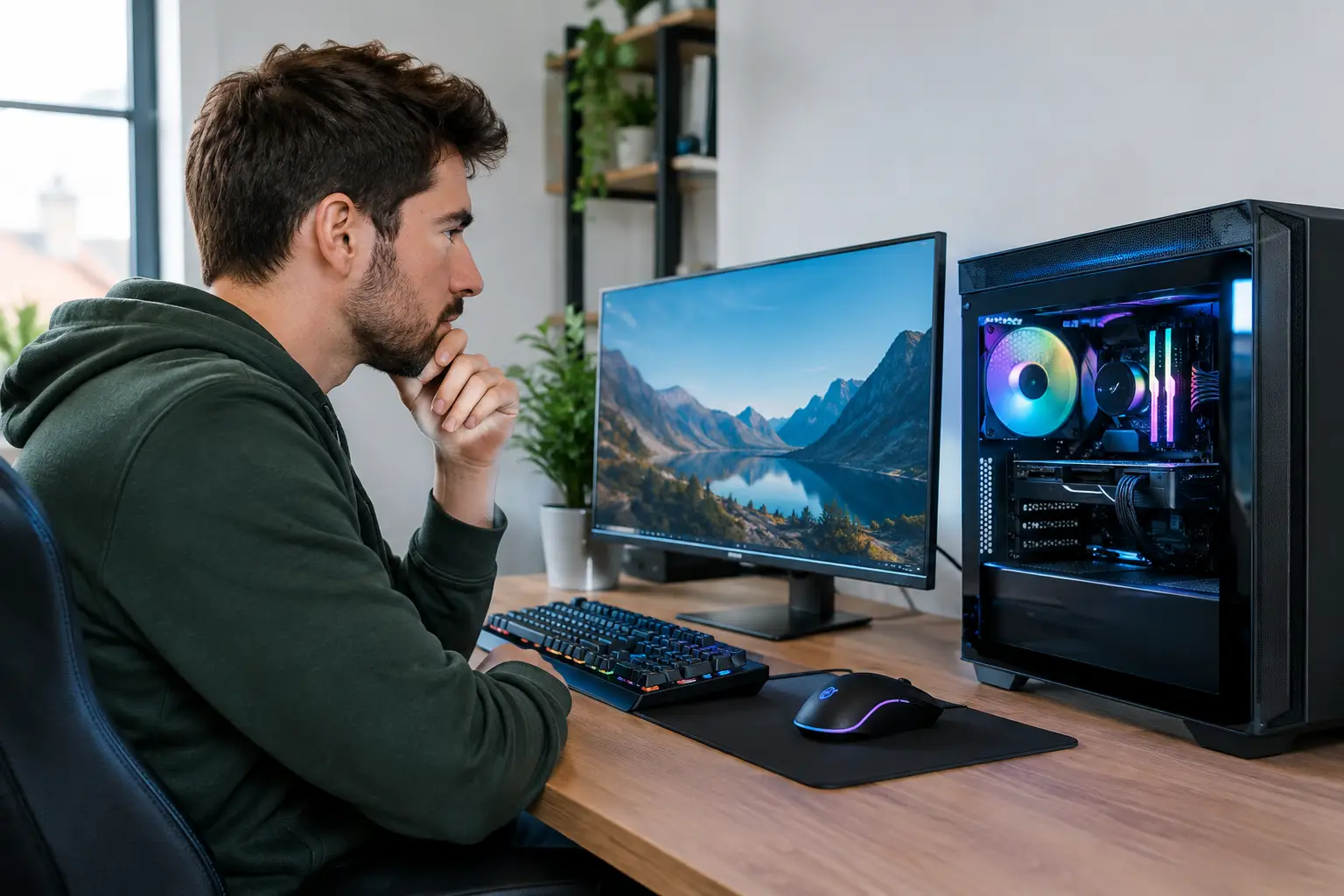
A gaming PC that looks exceptional on a product page can still be the wrong machine for your desk. The real question is not simply how much power you can buy. It is whether the processor, graphics card, memory, cooling and storage have been chosen for the games you play, the display you own and the way you expect to use the system over the next few years. This UK gaming PC buying guide is designed to help you make those choices with confidence.
A considered build avoids the common compromises of mass-market desktops: a headline graphics card paired with a limited processor, minimal storage, generic cooling or little room to upgrade. A premium system should be balanced, fully tested and tailored to your needs, whether that means competitive esports at high refresh rates, cinematic single-player games at 4K, or a machine that also handles editing, streaming and demanding work.
Start with the games and display you actually use
Your monitor should shape much of your specification. A powerful PC connected to a 1080p 60Hz display will not show its full potential, while a high-resolution 4K monitor needs substantially more graphics performance to maintain high settings and smooth frame rates.
For 1080p gaming, the priority may be high refresh rates. Fast-paced titles such as competitive shooters benefit from consistently high frame rates, so processor performance matters alongside the graphics card. At 1440p, the graphics card takes on more of the workload and this resolution remains an excellent balance between image quality, performance and cost for many players. At 4K, the graphics card becomes the defining component, particularly if you want ray tracing enabled or prefer demanding AAA releases.
Do not buy around a single benchmark result. Think about the games you return to, the settings you genuinely notice and whether your display supports features such as adaptive sync. If you are moving from a console or older laptop, it is also worth deciding whether you value sharper visual settings, a higher refresh rate, or both. That answer will direct the budget far better than a specification sheet alone.
UK gaming PC buying guide: choose a balanced core
The graphics card has the greatest effect on gaming performance, but it should not absorb every penny of the budget. A well-matched processor, sufficient memory and capable cooling allow the whole system to perform as intended.
Graphics card: buy for your target resolution
Choose a graphics card for the monitor you own now, or the monitor you intend to buy soon. For high-refresh 1080p and mainstream 1440p gaming, a capable mid-range card can offer excellent results. Higher-tier cards make more sense for 1440p with demanding visual settings, ultrawide displays, 4K gaming, ray tracing, or high frame-rate targets in newer titles.
Video memory deserves attention too. It is not the only measure of a card's capability, but modern games can demand more memory at higher resolutions and with detailed texture settings. A card with appropriate video memory for your intended resolution is a more sensible long-term choice than one selected purely for a short-term saving.
Features matter where they suit your games. Upscaling and frame-generation technologies can improve perceived performance in supported titles, while ray tracing can add striking lighting and reflections at a greater performance cost. Neither should replace choosing enough native graphics power for your target experience.
Processor: avoid a bottleneck at the wrong end
The processor is particularly important for high refresh-rate play, simulation games, strategy games, streaming and productivity work. A strong modern gaming processor provides the headroom to keep frame times stable when a game becomes busy, rather than simply chasing the highest average frame-rate figure.
A mid-to-high-tier processor is often the right companion for a performance-focused graphics card. If your use includes video editing, 3D work, compiling code or frequent multitasking, extra cores can be valuable. If gaming is the priority, look for a processor that is proven to perform well in games rather than paying for workstation capability you will not use.
Memory and storage: do not treat them as afterthoughts
For a new premium gaming PC, 32GB of memory is a sensible baseline for many buyers. It gives modern games room to breathe while supporting background applications, voice chat, browser tabs and occasional creative work. More memory can be worthwhile for professional applications, intensive content creation or large modded game libraries, but it is not automatically necessary for every gamer.
An NVMe SSD should be the main storage drive. It improves boot times, game loading and everyday responsiveness. Capacity matters as much as speed once you have reached a quality modern drive: current games are large, and a small primary drive fills quickly after the operating system, applications and a handful of major releases are installed. Starting with 1TB is practical; 2TB offers more comfortable space for a varied library.
Spend on the parts you cannot easily replace
A specification can be upgraded over time, but some choices determine how enjoyable and dependable the system feels from day one. The power supply, motherboard, case airflow and cooling should be selected with the same care as the components advertised in bold type.
A quality power supply provides stable power and supports future upgrades. It should have sufficient capacity for the complete system, not just the graphics card, with sensible headroom rather than an oversized rating chosen for appearance alone. A well-designed motherboard gives you the connectivity you need, including the right number of storage slots, USB ports, networking options and upgrade support.
Cooling is equally practical. A processor that runs within comfortable temperatures can sustain performance more consistently, while a case with good airflow helps every component. Air cooling can be highly effective, quiet and straightforward to maintain. Liquid cooling can suit high-performance processors and customers who want a particular visual finish, but it should be chosen for a genuine thermal or aesthetic reason, not because it is assumed to be automatically better.
A carefully selected case is more than a glass panel and RGB lighting. It determines airflow, cable management, expansion space and how straightforward future maintenance will be. Choose the visual design you want, then ensure it supports the radiators, fans and graphics card required by the build.
Decide between a custom build and a pre-built system
A pre-built system is a strong option when you want a proven configuration without making every component decision yourself. The best pre-built PCs use compatible, sensible parts rather than relying on one standout component to sell the machine. They are well suited to buyers who want a clear performance tier, a quicker route to ownership and the assurance that the full system has been tested together.
A custom PC builder is better when your requirements are more specific. You may want to prioritise quiet operation, select a particular case colour, add larger storage, specify wireless connectivity, match a white or black setup, or build around demanding work as well as gaming. It also gives technically informed buyers control without requiring them to assemble and troubleshoot the system themselves.
Neither route is inherently superior. The right choice depends on whether you prefer a validated configuration or the flexibility to make each decision. In both cases, expert assembly and full system testing matter. Compatibility problems are far easier to prevent during the build than to diagnose after delivery.
Budget for the complete setup
The PC is central, but it is not the entire experience. A monitor that cannot display the frame rates your system produces, a poor-quality headset or an uncomfortable mouse can make an expensive build feel less satisfying than it should.
Set aside a realistic portion of the budget for the display, keyboard, mouse and audio. If you play competitive games, consider a responsive high-refresh monitor and a mouse that feels right in your hand. For immersive single-player games, resolution, panel quality and contrast may matter more. Creators should also consider colour accuracy and screen space.
It is sensible to choose a slightly less extravagant case finish or lighting arrangement if doing so allows you to buy the graphics performance, storage capacity or display quality that will improve daily use. Personalisation is part of a premium build, but performance choices should remain purposeful.
Check the ownership details before ordering
A gaming PC is a significant purchase, so the buying experience should be as considered as the hardware. Check what is included, how the system is configured, the expected build and delivery process, and the support available if you need help after it arrives. Clear order tracking and transparent returns information are valuable when buying a bespoke system.
Ask whether the system is assembled and tested as a complete machine. A specialist builder should validate temperatures, stability and component operation before dispatch. This is especially valuable with high-performance parts, where cable routing, cooler installation, BIOS settings and stress testing all affect the final result.
If you are unsure between two specifications, focus on the part of your experience that cannot be recovered later. A graphics card can define your gaming performance for years; an undersized SSD becomes frustrating surprisingly quickly; poor airflow can affect noise every day. CraftCore builds are expertly handcrafted and fully tested to bring those decisions together in a system tailored to your needs.
The best gaming PC is not the one with the longest list of components. It is the machine that meets your target performance, suits your space and style, and leaves you looking forward to switching it on.