What Gaming PC Warranties Should Cover in 2026
Gaming PC warranties explained: learn what cover should include, which faults are excluded and how to protect a premium custom-built system in the UK.
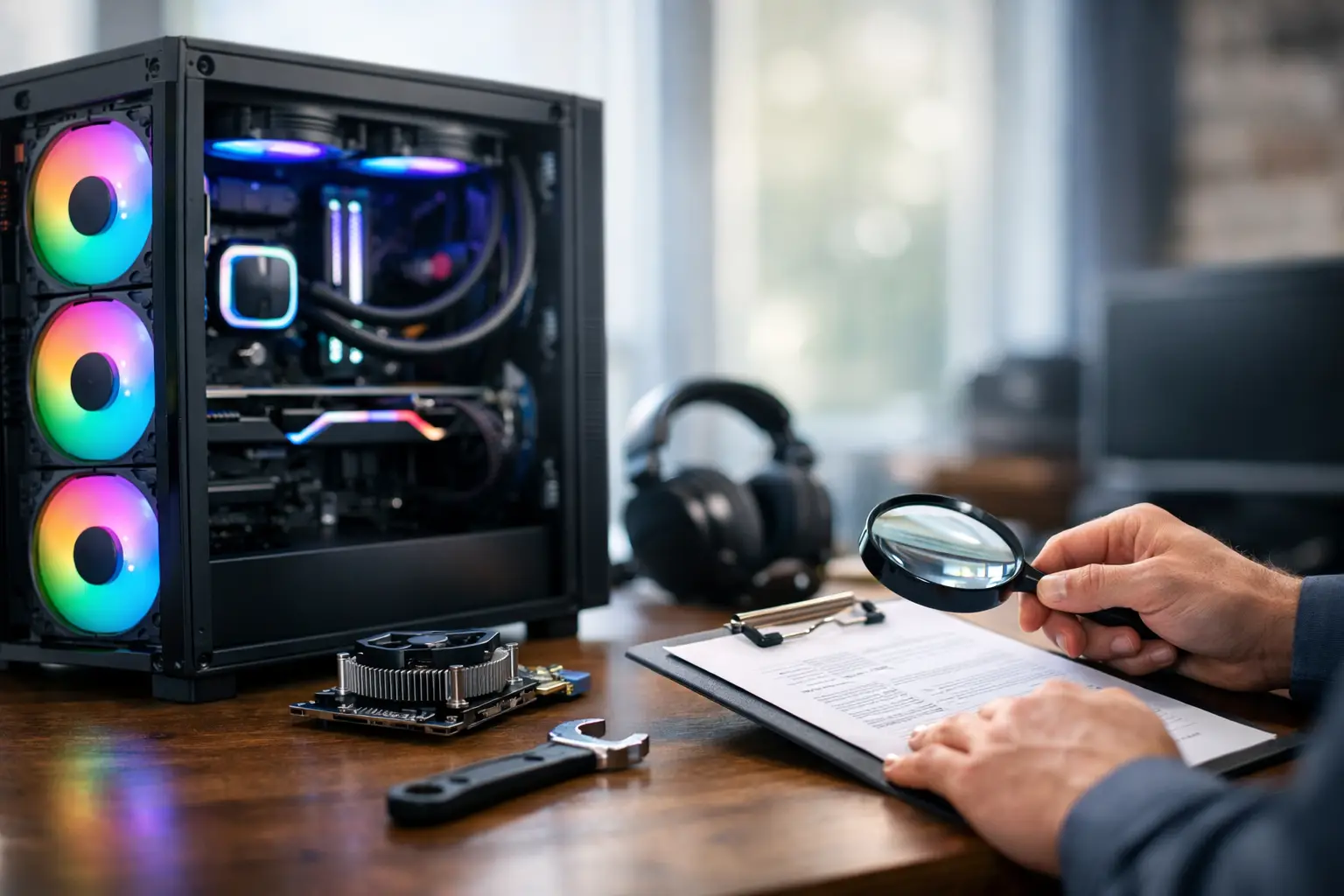
A premium gaming PC is not a single product pulled from a shelf. It is a system of carefully matched components, configured for a particular level of performance, cooling, appearance and future upgrade potential. That is why gaming PC warranties deserve closer attention than a quick comparison of warranty length. The value lies in understanding who supports the whole machine, what happens when a fault appears, and how clearly the process is set out before you buy.
What Gaming PC Warranties Actually Cover
A warranty is a promise from the retailer, system builder or component manufacturer to repair, replace or otherwise resolve eligible faults within a stated period. For a custom-built PC, the strongest warranty experience normally begins with the system builder. They assembled the machine, tested it and supplied it as a complete, working system.
This matters when a fault is not immediately obvious. A game may crash under sustained load, memory may become unstable after several hours, or a cooling issue may only emerge when the processor and graphics card are working hard together. You should not have to identify the failed part before asking for support. A capable builder can diagnose the system as supplied and decide whether the issue relates to a component, installation, configuration or software setup.
In the UK, a warranty sits alongside your statutory consumer rights. Goods must be of satisfactory quality, fit for purpose and as described. A warranty cannot remove those rights or make them conditional on registering a product. It provides an additional, defined route for after-sales support.
For example, the Consumer Rights Act 2015 gives customers a short-term right to reject faulty goods within 30 days in many circumstances. During the first six months after delivery, a fault is generally assumed to have been present at the time of delivery unless the retailer can show otherwise. The exact remedy can depend on the situation, but the key point is straightforward: do not treat a manufacturer's component warranty as your only protection when you bought a complete PC from a retailer.
The Difference Between System and Component Cover
A gaming PC contains parts that may each carry their own manufacturer warranty: the graphics card, motherboard, power supply, storage drive, processor, memory and cooler. These warranties can be useful, particularly for a component that has a longer manufacturer-backed term.
However, component cover is not always the same as system cover. A graphics card manufacturer may support a confirmed graphics card defect, but it will not necessarily diagnose a complete PC, investigate an incompatible setting or deal with transit arrangements for a full tower. If the system builder offers a clear whole-system warranty, they should be your first contact for a fault affecting the PC as delivered.
This distinction is especially valuable with custom systems. A PC can be built from premium parts and still require expert diagnosis if an issue involves BIOS settings, cable connections, thermal performance, memory profiles or an interaction between components. Full testing before dispatch reduces the likelihood of these problems, but a dependable support process is there for the occasions when troubleshooting is needed.
What good cover usually includes
The wording will vary between retailers, so read the specific terms before placing an order. For a premium system, look for cover that clearly addresses the following:
- Hardware faults that develop during normal use, including failures of supplied components.
- Labour for diagnosis, repair and replacement where the fault is covered.
- Support for the PC as a complete build rather than a requirement to contact several component brands.
- Clear instructions for reporting a fault, returning the system safely and receiving updates.
- Defined warranty periods for the system and, where relevant, separate manufacturer cover on individual parts.
A worthwhile warranty should also explain the remedy. Repair is often the most practical outcome, especially where a single component has failed and an equivalent replacement is available. A replacement or refund may be appropriate in other circumstances, but this depends on the fault, the time since purchase and your statutory rights.
What Is Commonly Excluded
Warranties protect against faults, not every form of damage or change after delivery. Accidental damage, liquid spills, cosmetic marks, unauthorised repairs and damage caused by poor handling are commonly excluded. So is damage linked to unsuitable power supplies, power surges where no suitable protection is used, or operating the system outside its intended conditions.
Upgrades need care too. Many gaming PCs are designed with future expansion in mind, but fitting a component incorrectly can cause damage or introduce instability. Adding storage, memory or a graphics card does not automatically void all warranty cover, yet any resulting issue may fall outside the builder's responsibility. Before changing internal hardware, check the warranty terms and keep the original parts, packaging and screws somewhere safe.
Software can be more nuanced. A fault caused by a failed drive or an operating system issue present at delivery may be covered differently from problems caused by malware, unsupported modifications, corrupted files or third-party utilities. No warranty can guarantee saved games, project files or personal data, so a separate backup routine remains essential. A high-performance PC deserves the same care for its data as it receives for its hardware.
How to Make a Warranty Claim Go Smoothly
The best time to make a future claim easier is when the PC arrives. Inspect the outer packaging, retain the original box and internal packing, and photograph any visible delivery damage before powering the system on. Keep your order confirmation and note the serial number if one is supplied.
If a problem appears, record what you can see without attempting a risky repair. A short video of an error message, unusual fan behaviour, display artefacts or a failure to boot can help support teams assess the issue quickly. Include the game or application being used, when the fault began and whether any recent hardware or software changes were made.
Avoid repeatedly forcing a system to restart, opening the power supply or removing parts simply to find the fault. These actions can complicate diagnosis and, in the case of a power supply, create a genuine safety risk. A specialist support team may ask you to complete simple checks, such as reseating an external cable, trying another monitor input or confirming error lights. Follow those instructions, but do not go beyond your confidence level.
If the PC needs to be returned, use the packing guidance provided. Heavy glass panels, large graphics cards and liquid coolers make correct transit protection particularly relevant. A professionally built system should be treated as a precision item on its journey back as well as on its journey to you.
Choosing Cover That Matches Your Build
Longer is not automatically better. A three-year warranty with unclear exclusions, customer-paid return shipping and no whole-system diagnosis may offer less practical reassurance than a shorter term with accessible support and transparent procedures. Read for clarity, not just the headline number.
Consider how you intend to use the PC. A competitive gamer putting long evening sessions into demanding titles may value fast fault diagnosis and a straightforward repair route. A creator or professional user may place more weight on support that minimises downtime. If you plan frequent upgrades, check how modifications are handled before choosing a configuration.
The quality of the original build also matters. Expertly handcrafted systems that are fully tested before dispatch start from a stronger position than machines assembled without careful validation. At CraftCore, that focus on component selection, build quality and testing is designed to give each tailored system a dependable foundation before it reaches its owner.
A warranty is most useful when it is never needed, but it should still feel clear and practical when the unexpected happens. Choose a gaming PC with documented cover, retain its packaging and purchase details, and give yourself one less thing to think about when it is time to play, create or work.