Workstation Computers for Demanding Workloads
Workstation computers built for creative work, design and demanding professional software. Learn how to choose the components for your workload and budget.
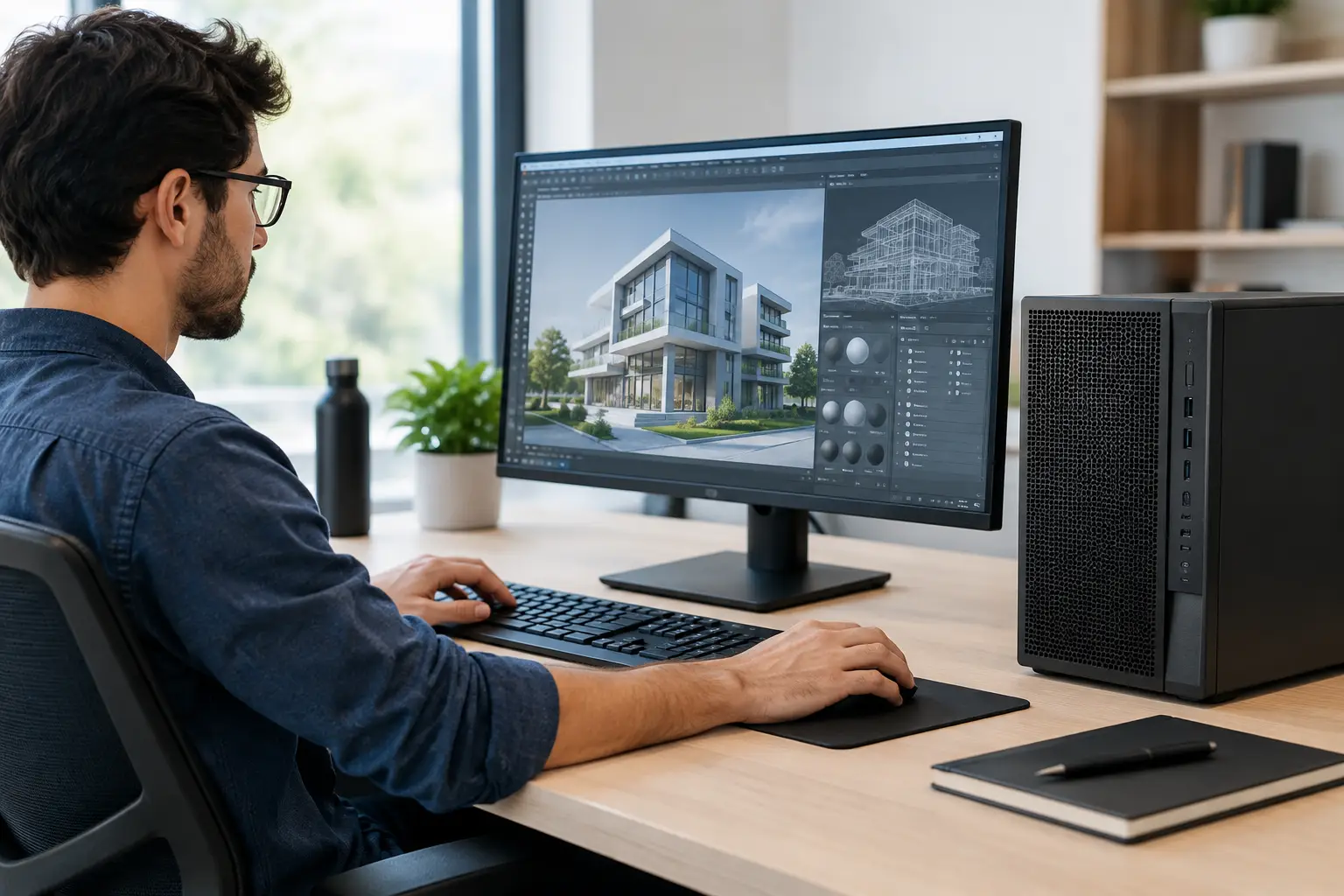
A missed deadline can come down to something as ordinary as a system running out of memory during a render, a timeline lagging through a client review, or an engineering model taking hours longer to process than it should. Workstation computers are built to prevent those bottlenecks, giving demanding software the processor power, graphics capability, memory and storage it needs to work properly.
For creators, designers, developers and performance-focused professionals, the right workstation is not simply the most expensive desktop available. It is a carefully balanced machine tailored to the applications you use, the size of the projects you handle and the way you expect your workload to grow.
What makes a workstation computer different?
A workstation computer is designed for sustained, serious work rather than occasional office tasks. That can include 3D modelling, video editing, CAD, architectural visualisation, software development, data processing, music production and professional image work. These applications often place several components under load at once, sometimes for hours at a time.
A standard desktop may feel quick when opening documents or browsing the web, yet struggle when a project demands large amounts of RAM, heavy multi-core processing or accelerated graphics. A properly specified workstation is designed around those pressures. It should remain responsive while rendering, compiling, exporting or working across several professional applications.
That does not mean every workstation needs enterprise-grade parts or an extreme budget. The specification depends on the work. A photographer managing high-resolution files has different priorities from a 3D artist producing complex scenes, while a developer running virtual machines will value memory and processor cores differently from a video editor.
Start with the software, not the specification
The most useful first question is not, "Which processor is best?" It is, "What does my software actually use?" Some applications favour high clock speeds and strong single-core performance. Others can spread work across many processor cores. Some editing and visualisation tools gain substantially from a capable graphics card, while others lean more heavily on the CPU and system memory.
Consider your current projects as well as the files you expect to work with over the next few years. A workstation that handles today's basic workload but leaves no room for larger projects can quickly become a false economy. At the same time, paying for hardware your applications cannot use effectively may not improve your day-to-day experience.
Creative and video workloads
Video editing systems need a balanced combination of CPU performance, graphics acceleration, fast storage and sufficient RAM. High-resolution footage, multi-camera projects, effects and colour work all increase the load. A fast NVMe drive can improve project responsiveness and cache performance, while separate high-capacity storage is useful for active media and archives.
For 3D artists, the graphics card is often central to viewport performance and GPU rendering. However, CPU rendering, simulation work and scene preparation can still place significant demands on the processor and memory. Choosing only a powerful GPU while limiting RAM or storage can create a workstation that looks impressive on paper but feels restricted in practice.
CAD, engineering and technical design
CAD workloads vary considerably. Some modelling applications benefit most from high single-core CPU speeds and a dependable graphics card, while simulation, analysis and rendering workloads can make better use of additional cores and large memory capacity. File complexity matters too. A simple design workflow may not need the same specification as large assemblies, detailed visualisations or computational analysis.
Reliability should carry weight here. Stable cooling, quality power delivery and carefully checked component compatibility are not glamorous choices, but they matter when a machine supports billable work and time-sensitive projects.
Development, data and virtual machines
Software development can be demanding in less obvious ways. Compiling large codebases, running local databases, containers and virtual machines can consume processor resources and memory quickly. For these users, extra RAM is frequently more valuable than adding graphics power that will remain unused.
A fast primary drive also has a noticeable effect on build times, local environments and loading large projects. If you work with datasets or multiple virtual machines, plan storage capacity and backup strategy from the beginning rather than treating them as an afterthought.
Choosing the components that matter
A strong workstation specification is a system of connected decisions. Every component should support the intended workload rather than compete for budget with the parts that genuinely affect performance.
The processor sets the pace for many tasks. High clock speeds can help interactive work such as modelling, editing and general application responsiveness. Higher core counts become valuable for workloads that scale across threads, including rendering, compilation and some simulation tasks. The right balance depends on whether your work is brief and interactive, or long and heavily parallelised.
Memory is often the first limitation users encounter. When RAM is full, the system begins relying more heavily on storage, which can make even a fast PC feel slow. For lighter professional work, 32GB can be a sensible starting point. More demanding editing, 3D, large design files and virtualisation often justify 64GB or beyond. Leave room to upgrade where possible, particularly if your workload is still growing.
Graphics cards deserve the same application-led approach. GPU acceleration can transform playback, effects work, rendering and visualisation, but the benefit varies between programmes. The amount of video memory matters as much as raw graphics performance when working with high-resolution assets, detailed scenes or complex GPU-based workloads.
Storage should be organised around speed and capacity. A fast NVMe SSD for the operating system, applications and active projects keeps the machine responsive. Additional SSD or high-capacity storage can hold media, project libraries and completed work. Professionals handling irreplaceable files should also maintain a proper backup process separate from the workstation itself.
The supporting components matter as well. A reliable power supply provides clean, stable power under sustained load. Effective cooling helps the processor and graphics card maintain performance without excessive noise or thermal throttling. A well-chosen motherboard provides the connections, expansion options and memory support that make future upgrades straightforward.
Do not confuse gaming performance with workstation performance
Premium gaming PCs and workstation computers have plenty in common. Both benefit from fast processors, capable graphics cards, quality cooling and carefully selected components. A high-performance gaming system can be an excellent foundation for creative work, particularly for editing, design and GPU-accelerated applications.
The difference is in the balance. Gaming prioritises frame rates at your chosen resolution, often placing a greater share of the budget into graphics performance. A workstation may direct more budget towards processor cores, RAM capacity, storage configuration or graphics memory because those are the elements that improve professional output.
If you use one PC for work and gaming, there is no need to choose one identity over the other. The goal is a specification that does both without compromising the work that pays the bills or the games you enjoy after hours.
Configured builds versus ready-built systems
A ready-built workstation can be the right choice when the specification already suits your work, the configuration has been proven and you need a clear route to purchase. It removes the need to research every connector, clearance and compatibility detail yourself.
A custom configuration is more valuable when your requirements are specific. You may need extra memory for virtual machines, larger storage for video projects, a particular graphics card for GPU rendering or a quieter cooling approach for an audio workspace. It also lets you invest where it matters, rather than paying for headline specifications that do not benefit your applications.
Whichever route you choose, the build process should include more than assembly. An expertly handcrafted, fully tested machine gives you confidence that the components work together as intended before it reaches your desk. That reassurance is especially valuable when a system will become part of your daily professional workflow.
Build for the next project, not just this one
Future-proofing does not mean buying the highest specification available. It means leaving sensible headroom. That could be spare memory slots, additional storage capacity, a power supply that supports a future graphics upgrade or a case with the cooling space for more demanding components later.
There are trade-offs. A compact workstation may save desk space but offer fewer expansion options. A quieter system may need larger fans or a roomier case. More storage adds convenience, but files still need an independent backup. The best choice reflects the way you work, the space you have and the upgrades you are realistically likely to make.
When choosing workstation computers, focus on the moments where your current machine costs you time: the slow export, the frozen viewport, the overloaded project folder or the delayed build. A well-specified system turns those repeated frustrations into a working day that stays focused on the craft, not the hardware.